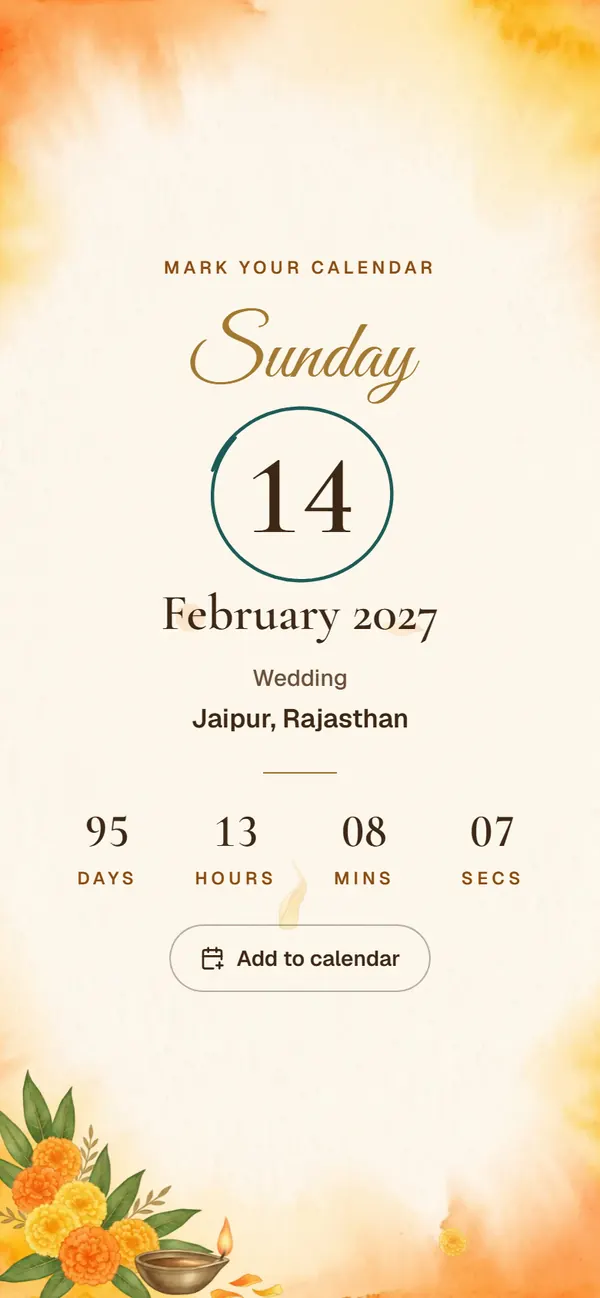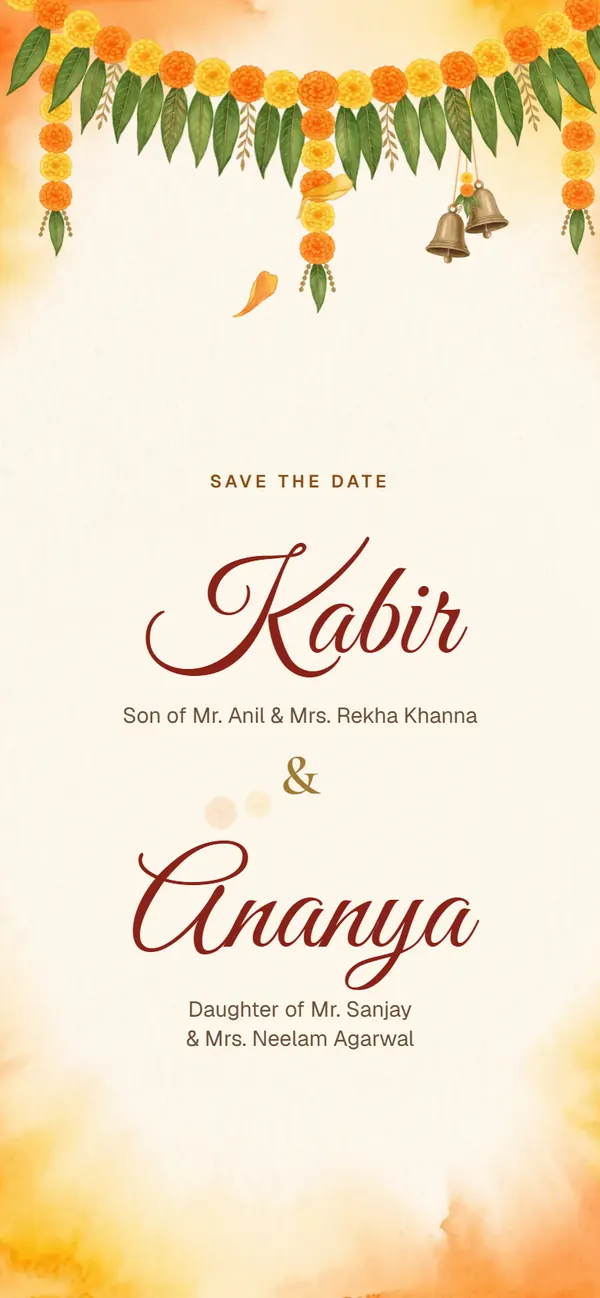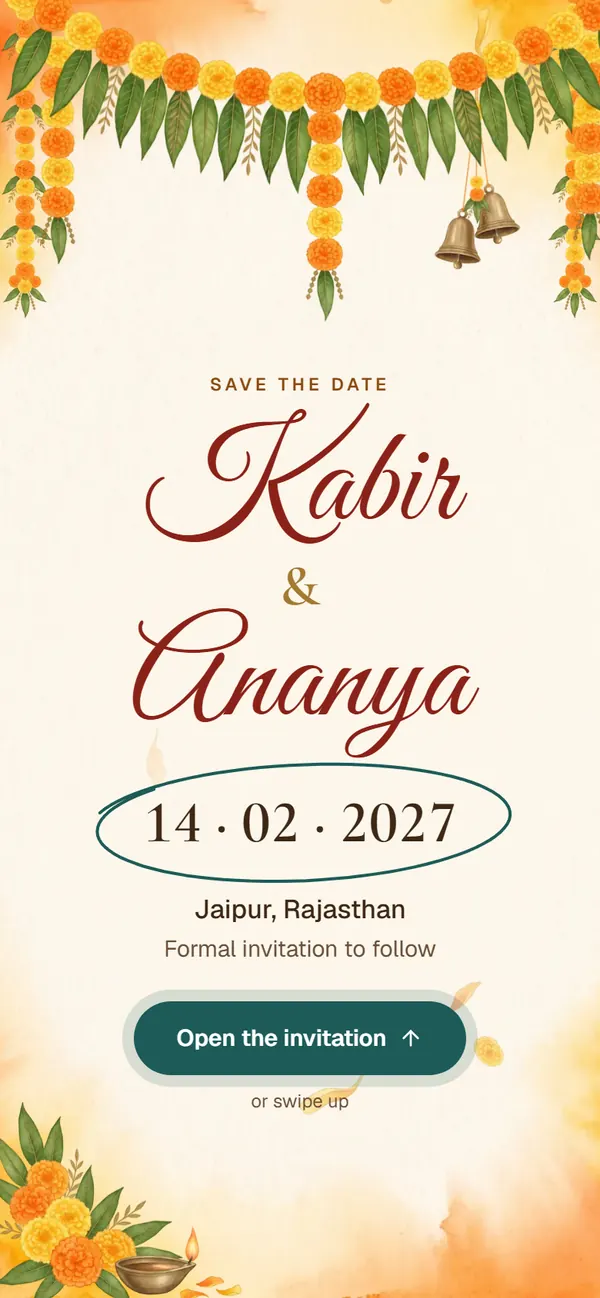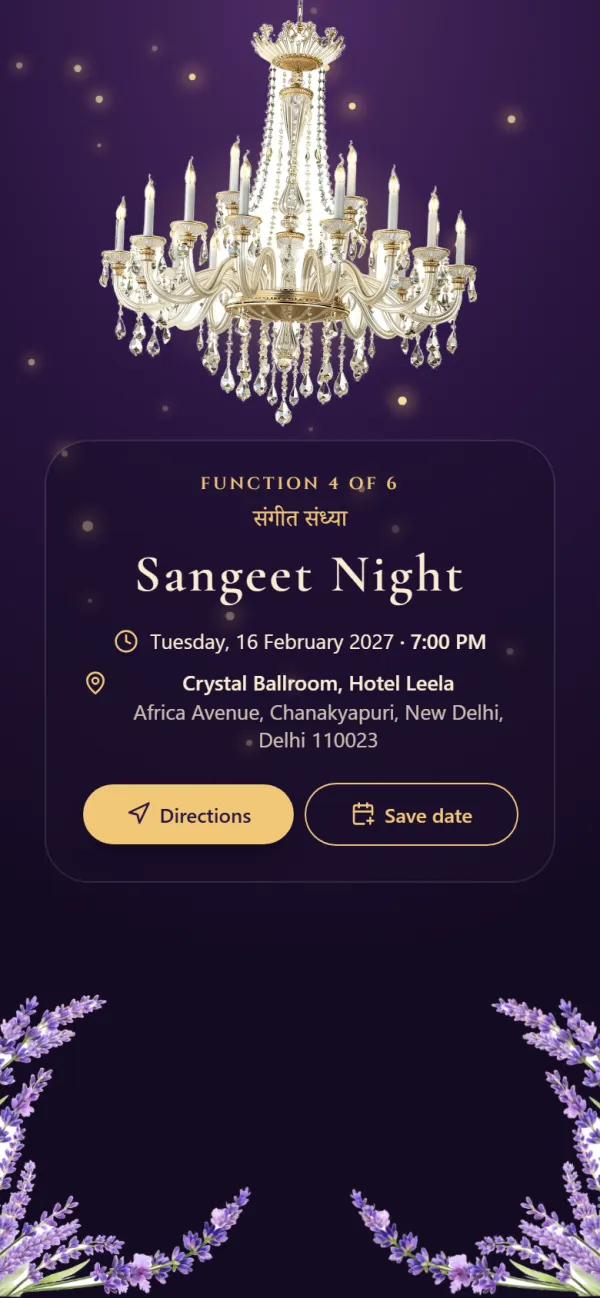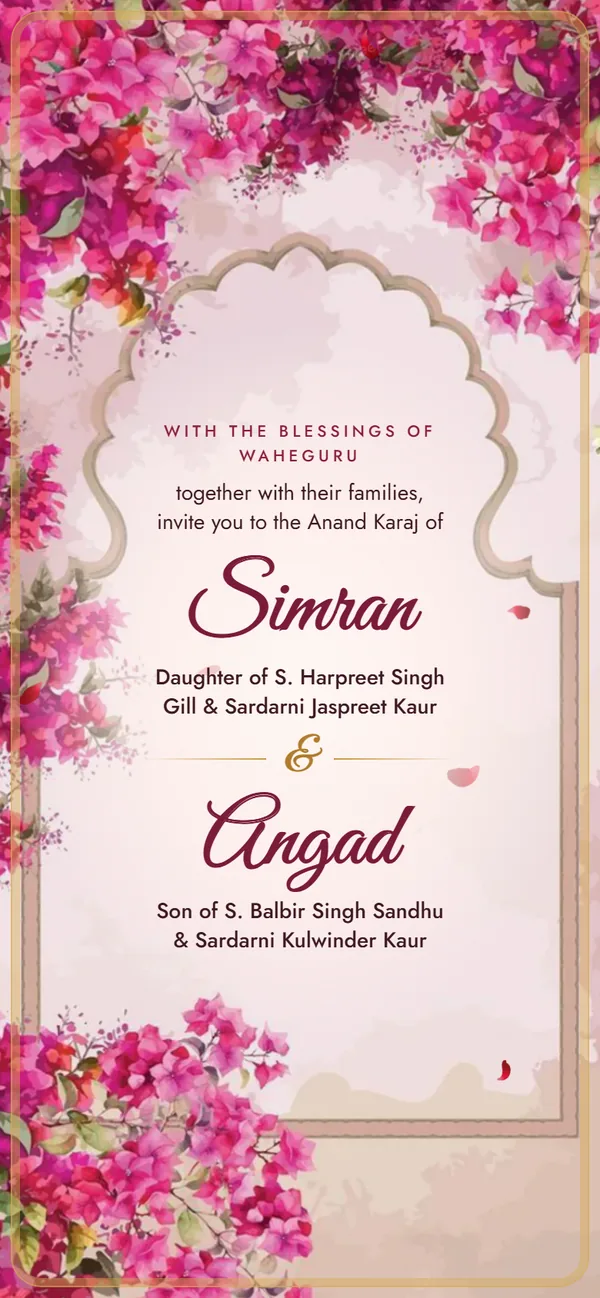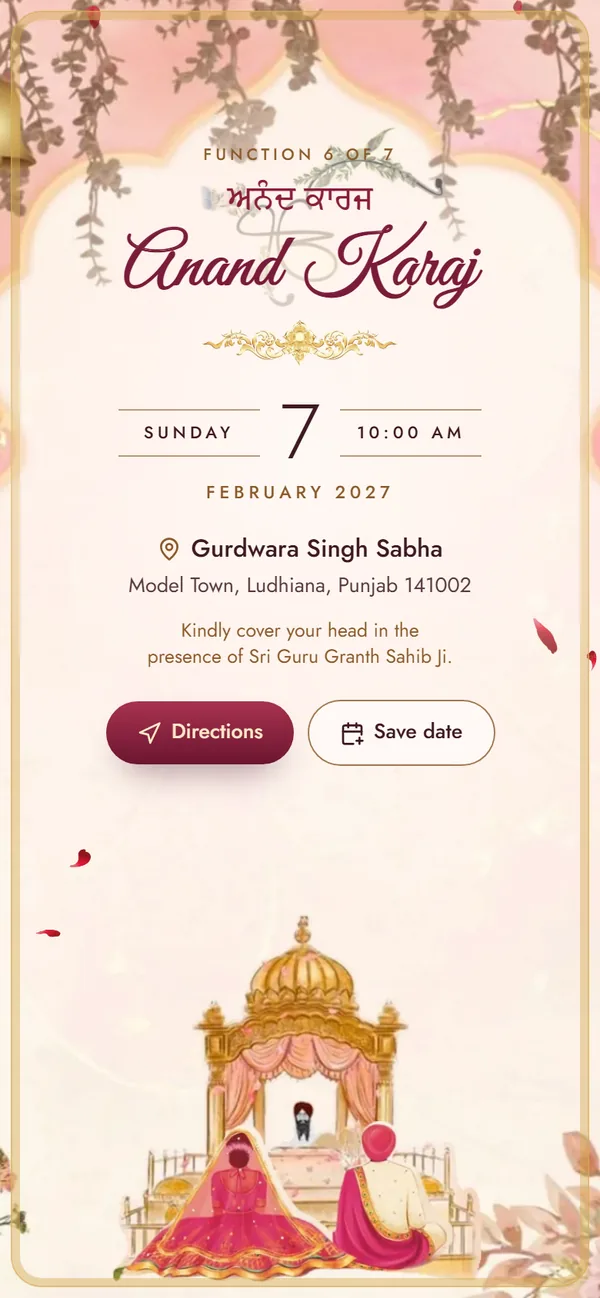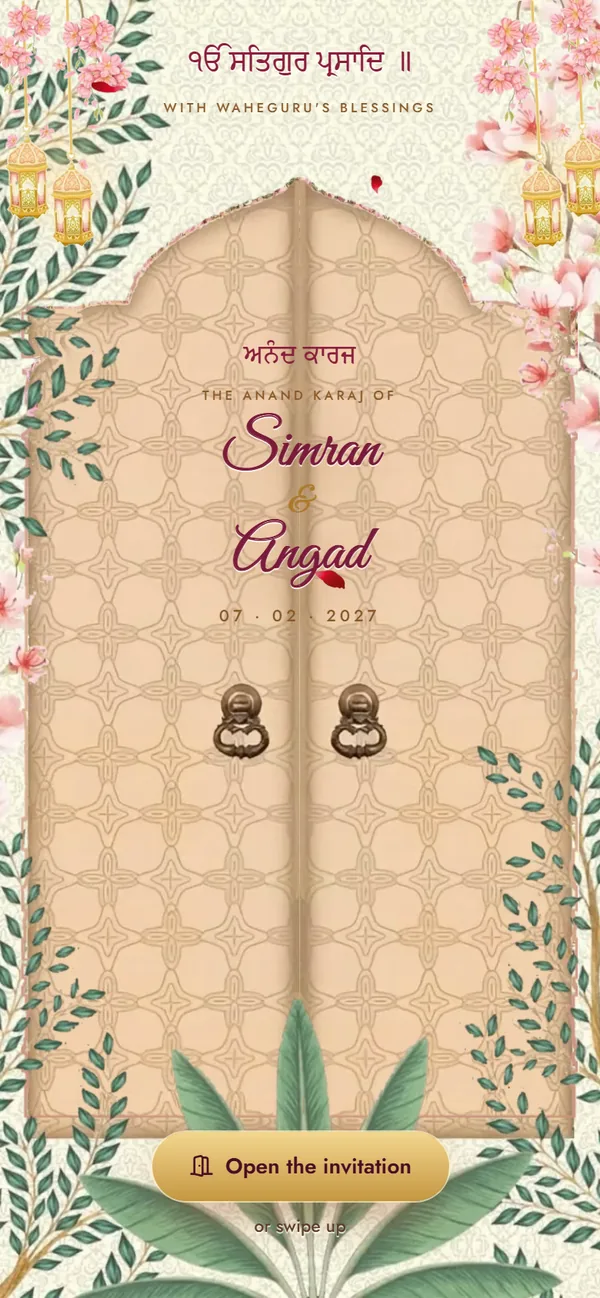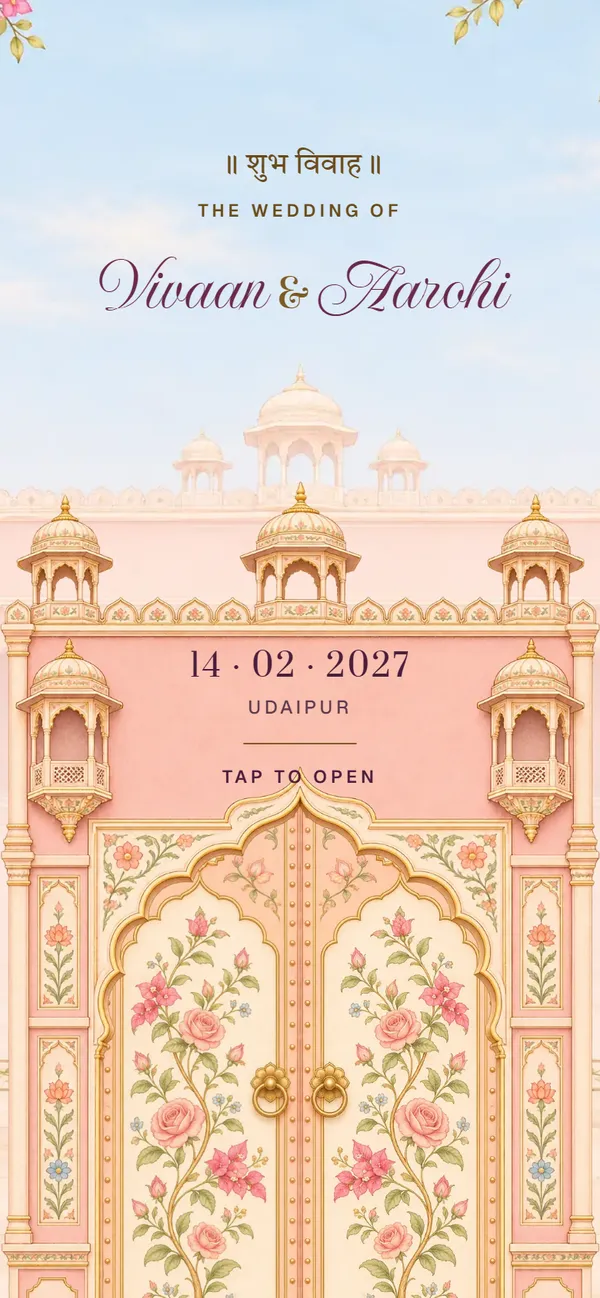
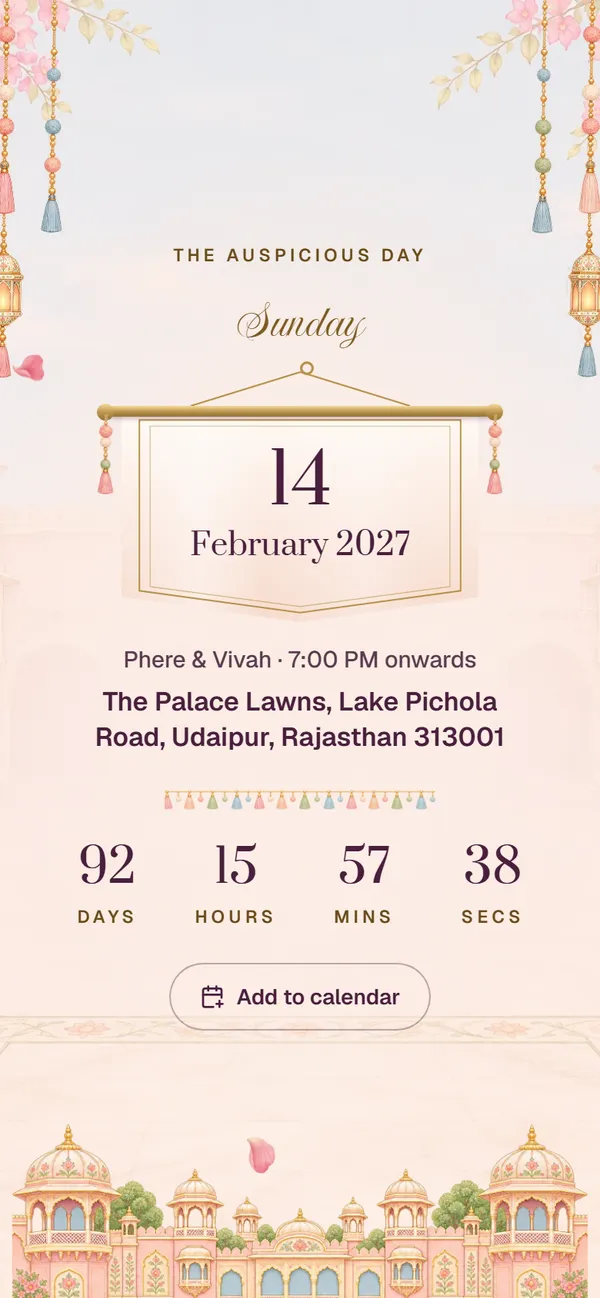
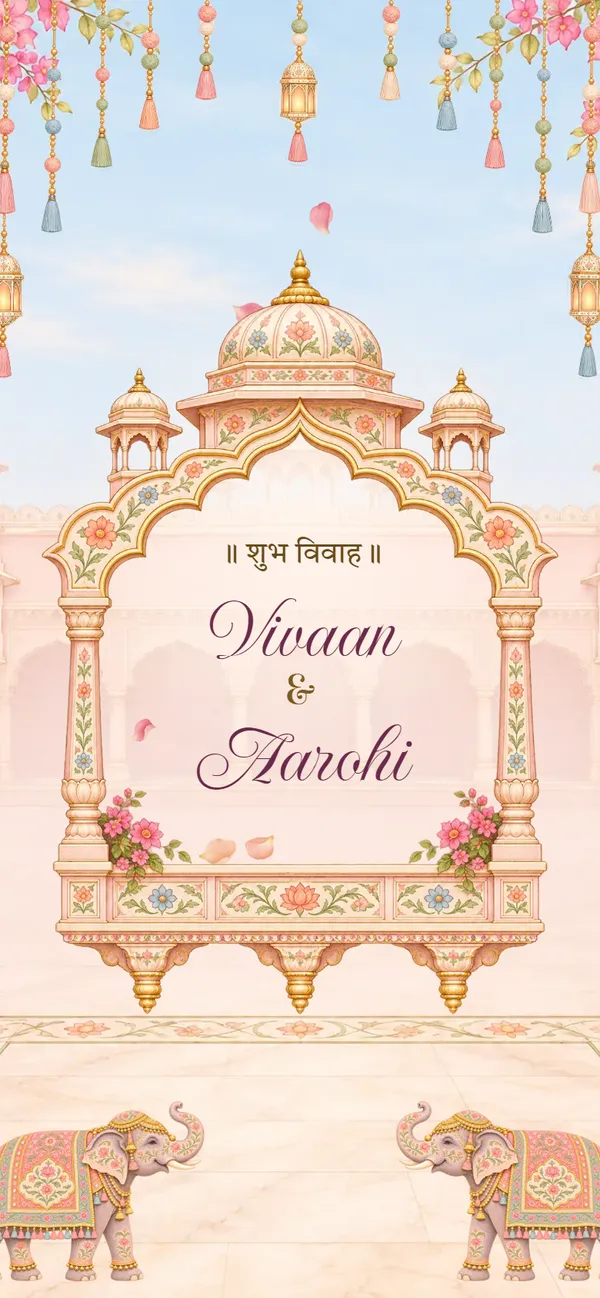
Online invitation card maker · Free preview

Create a wedding invitation card online that opens as one link.

Pick a design below, type your names, functions, venues and family phone numbers, and preview it free. You send one link on WhatsApp, and guests open it on their phone like a small website, with directions and a call button on every function.

Design & preview freeAny design ₹99 till 16 Dec (usually ₹499)

  • No sign-up
  • Guests need no app
  • Pay by UPI, card or net banking (Razorpay)
Designs

Choose a design to start your invitation

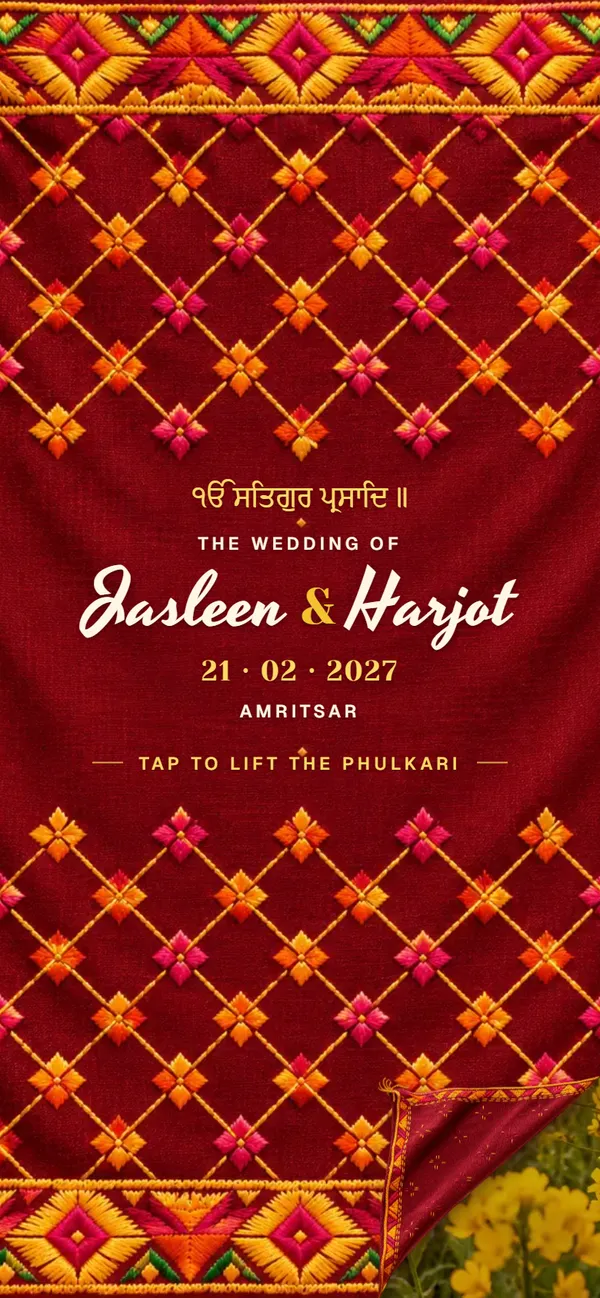
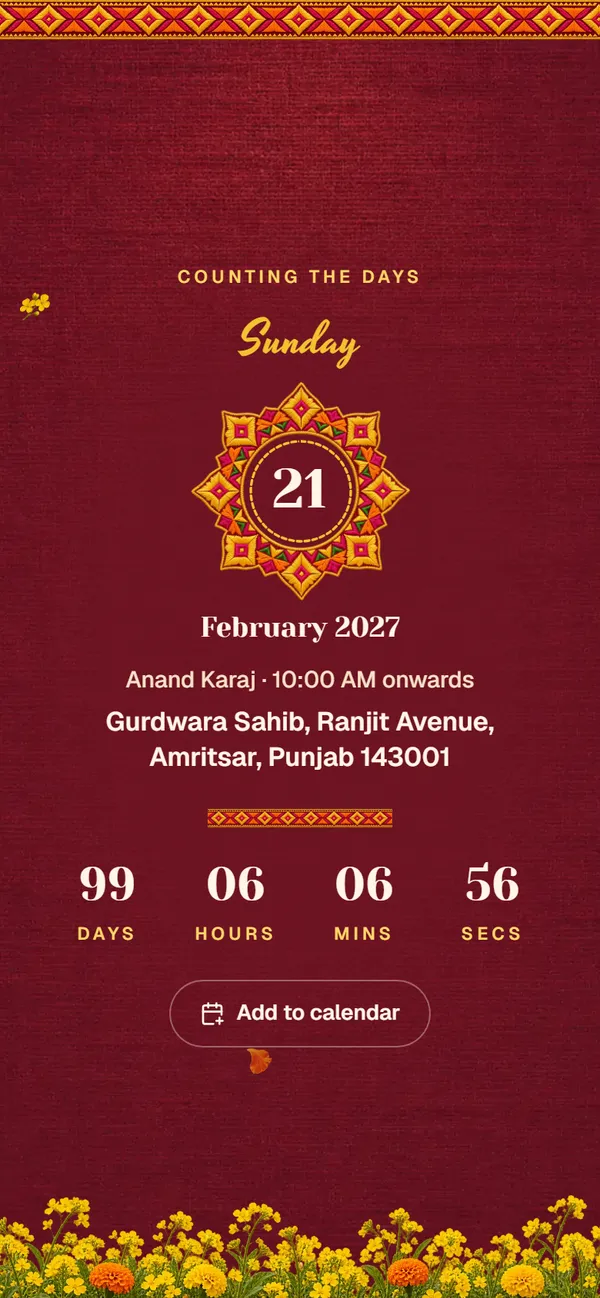
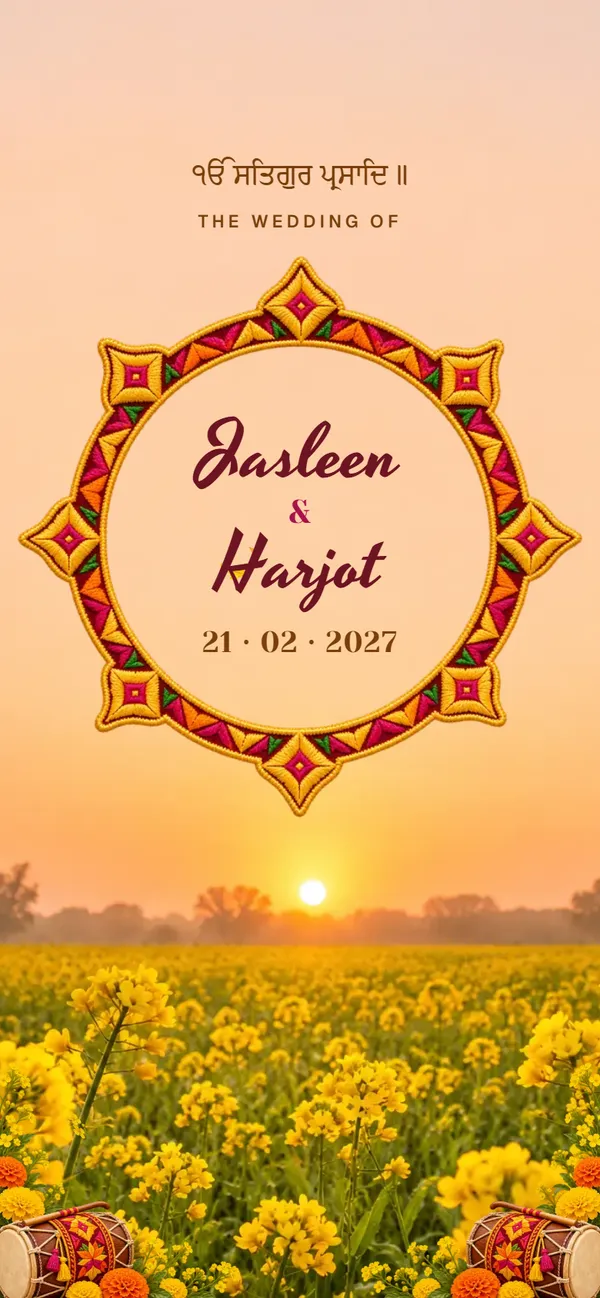
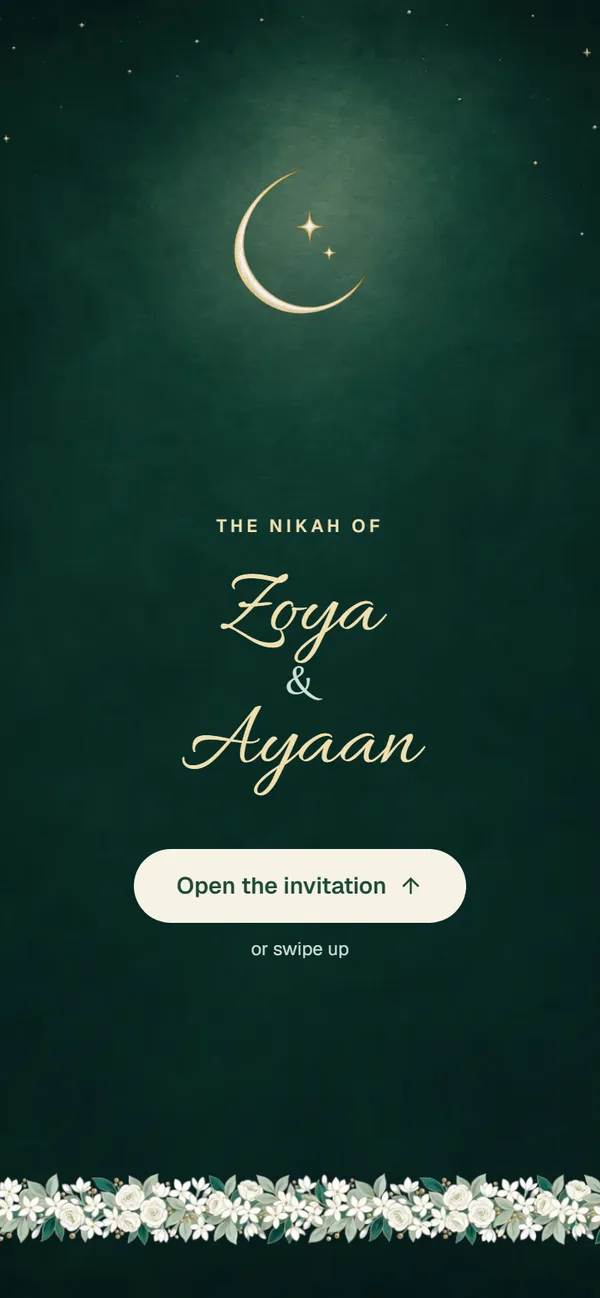
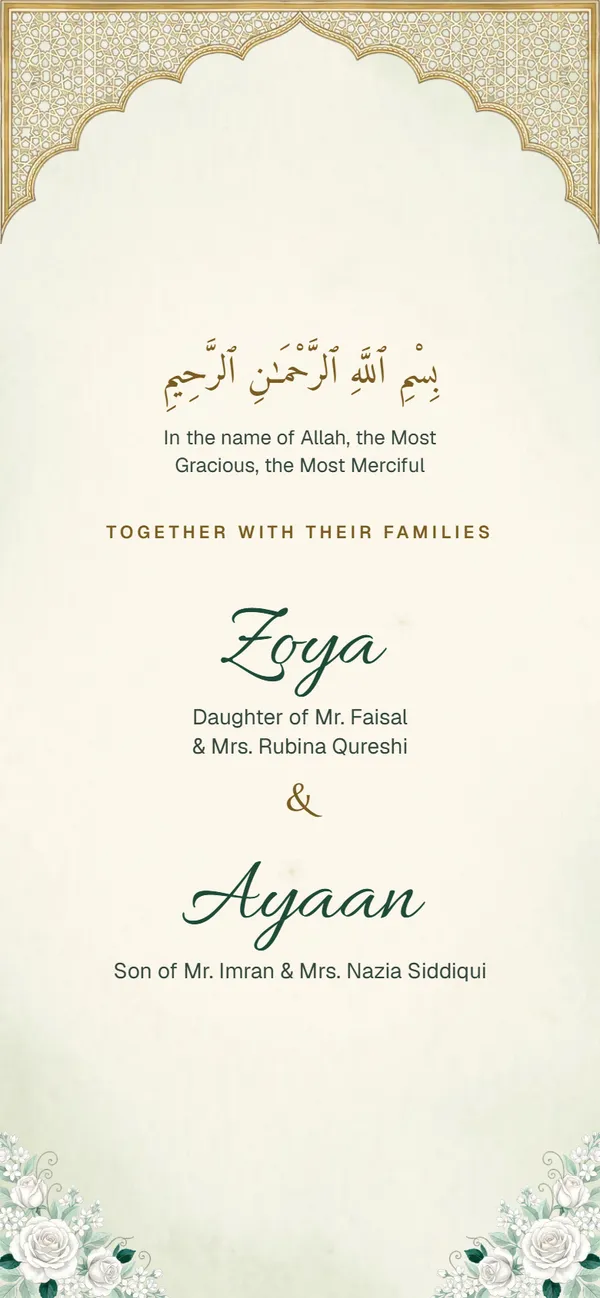
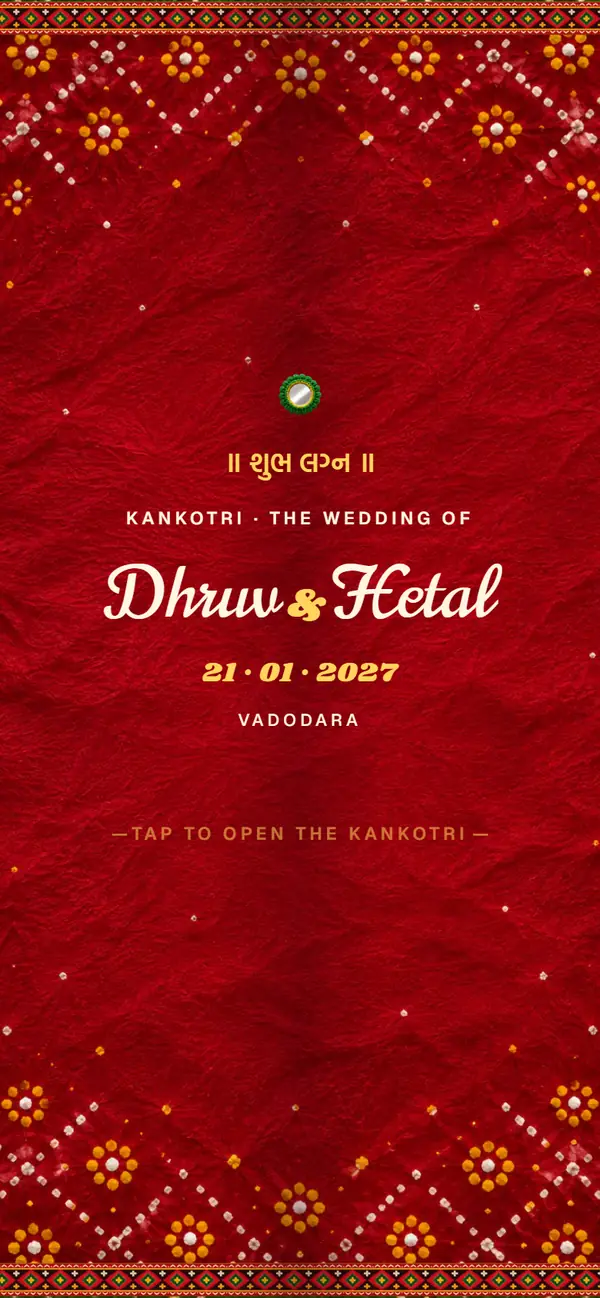
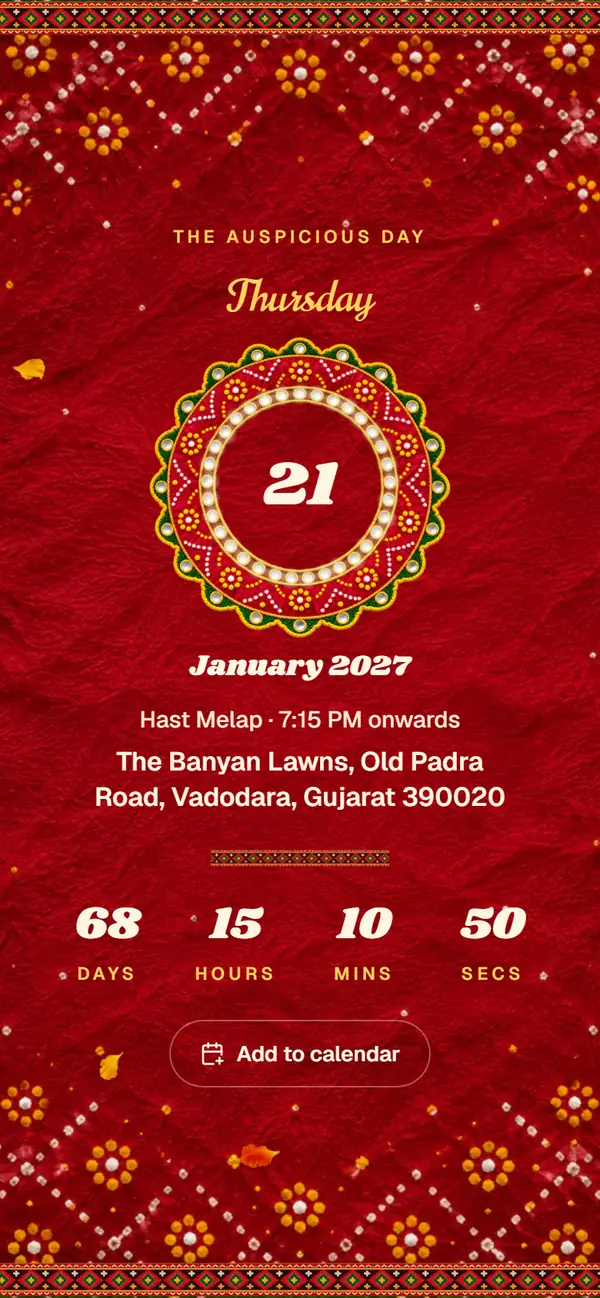
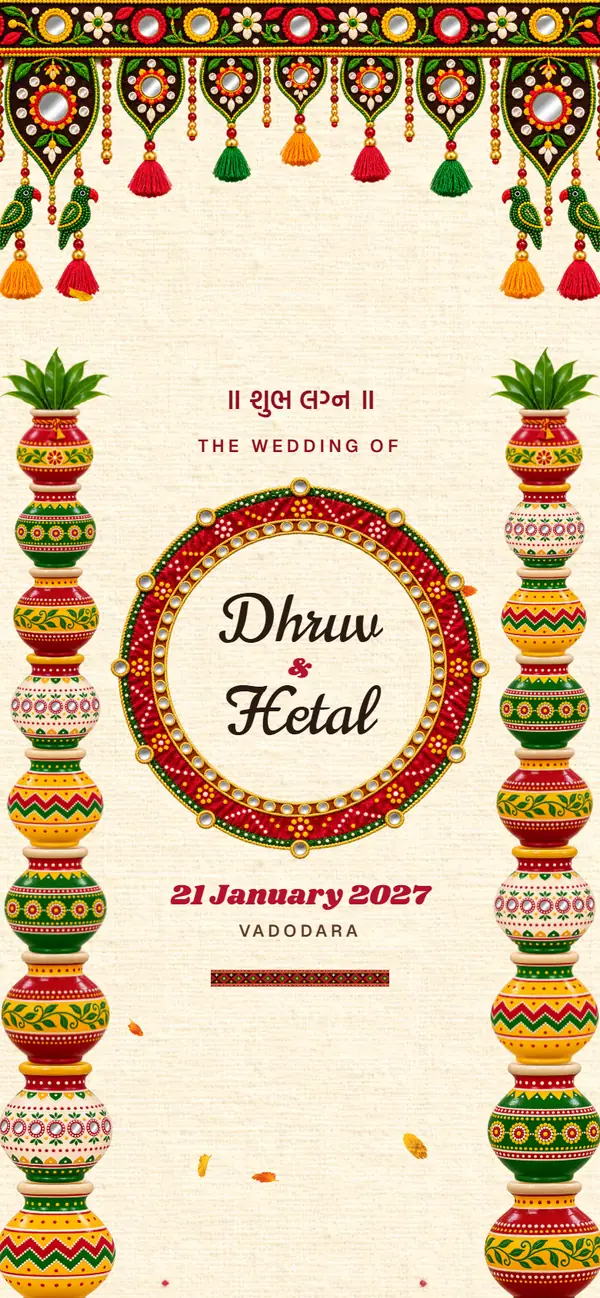
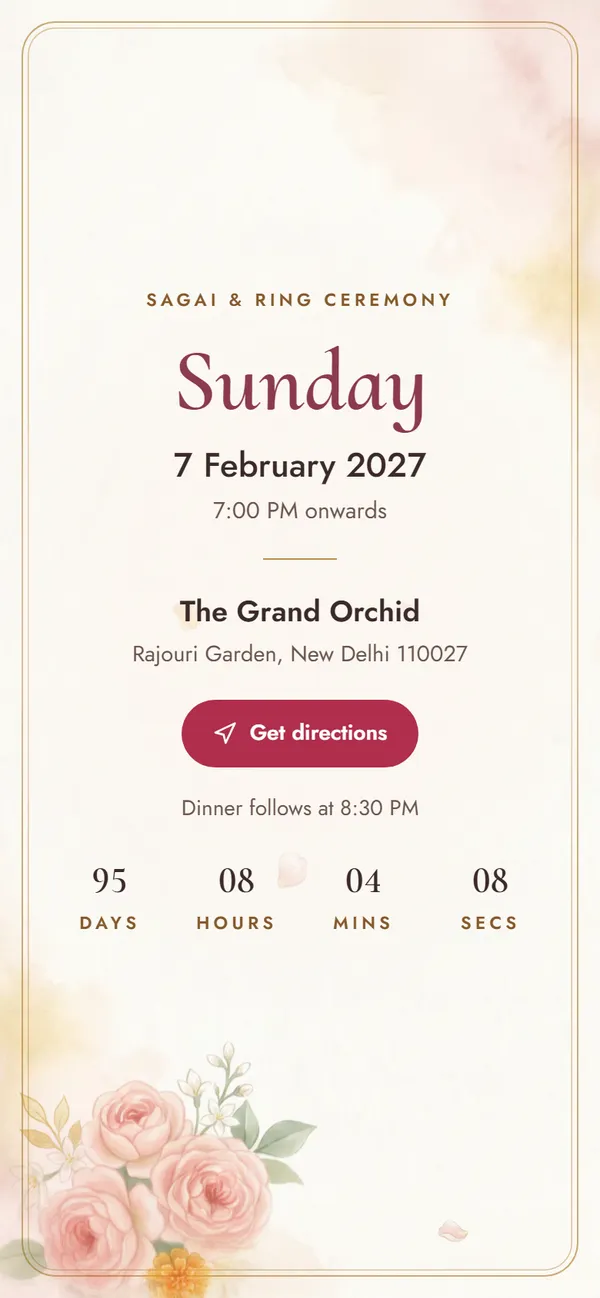
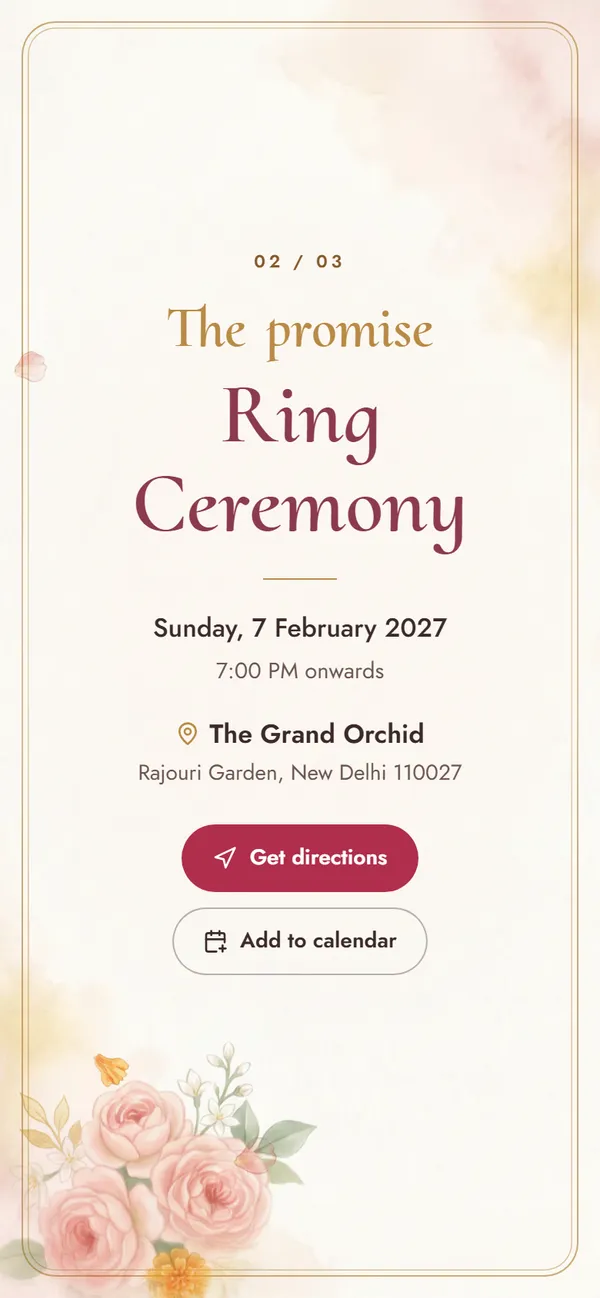
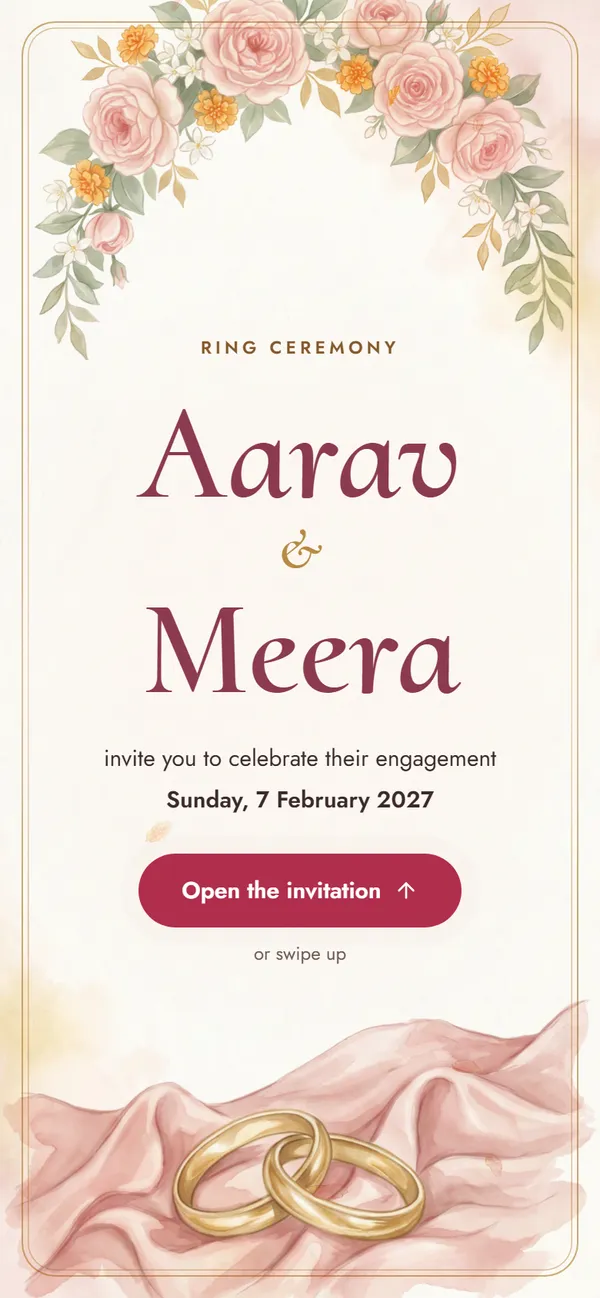
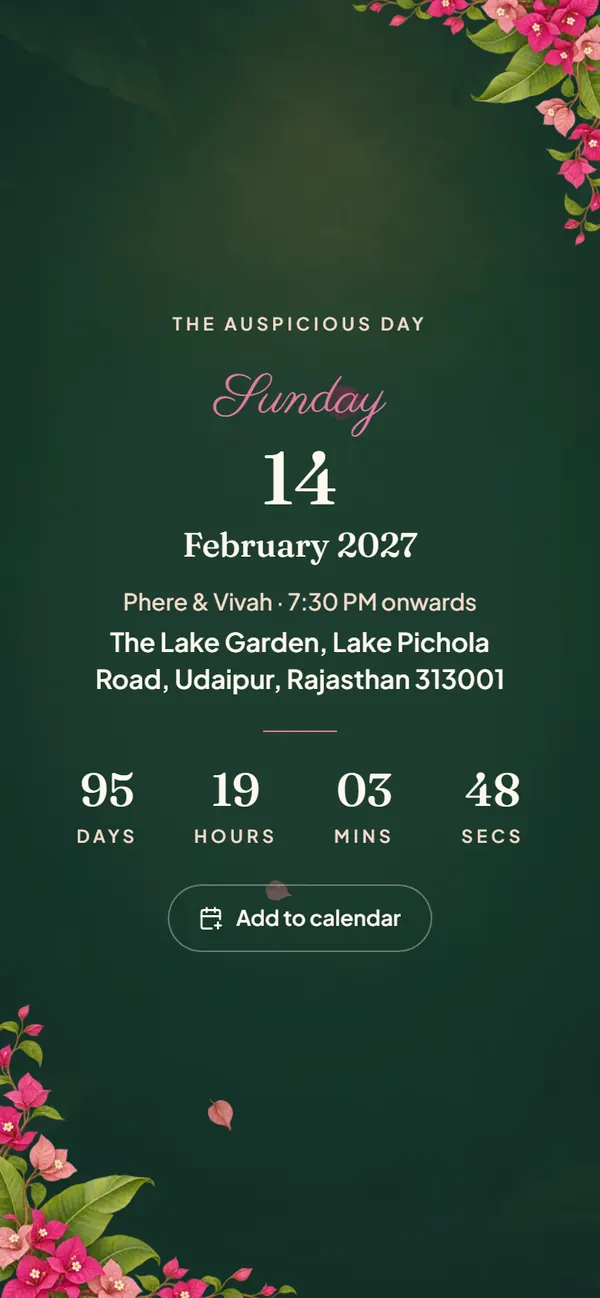
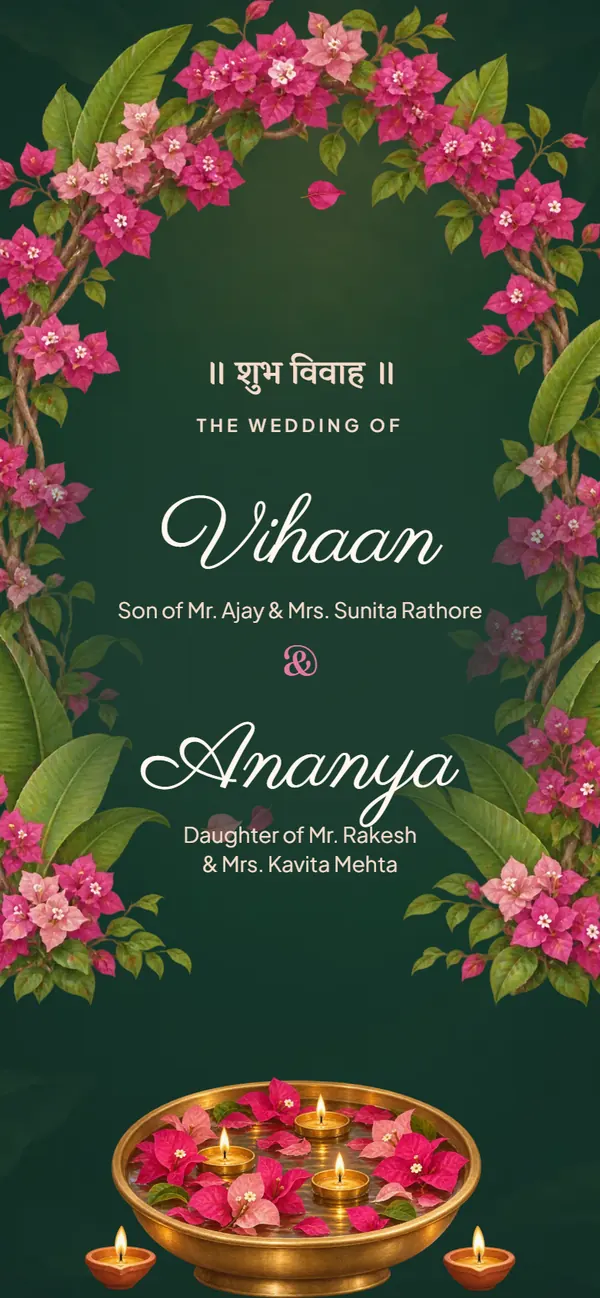
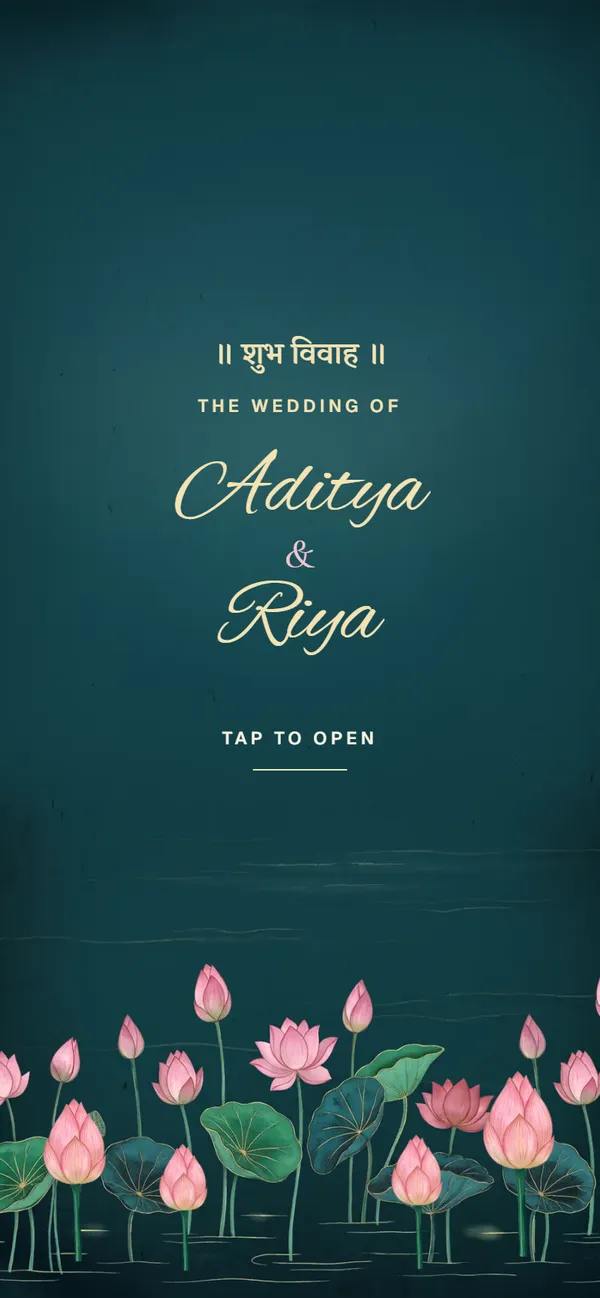
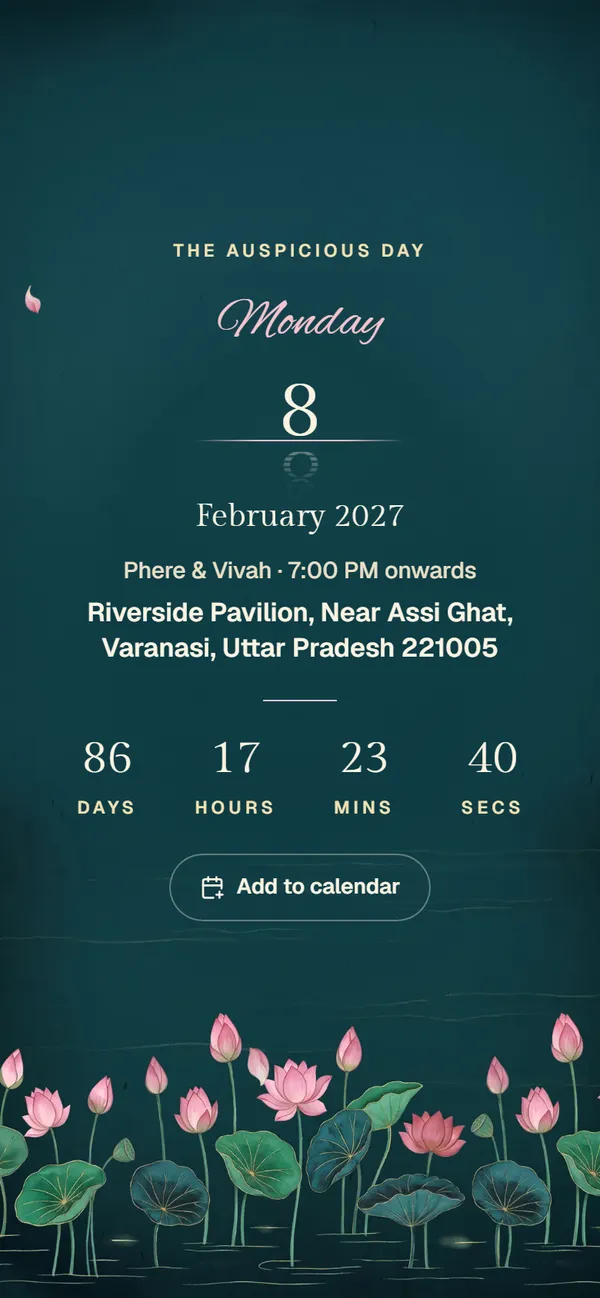
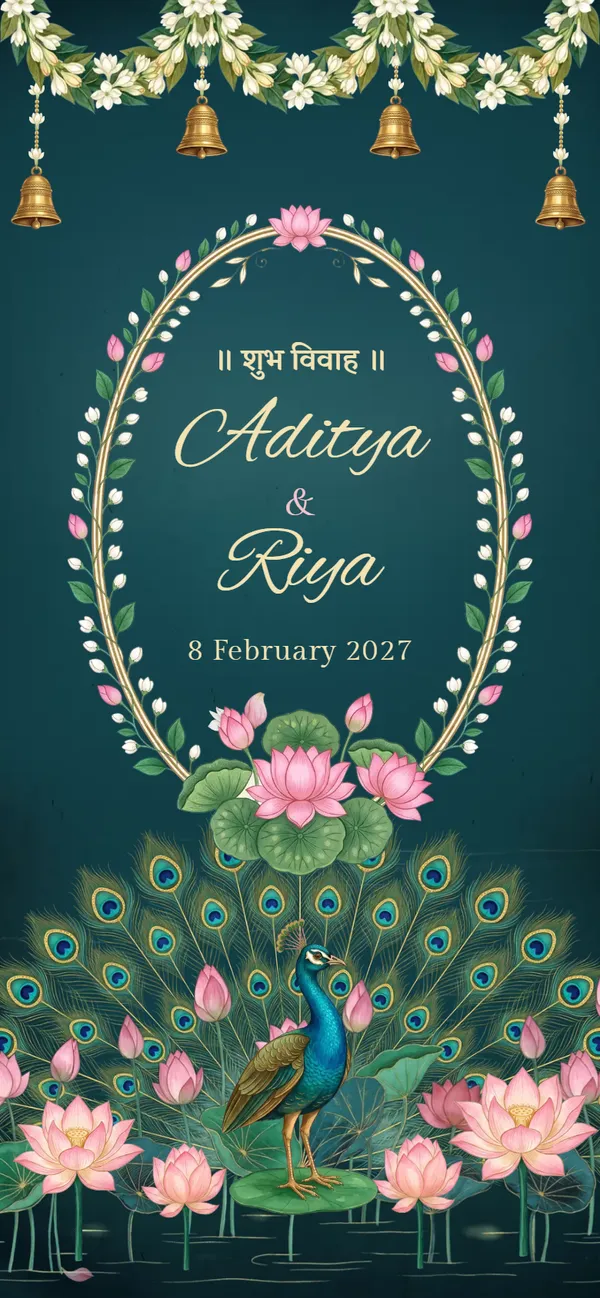
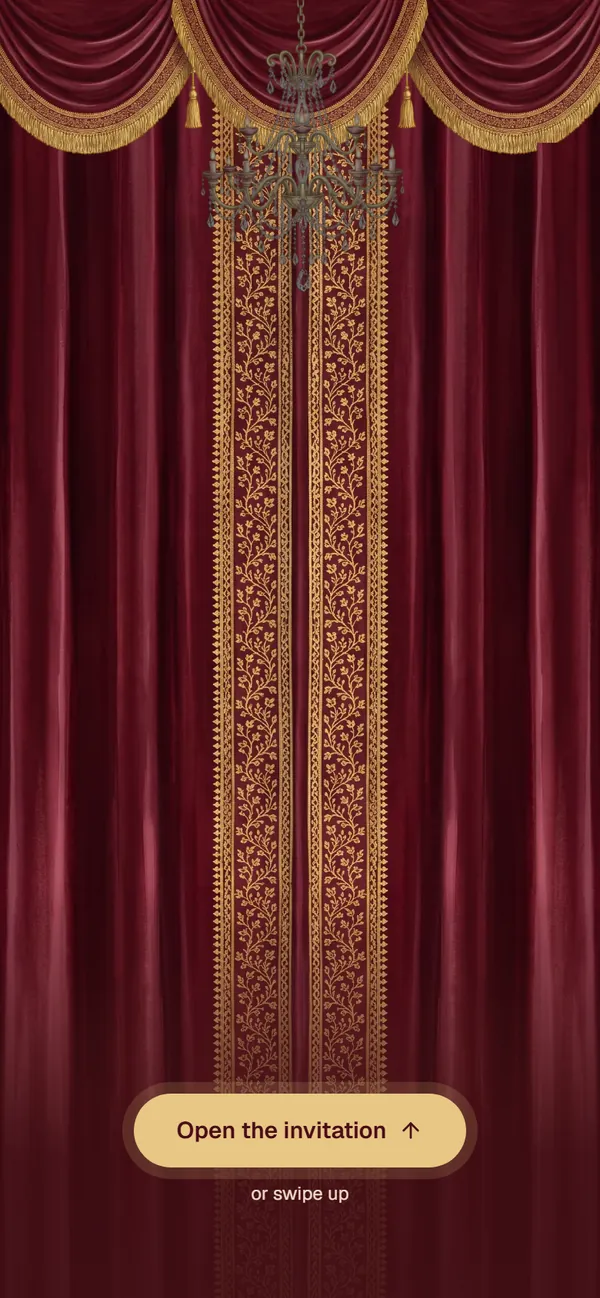
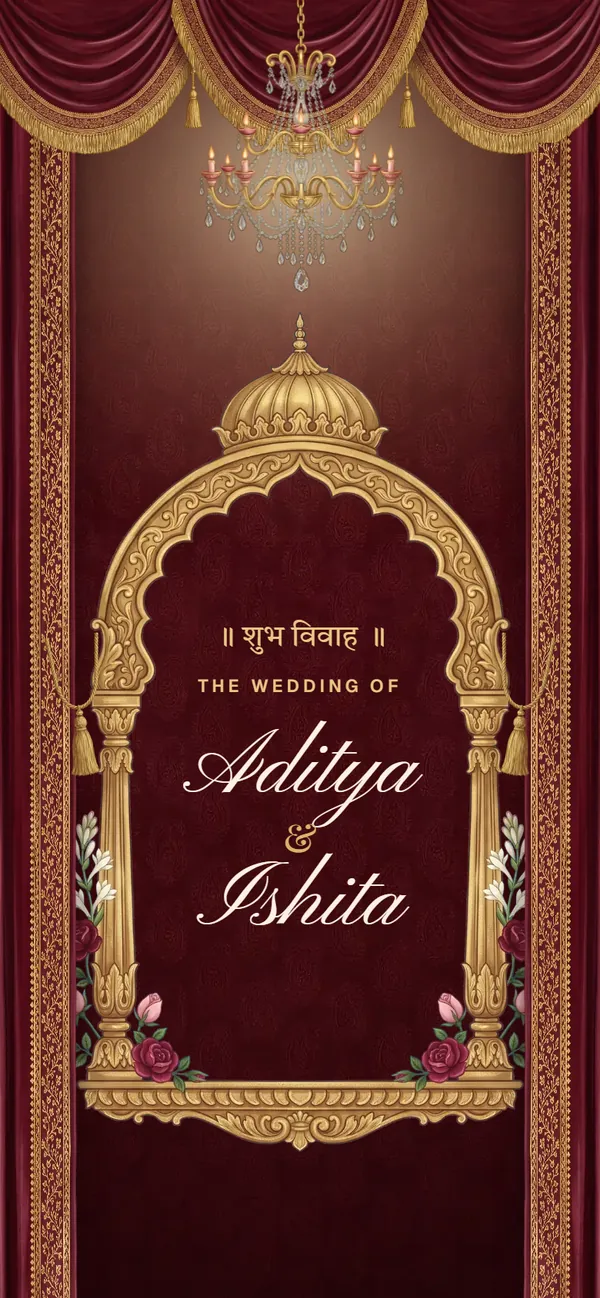
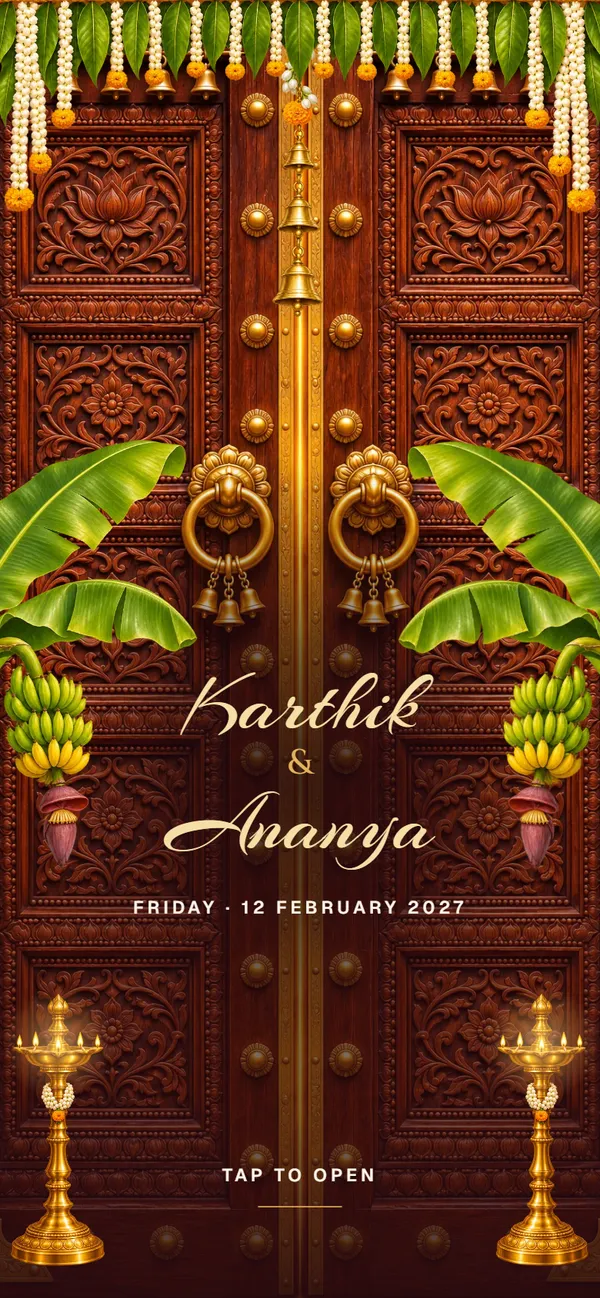
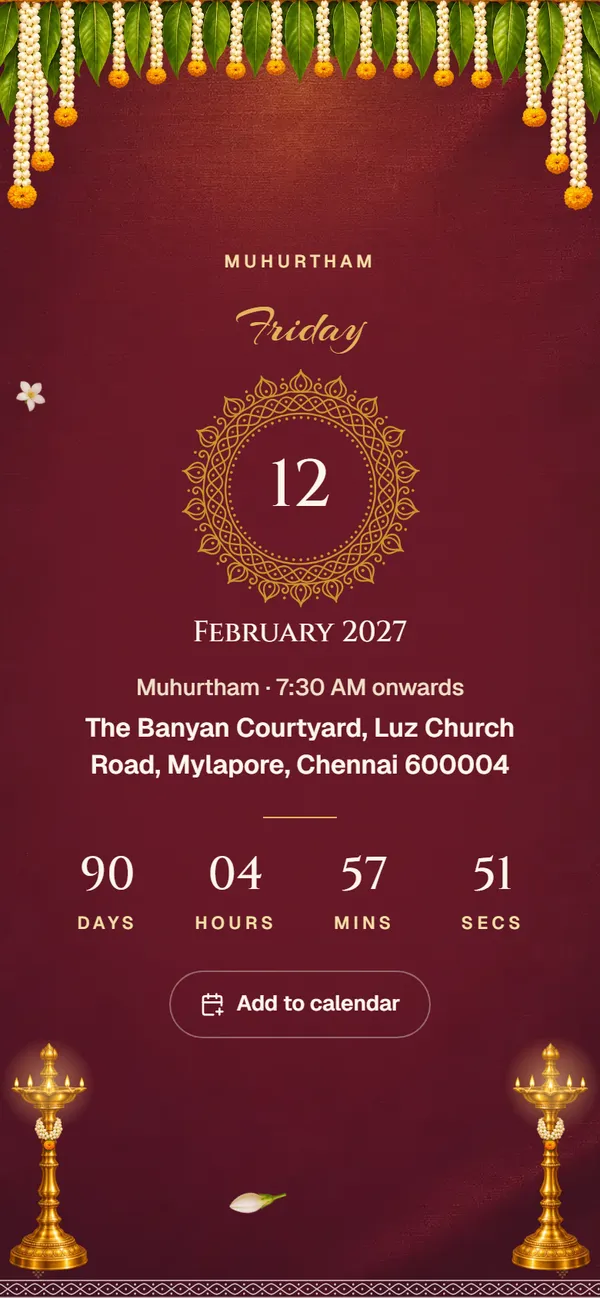
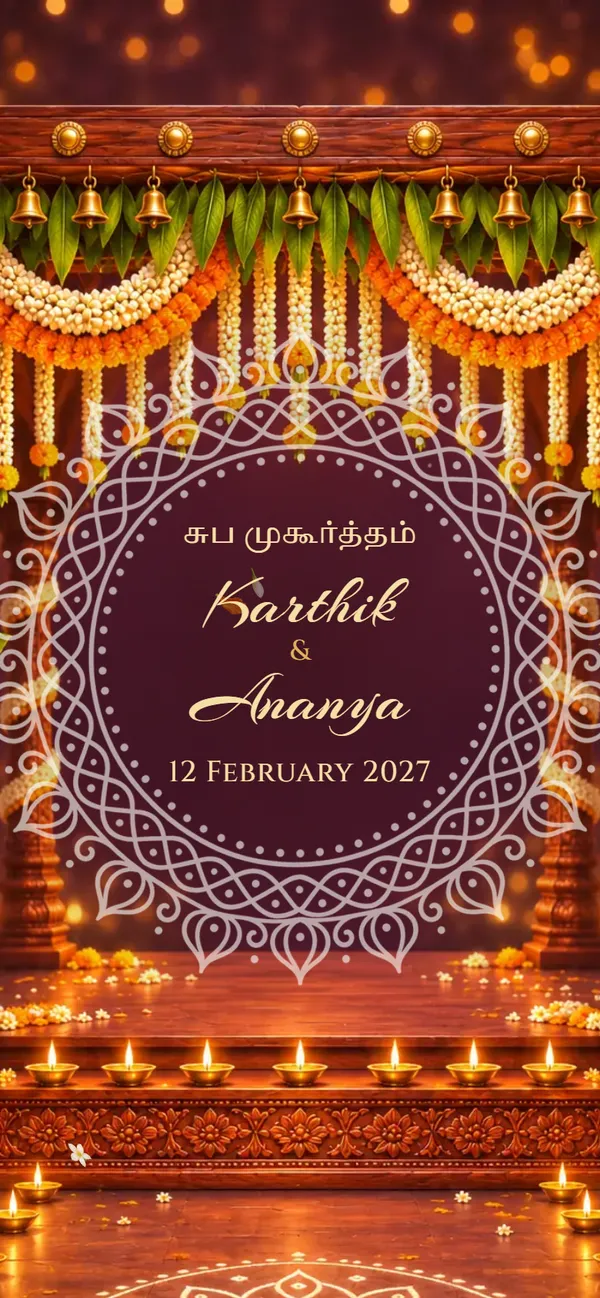
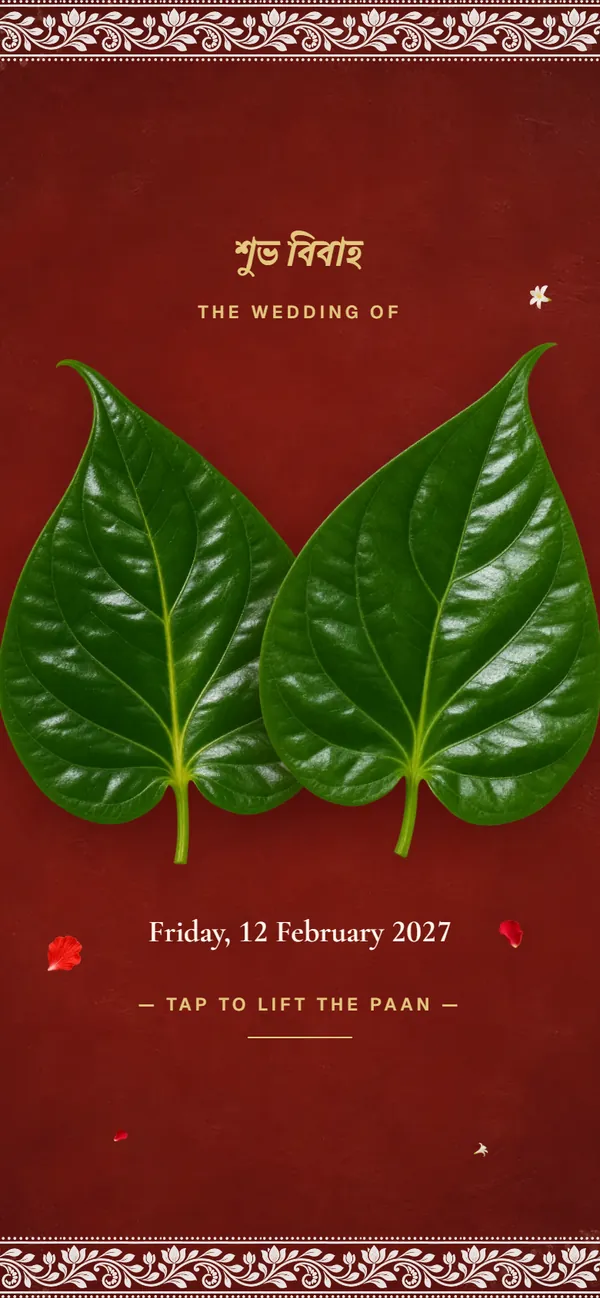
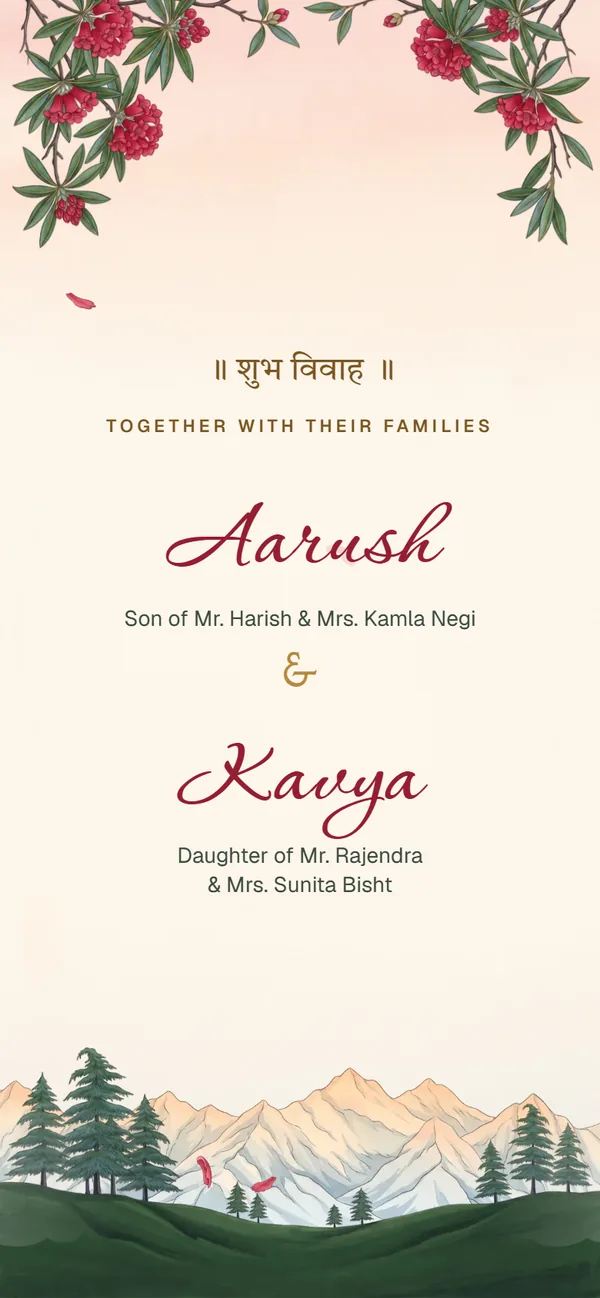
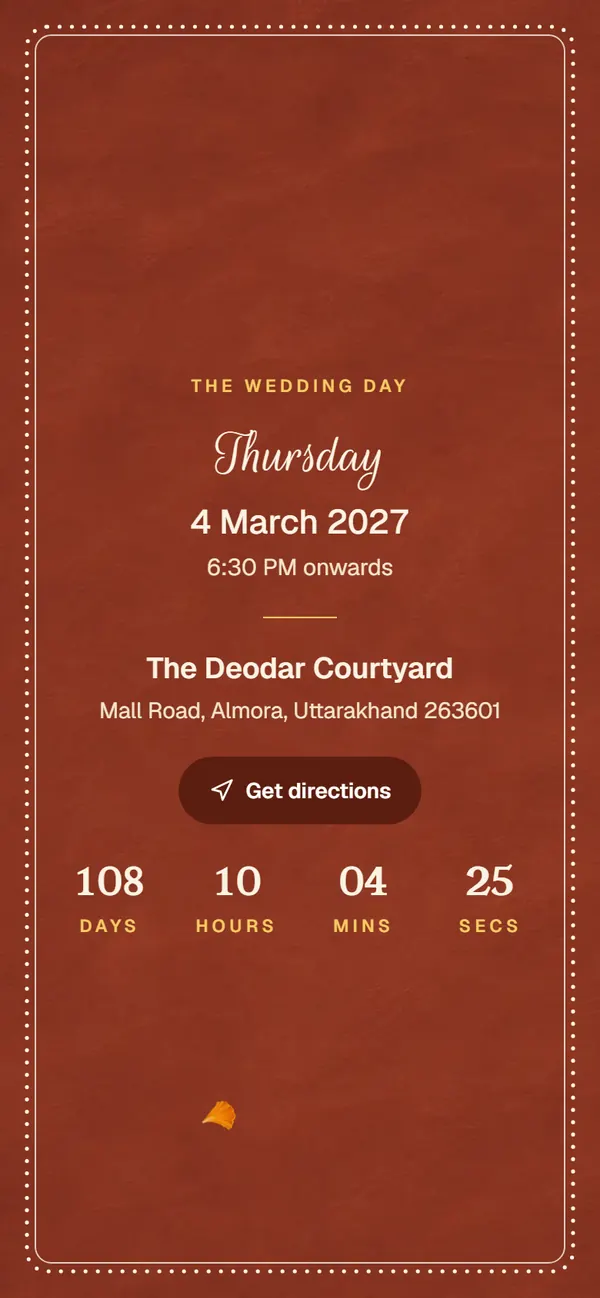
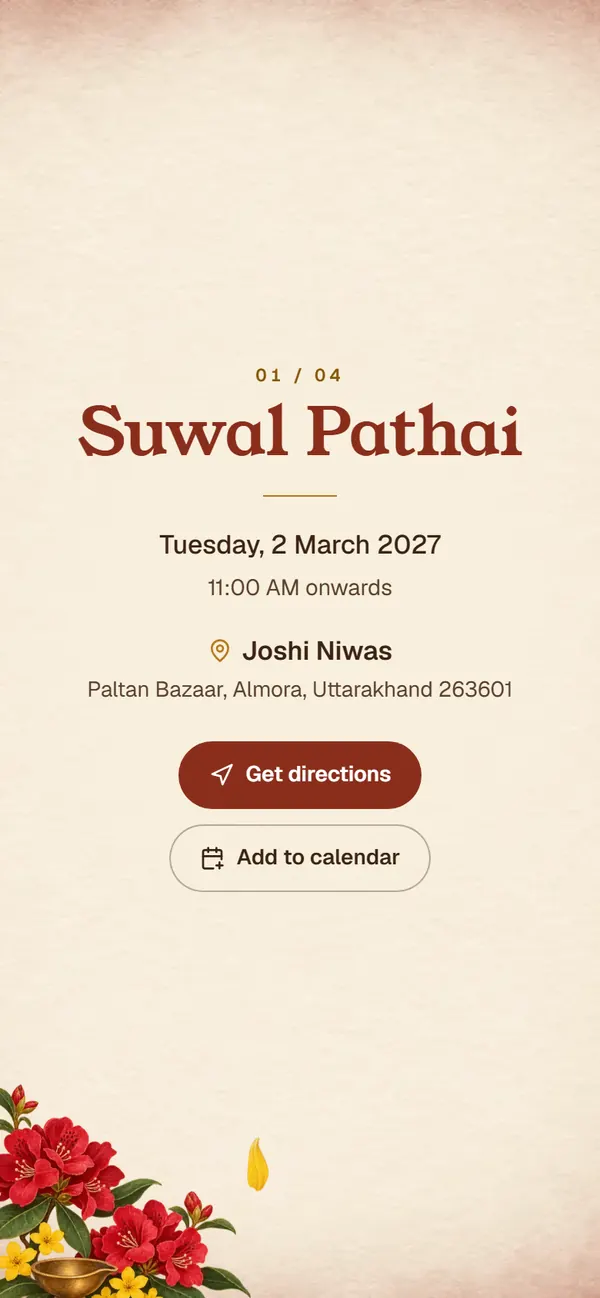
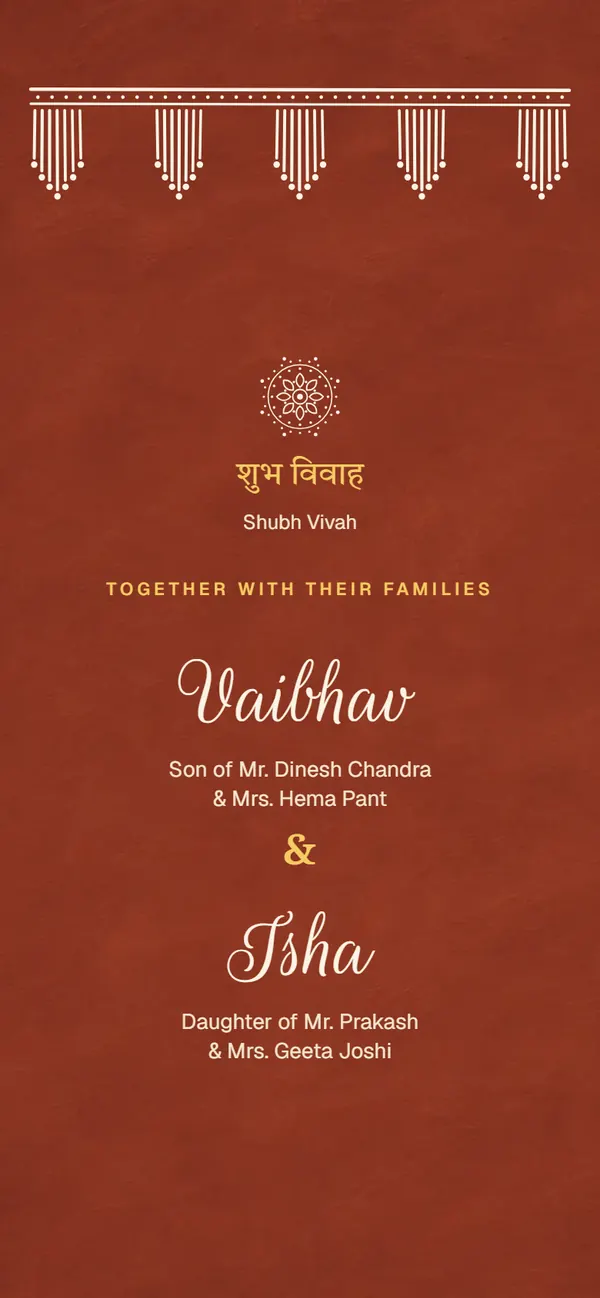
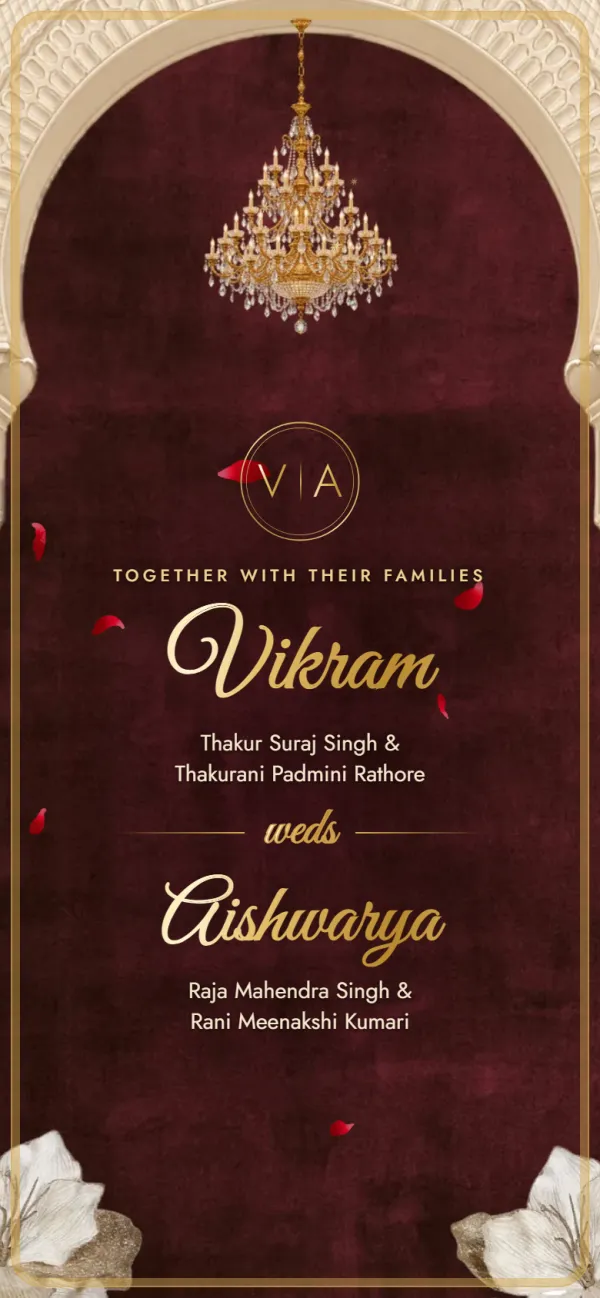
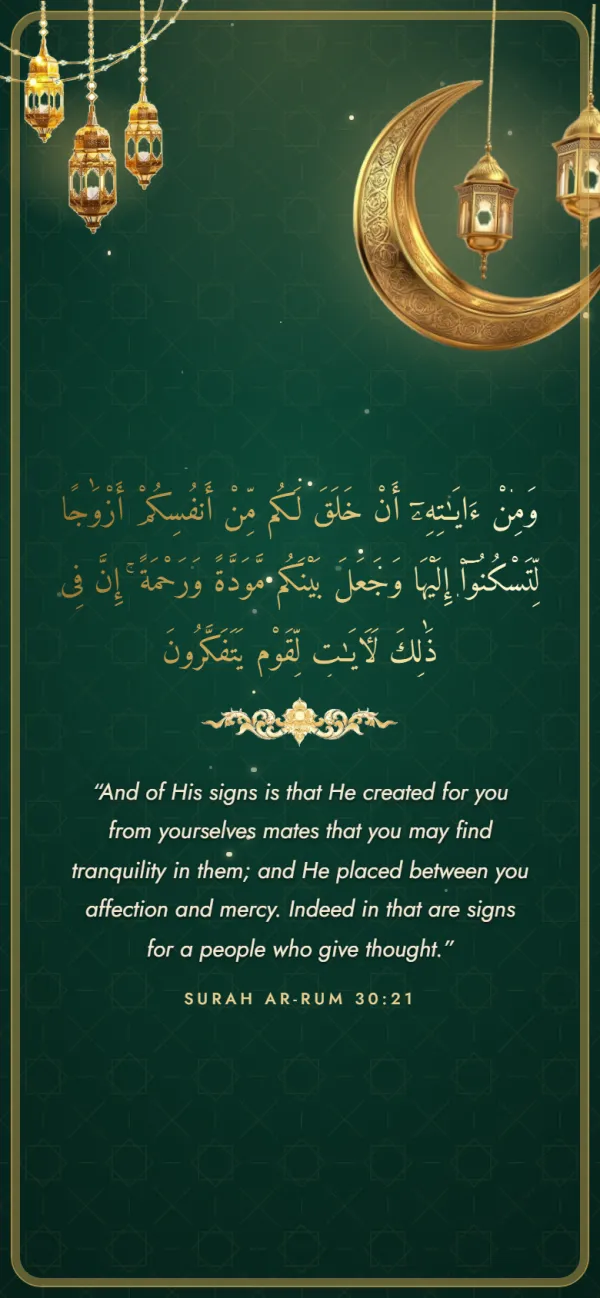
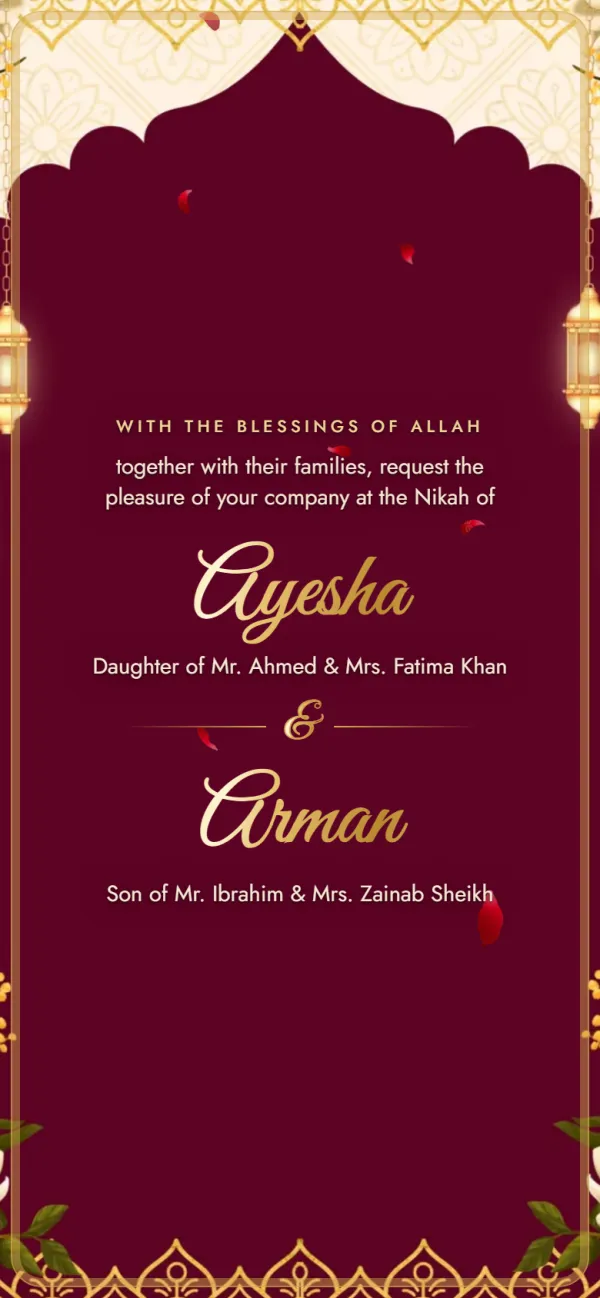
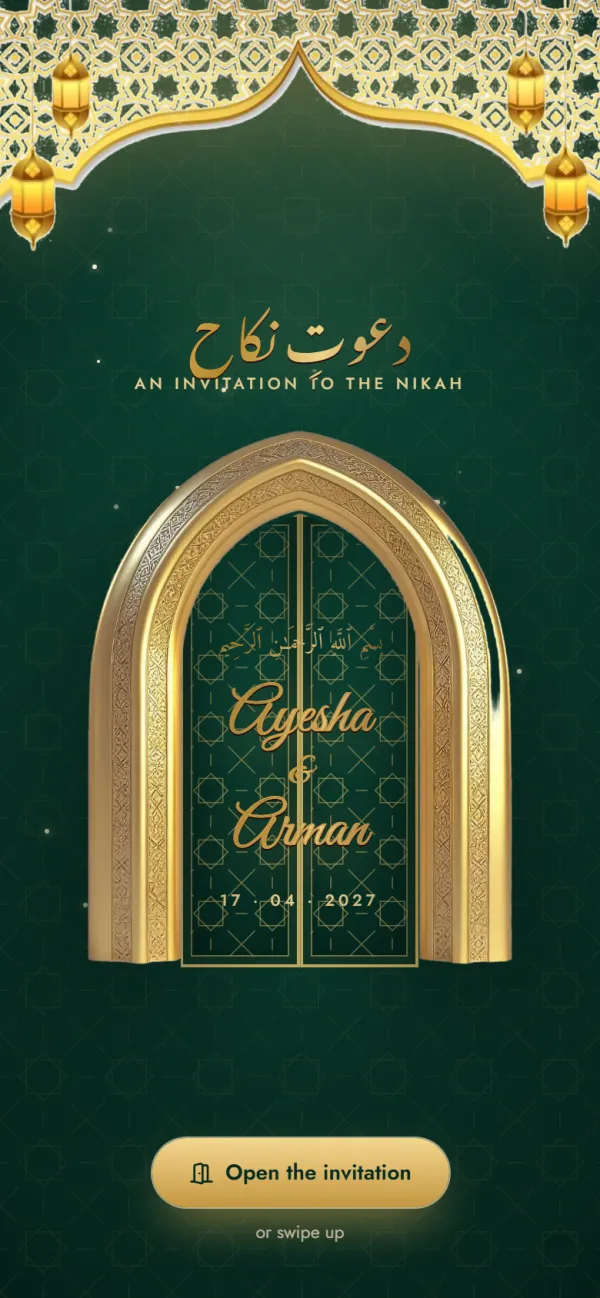
All 20 designs are live: tap a cover to open it as guests will see it, or “Use this design” to start yours with it. Filter by tradition or occasion.

20 designs

How it works

From a design to your invitation link in 4 steps

No account, no design skills. Most couples finish in one sitting.

  1. 1

    Step 1: Pick a design

    Choose from 18 wedding designs: Hindu Traditional, Hindu Royal, Gulabi Bagh, Shahi Mehfil, Mor Sarovar, Rang Mahal, Kankotri, Alpona, Kullu Pattu, Buransh, Aipan, Mallige, Muslim Elegant, Noor Nikah, Sikh Vibrant, Phulkari, Christian Classic or Modern Minimal. You can switch while editing.

    Template: Hindu Traditional

  2. 2

    Step 2: Add names and families

    Enter the bride's and groom's names, both family names, and one or more phone numbers for each side.

    Sharma family · +91 …

  3. 3

    Step 3: Fill in your functions

    Your tradition's functions are already listed. Add date, time, venue and a Google Maps link to each, and switch off any you aren't hosting.

    Sangeet · 11 Dec · 7:30 PM

  4. 4

    Step 4: Preview and share

    Check it free, exactly as guests will see it. Get your link for ₹99, then copy it or share it straight to WhatsApp.

    Share on WhatsApp →

Link, video or printed card

Which kind of wedding invitation do you need?

Each one does a different job. We make the link; here is honestly what each is good for.

  • An invitation link

    What we make

    A small web page that opens from WhatsApp. It can't be held in the hand, and it won't play like a film.

    • Every function with its own date, time and venue
    • Directions and call buttons guests can tap
    • A changed time shows on the same link, nothing to re-send
    • Relatives abroad open it the same minute
  • A video invitation

    Best for a first impression

    A short film with music is lovely to watch once and to post on a Status. Guests can't tap anything in it, finding one function's time means scrubbing, and a change means a new file.

    • A moving, musical announcement
    • Sharing on Status and Reels
  • A printed card

    Best for elders and rituals

    Printing, sorting and delivering takes time and money per card, and nothing on paper can be updated or tapped. Many families print a few for close family and send the link to everyone else.

    • Elders who expect a card in hand
    • Ganesh puja, nimantran and keepsakes
Before you start

What to keep ready before you create your invite

Gather these first and the form takes a few minutes. Everything except the names and one function is optional.

  • Names, exactly as you want them

    The bride's and groom's names and both family names. The way elders expect to see them, e.g. “Sharma family”.

  • Date and time of each function

    Confirm muhurat and function timings with your family first. The date and time you type in the first function fill in the others, so you only change what differs.

  • A Google Maps link per venue

    Ask each venue for its Maps pin, or drop one yourself. Without a link, guests can still search the address you type.

    On your invitePin the entrance guests should use, not the middle of a large property.

  • Who answers calls on each side

    Add a number for the bride's side and the groom's side, more than one each if you like. Pick people who'll pick up on the day.

  • Your welcome and closing lines

    Each template comes with a blessing, a welcome message and a closing note. Keep them, or write your own in Hindi, English or both.

  • A few lines about you (optional)

    Switch on “our story” to add how you met. Skip it if you'd rather keep the invite formal.

Live preview

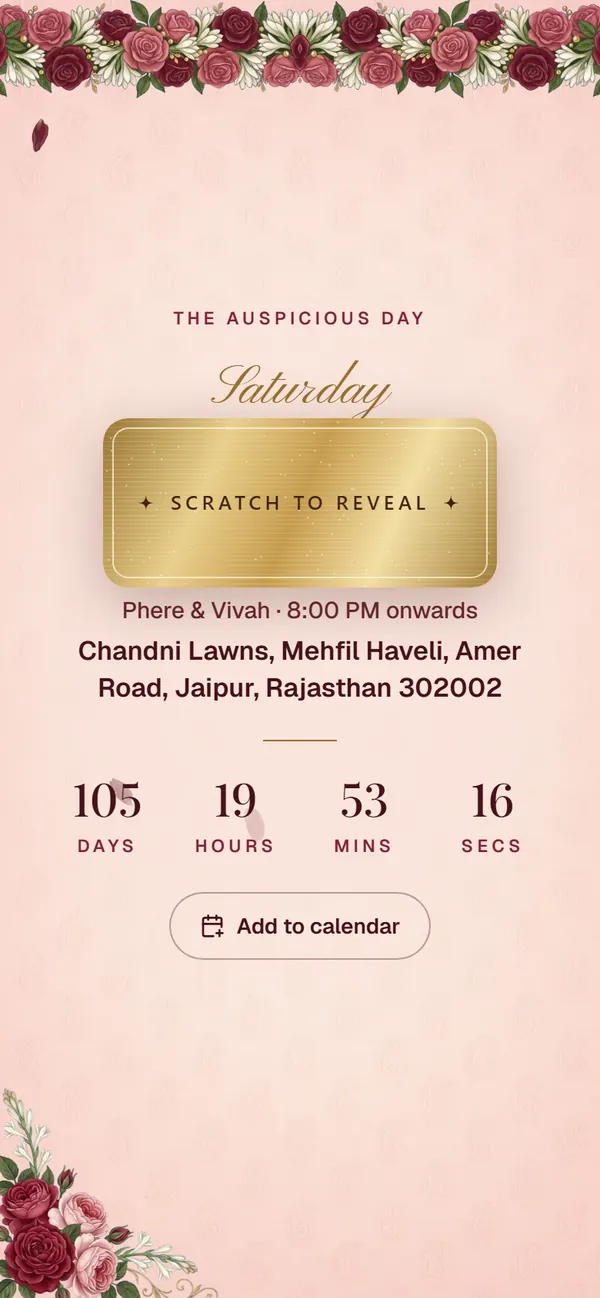
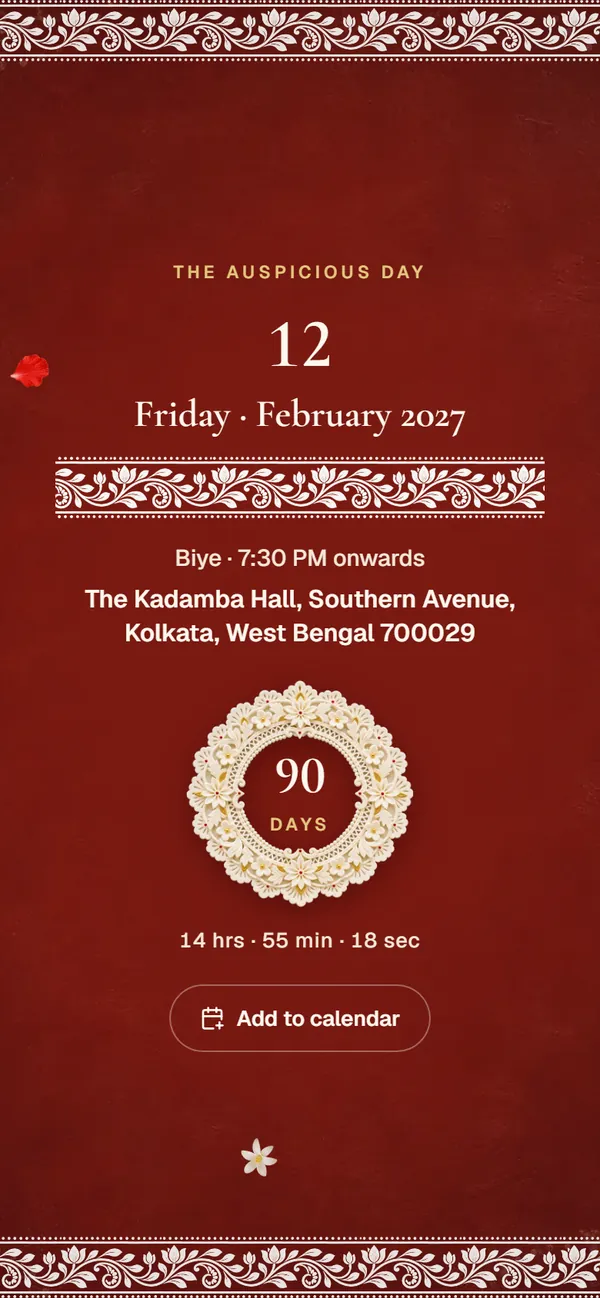
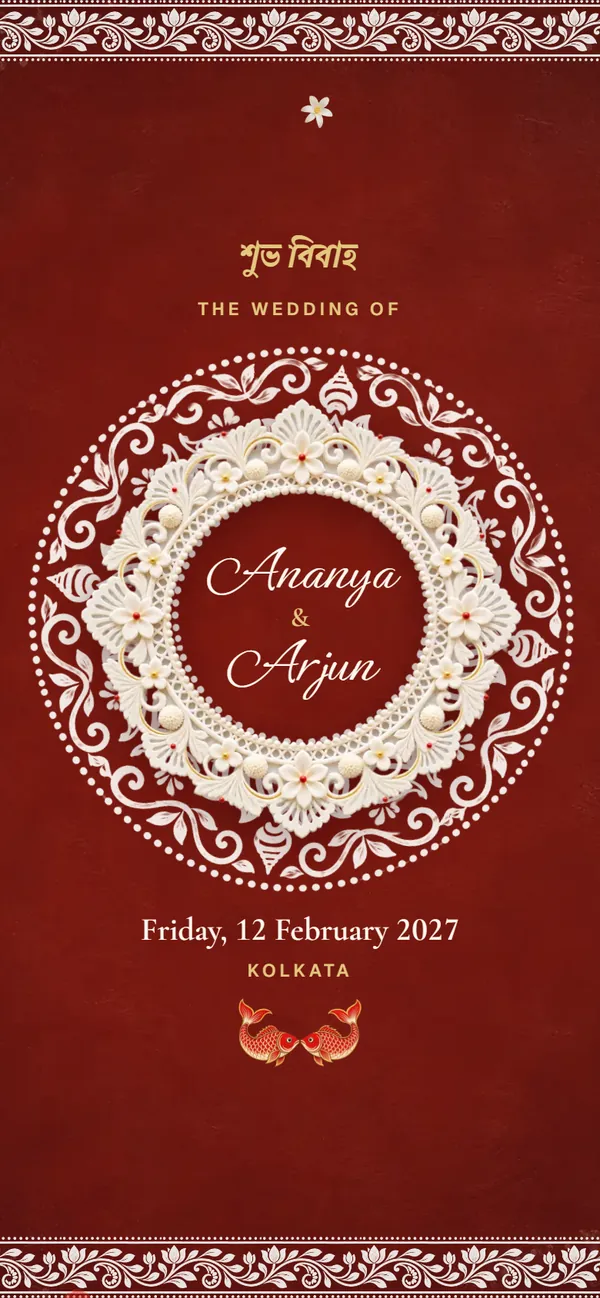
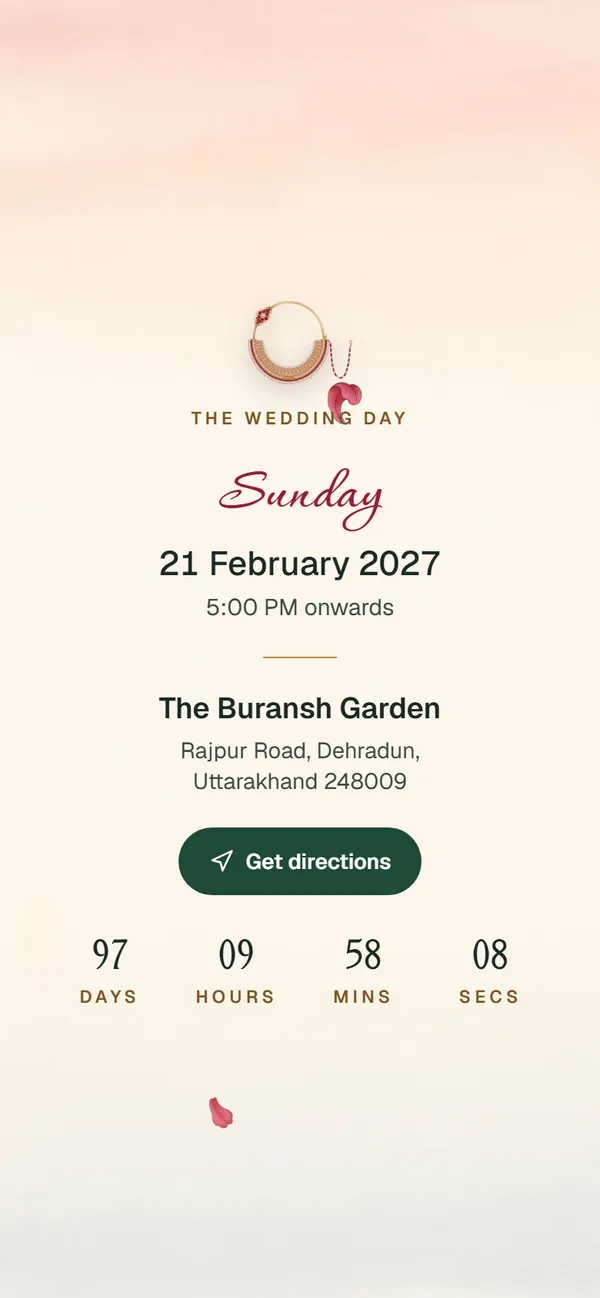
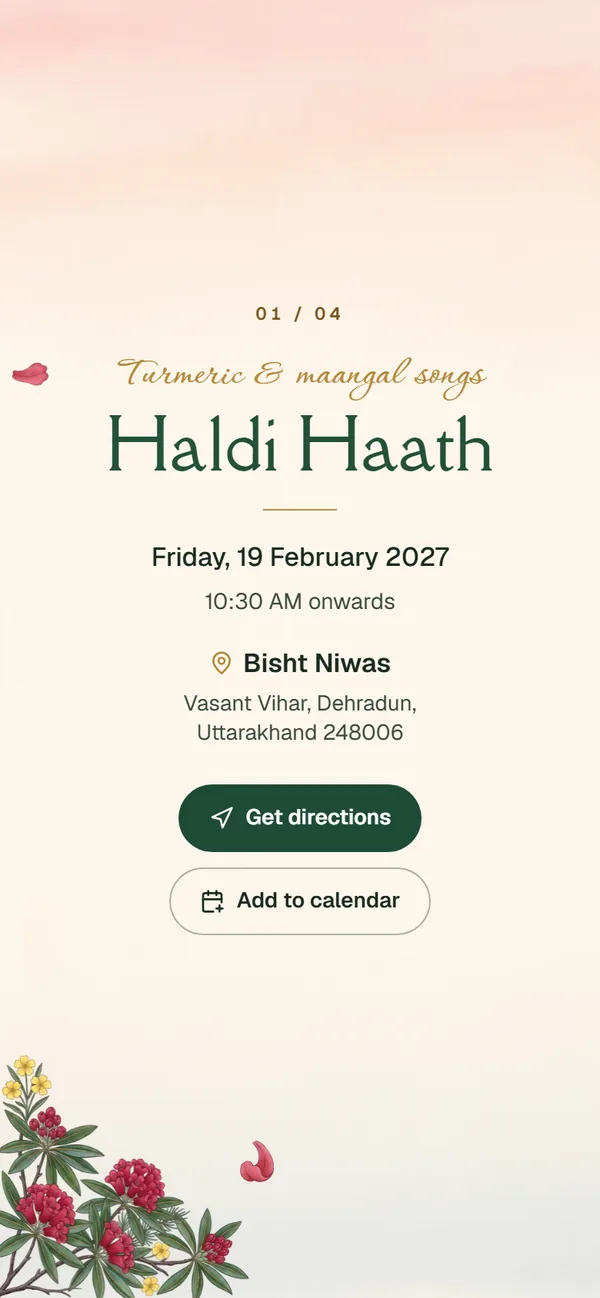
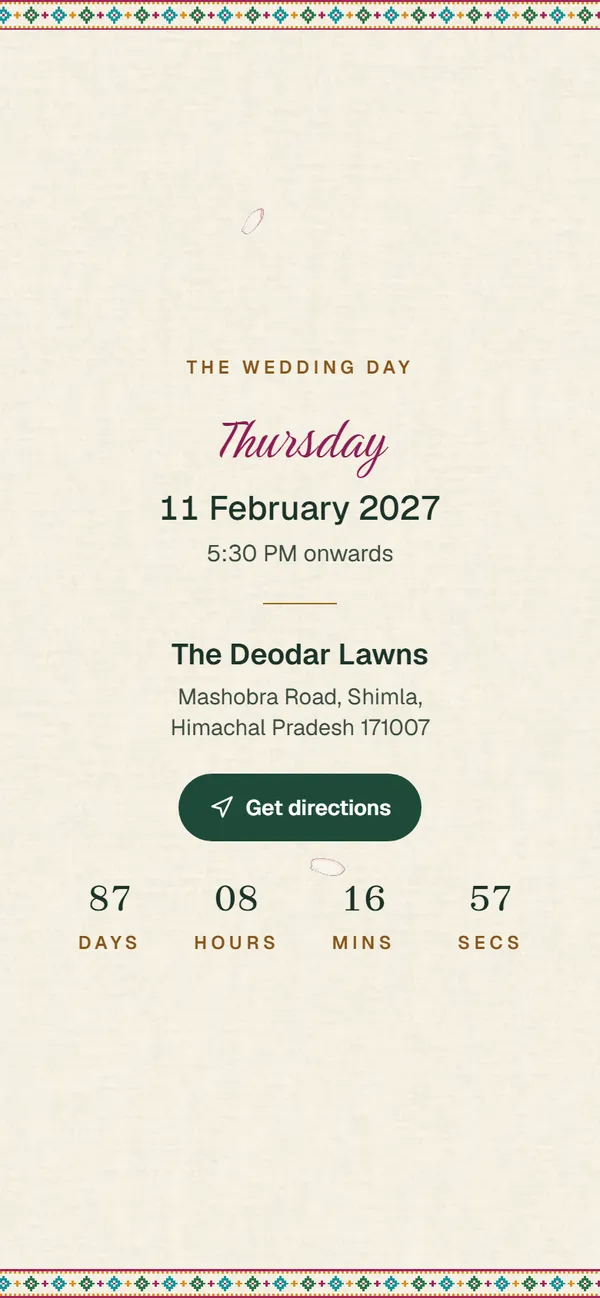
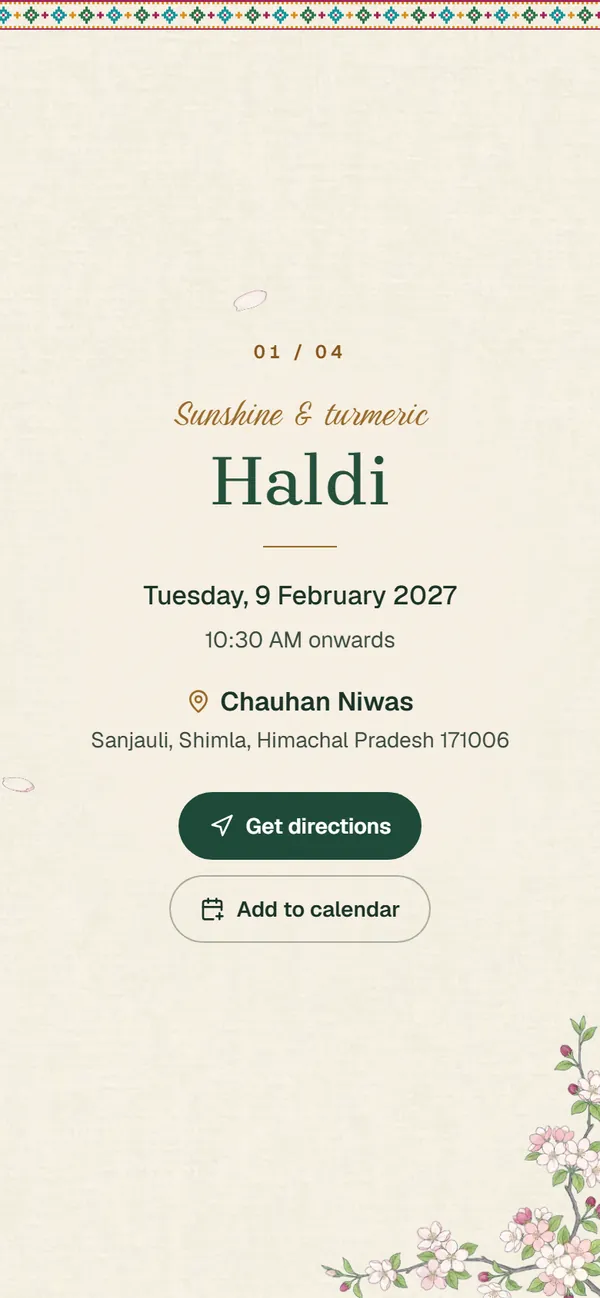
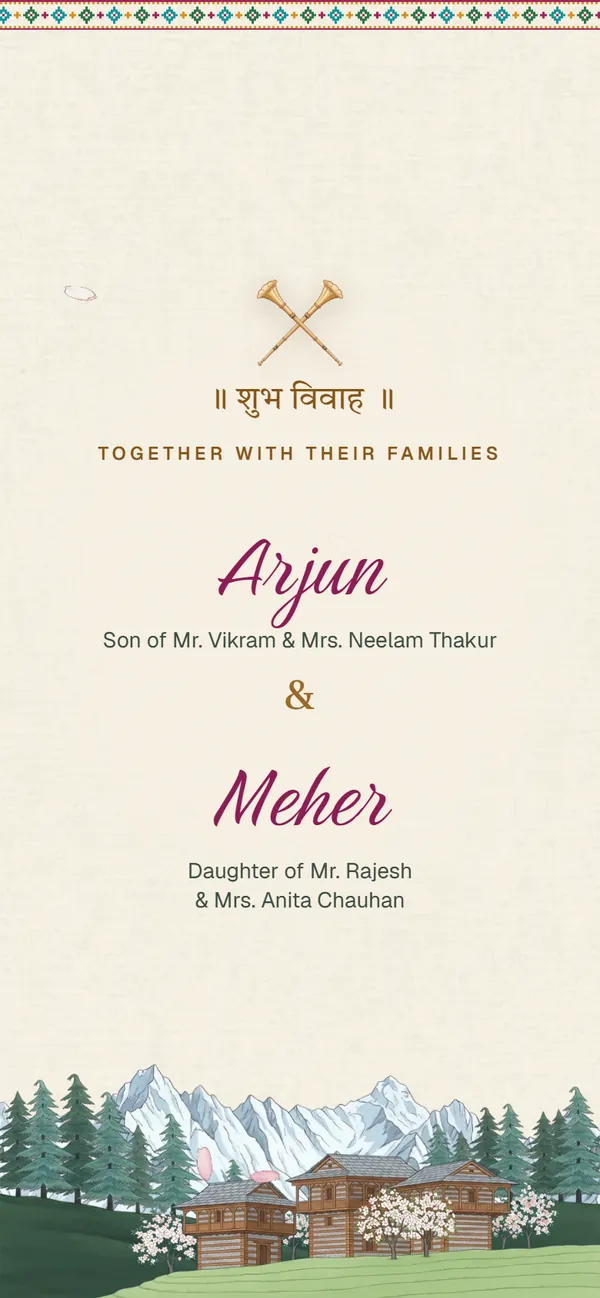
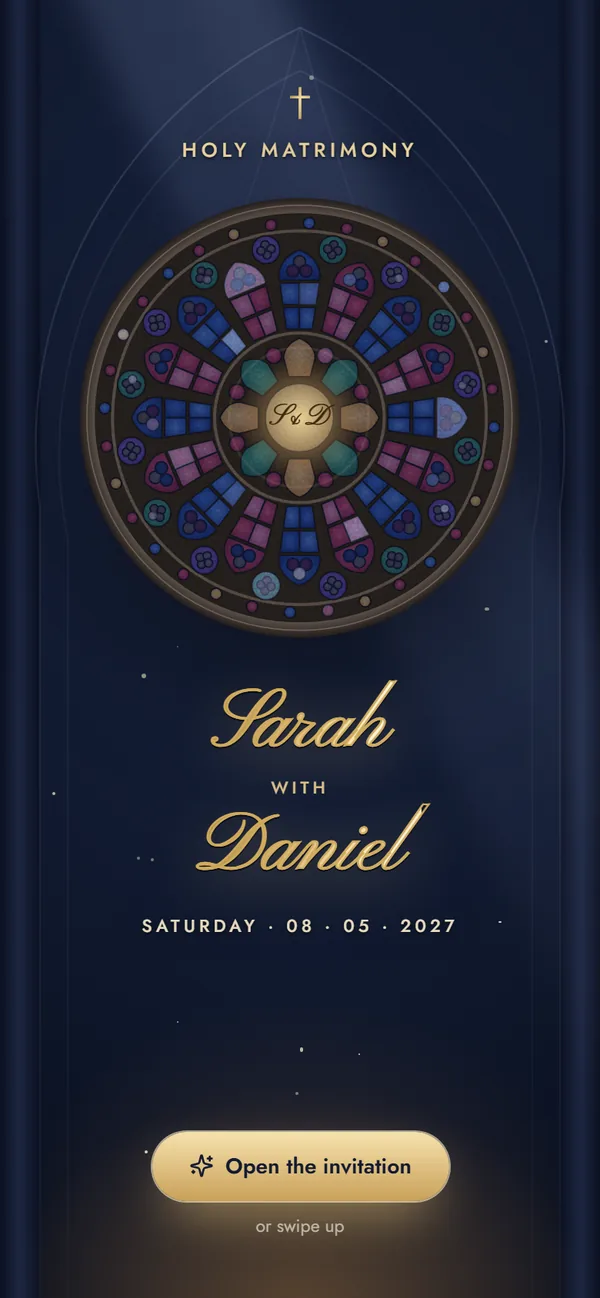
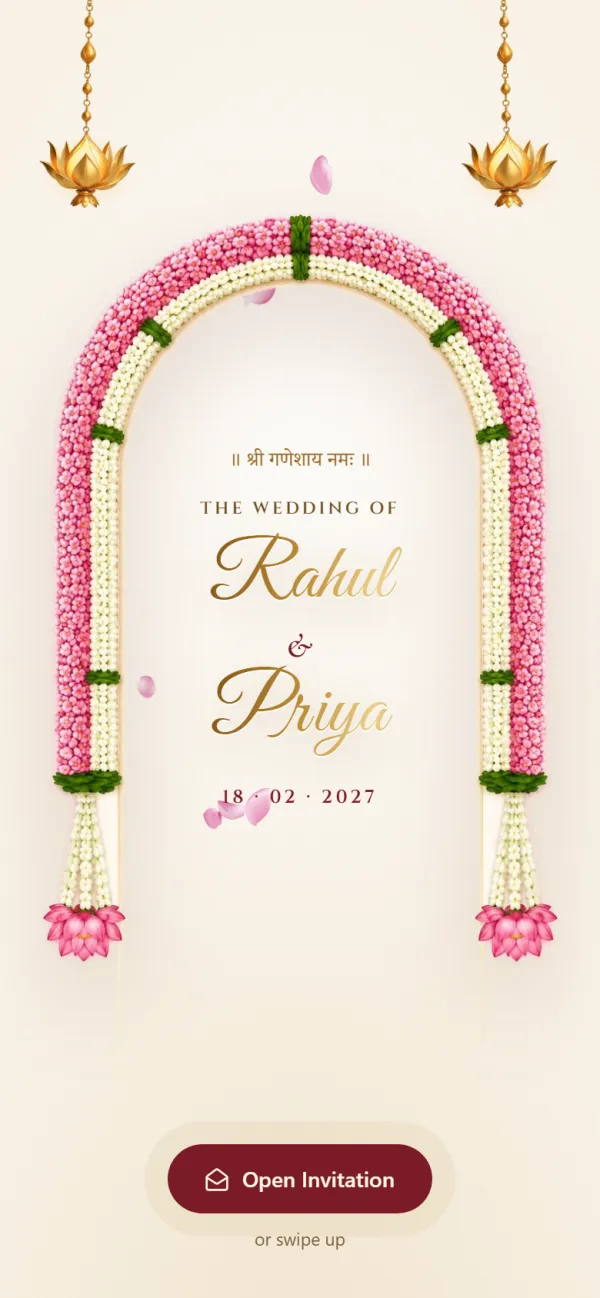
This is what your guests open

A real web page, sized for phones. Scroll inside the phone to see every function.

Opens anywhere

Android or iPhone, straight from WhatsApp, in the phone's own browser.

Every function in order

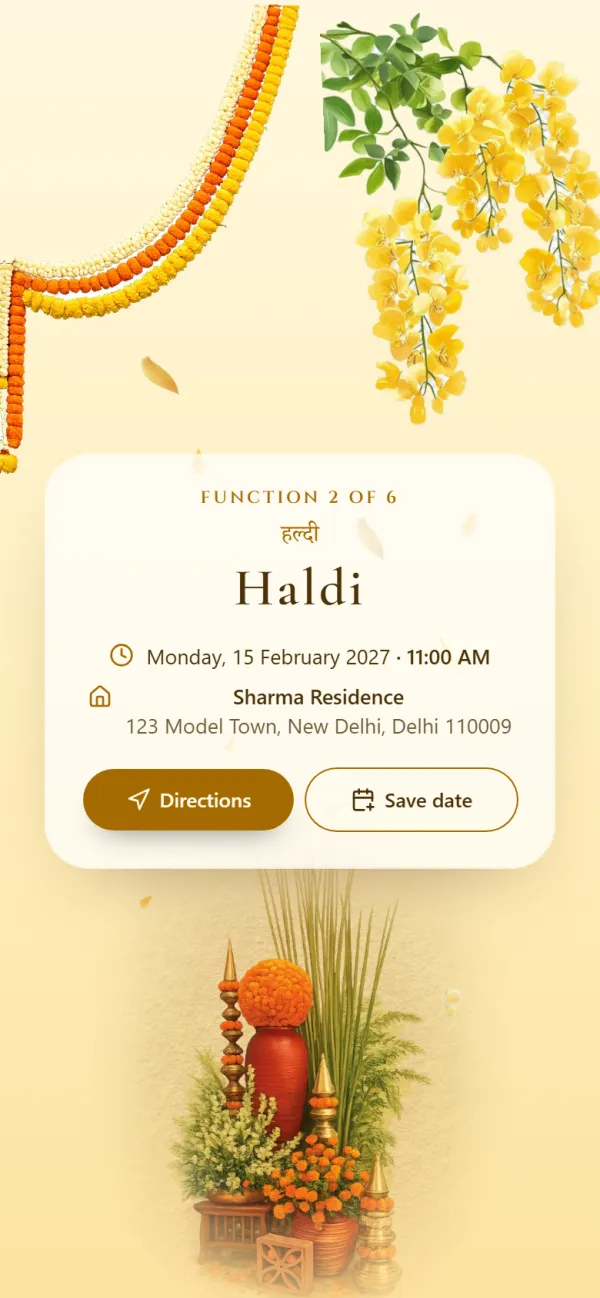
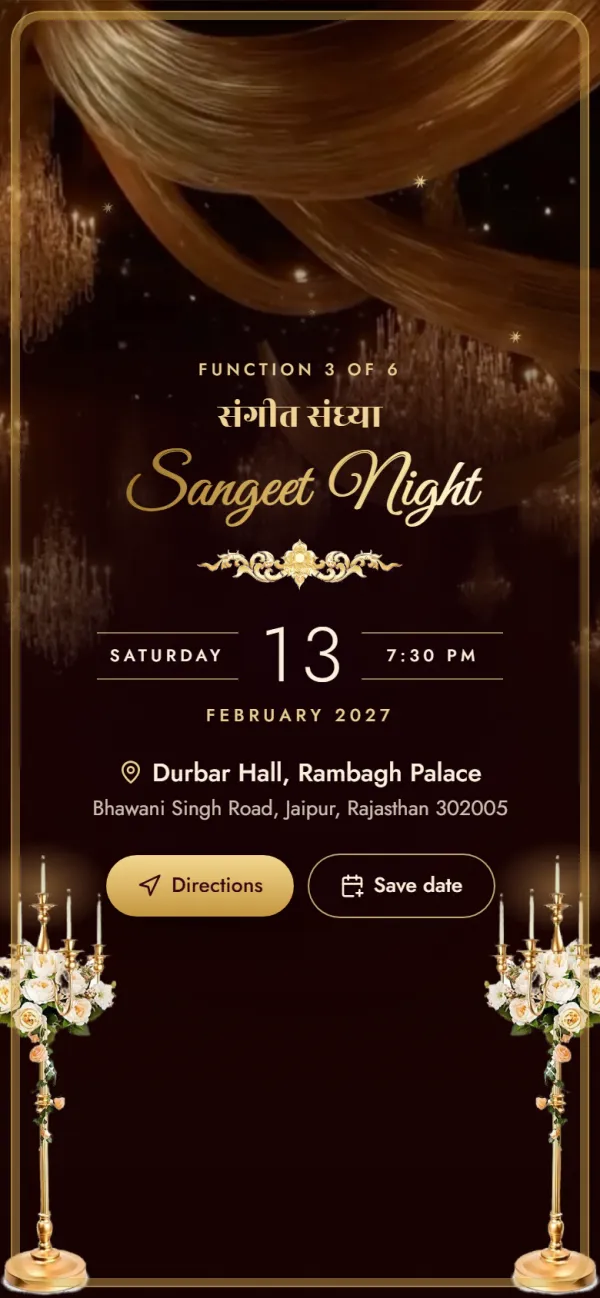
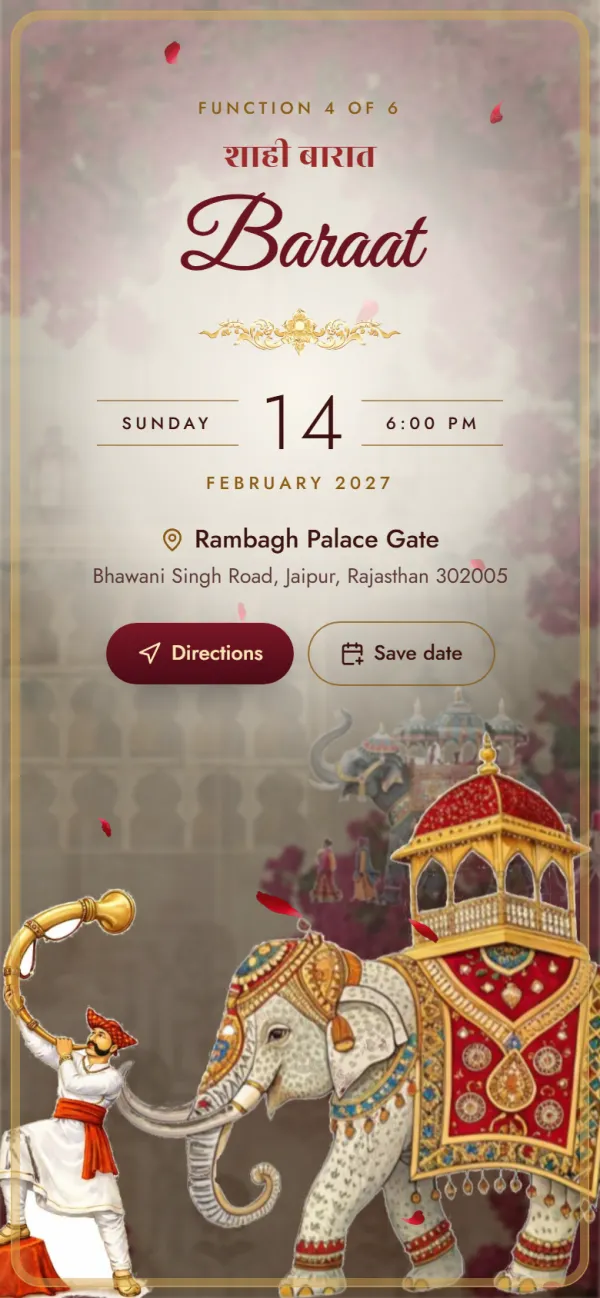
Haldi to Reception, each with its own date, time and venue.

Directions on every card

Guests tap “Get directions” and Google Maps takes over.

Call the right family

One tap rings the bride's or groom's side, no saving numbers.

What's included

Everything an online wedding invitation should do

No add-ons to unlock. Every invitation has all of this. Try it free; your link is a one-time ₹99.

Every function, in perfect order

Your template lists its tradition's functions. Fill in the ones you're hosting and switch off the rest.

Directions in one tap

Paste a Google Maps link or just type the address.

Type a date once

The first function's date and time fill the empty ones below.

Change design anytime while editing

Switch templates before you share. Your details stay.

Ready for WhatsApp

Copy the link or send it with a ready message.

FAQ

Creating a wedding invitation online, answered

Straight answers on what is free, what each link costs and what it does once it is on WhatsApp.

Still have a question?

Write to us: we're happy to help.

  • Choose one of the designs above, enter both names and families, fill in each function's date, time and venue and add phone numbers for each side. There's no sign-up and nothing to install. Designing and previewing are free; when it looks right, get your link for a one-time ₹99 (Shaadi season launch offer till 16 Dec, usually ₹499) and share it on WhatsApp.

  • Designing and previewing your invitation is free, with no sign-up. When you're happy with it, getting your shareable link is a one-time ₹99 (Shaadi season launch offer till 16 Dec, usually ₹499). That gives you your own link with a photo preview on WhatsApp, unlimited guests and edits until the wedding. Until 16 Dec, the invitation video is included free. There's no subscription. See what each link includes

  • Yes. A single-event invitation is ₹299 instead of ₹499 (and until 16 Dec, during the Shaadi season launch offer, every design is ₹99). It covers one celebration, such as an engagement or roka, a save the date, a reception or a haldi, with up to 3 functions over 2 days. It works like the wedding link: your own address, the photo preview on WhatsApp, unlimited guests and edits until the day. To get it, pick a single-event design (Ring Ceremony Blush, for the engagement and Marigold Save the Date, for the save the date). Designing and previewing are free. For the whole wedding, a wedding invitation (₹99 (Shaadi season launch offer till 16 Dec, usually ₹499)) holds every function on one link.

  • A preview with your names as the title, the date and a picture, so family groups know what it is before they tap. Share on WhatsApp adds your link to a ready message you can edit before sending. Sending a wedding invitation to WhatsApp groups
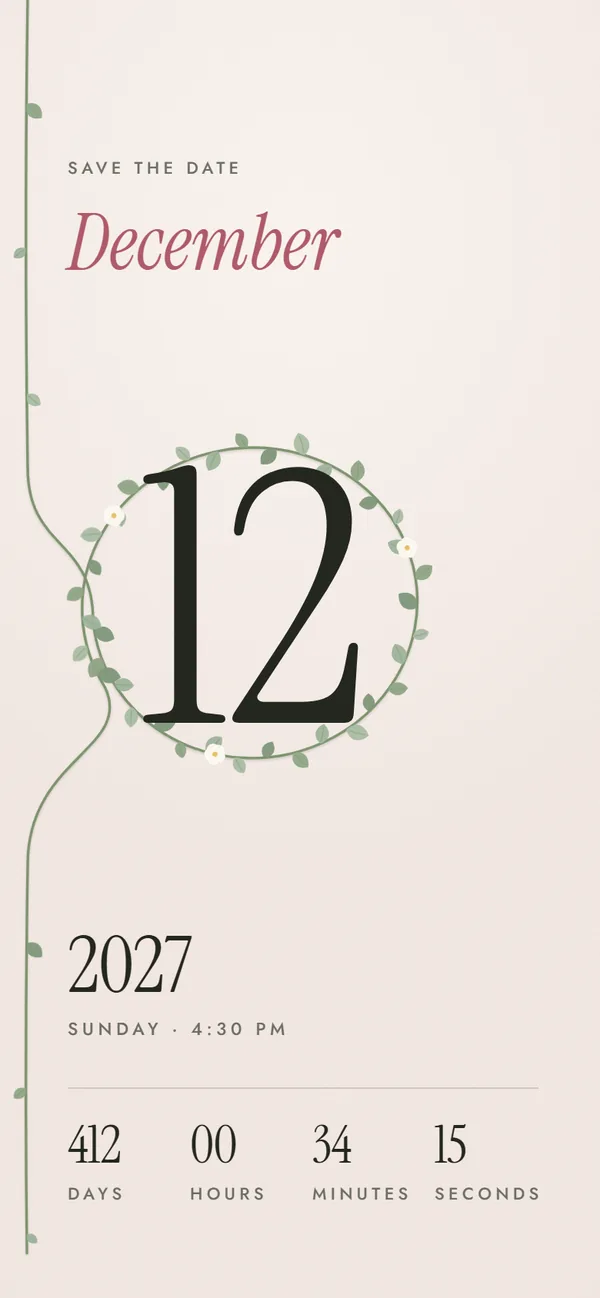
  • Yes. Each function has its own venue and Google Maps link, so the haldi at home and the pheras at a farmhouse each get their own Directions button. Without a link, guests can still search the address you type. Wedding invitation with location
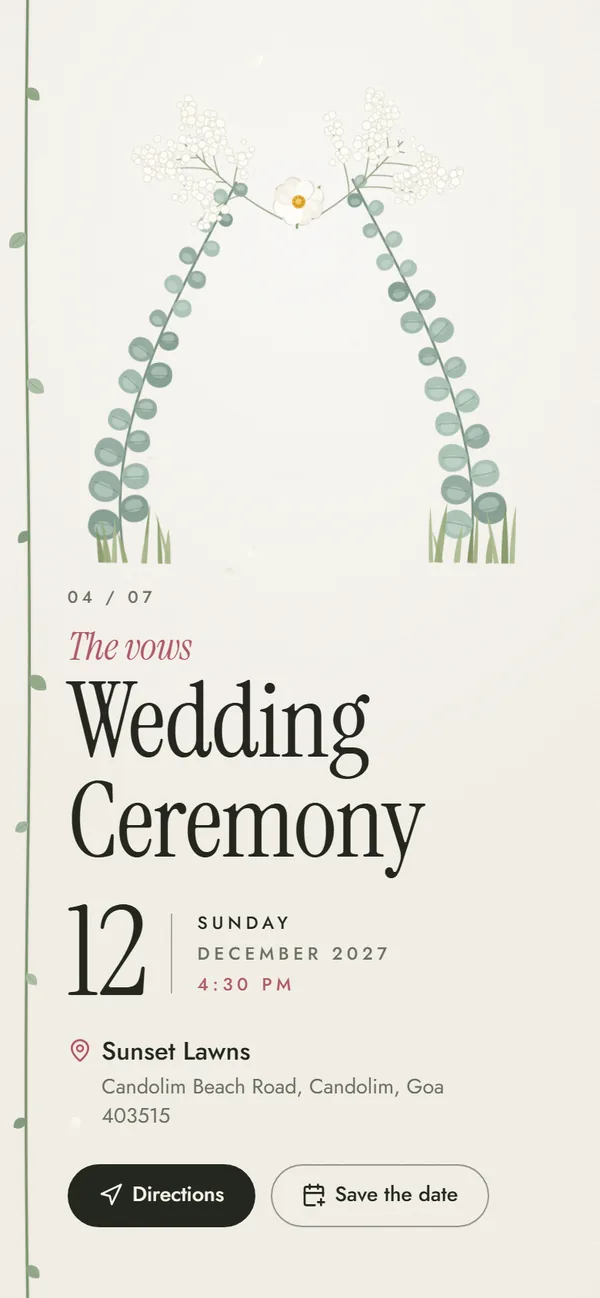
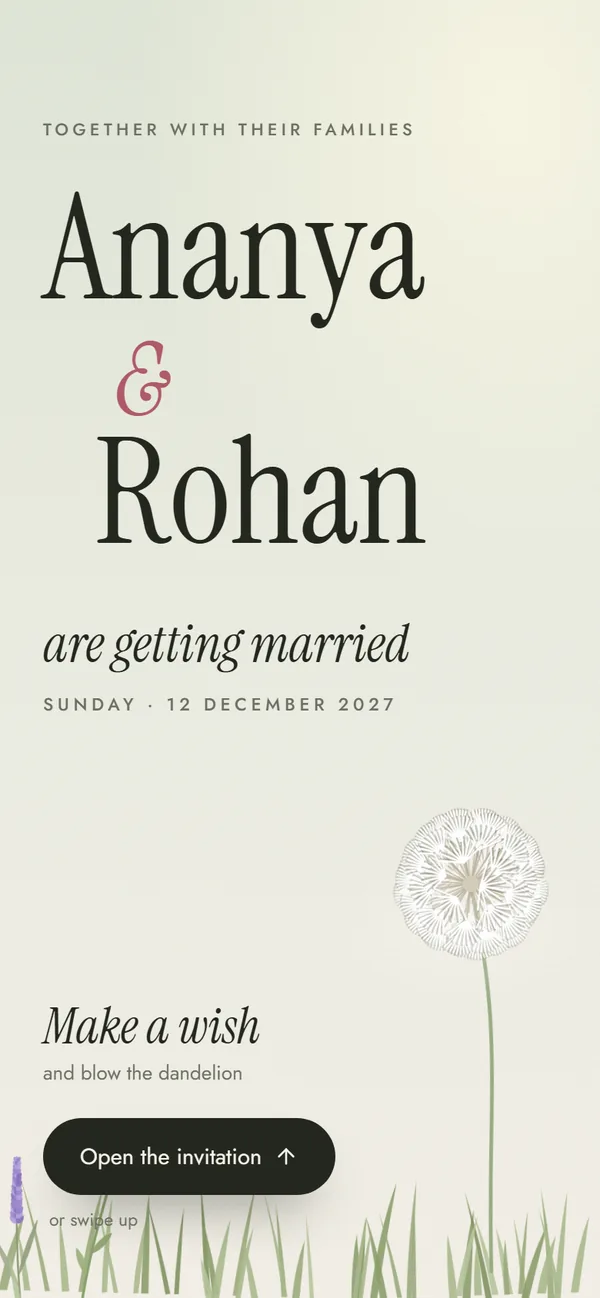
  • Yes. Once you've got your link, you can keep editing until the wedding through your private edit link: change a time, a venue or a phone number and the same link shows the update, so there's nothing to re-send. Before you pay, you can change anything in the editor and check it in the preview.

  • Until 10 days after the wedding date (the date of the last function on your invitation). After that the link stops working, and the invitation, with its family phone numbers, is deleted from our servers.

  • Through Razorpay, by UPI (any UPI app), debit or credit card, or net banking. Your payment details go straight to Razorpay: we never see your card number or UPI PIN. Your link appears on screen as soon as the payment succeeds, with your private edit link.

  • Yes. Every design plays its own music only after a guest opens it, and you can swap it for your song's YouTube link. Wedding invitation with music

  • Yes. Write the welcome message, closing message and story in Hindi, English or a mix. The invite shows them exactly as you type them.

Free to design · No sign-up

Create your wedding invitation online today

Pick a design, add your functions and preview it free. When it's right, get your link for ₹99. Nothing to install.

Free to try

₹99 only when you share

Create your invite