1 function, already listed
Wedding is set up for you. Give each one a date, time and venue, or switch off what you aren't hosting.
Save the date template
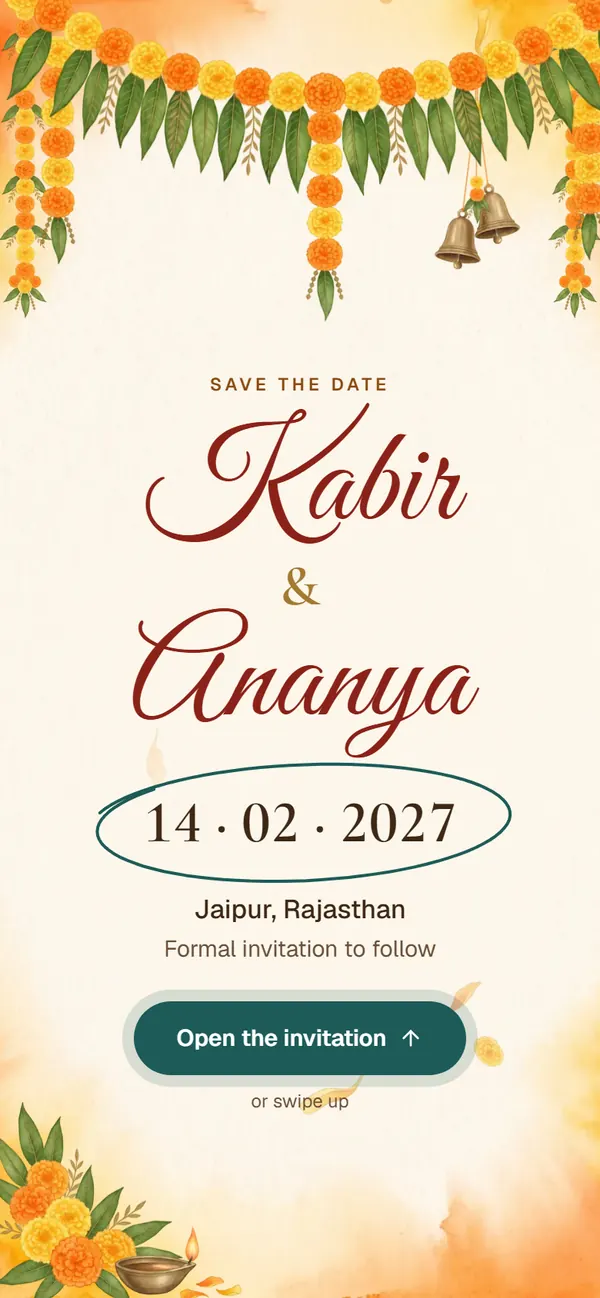
A marigold toran drops in with brass bells, and your wedding date is circled in ink, with a countdown.
Live preview with sample details
Scroll inside the phone to see every section
A save the date in marigolds and saffron-washed paper. A toran of marigolds and mango leaves drops in with two brass bells, your names are written in, and the wedding date in numbers is circled in ink. One tap opens it to its own music: the day on a calendar page with a live countdown and Add to calendar, then a note that the formal invitation will follow.
Screens from the live invitation with sample names, in the order guests scroll through them. Yours shows your own names, dates and venues.
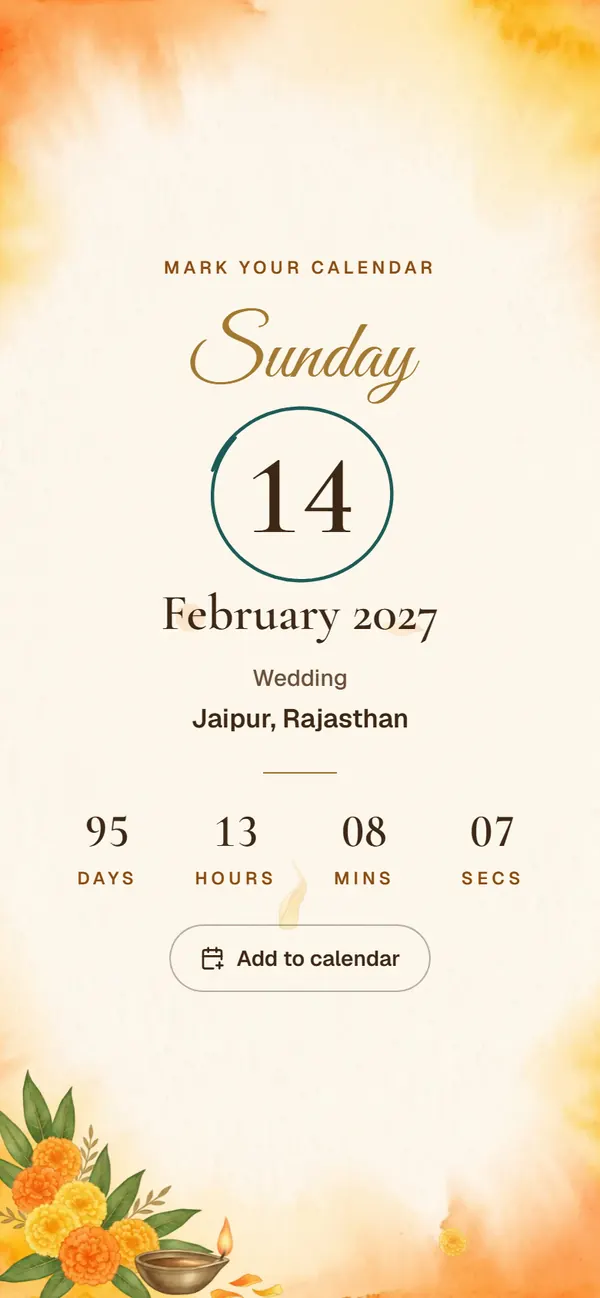
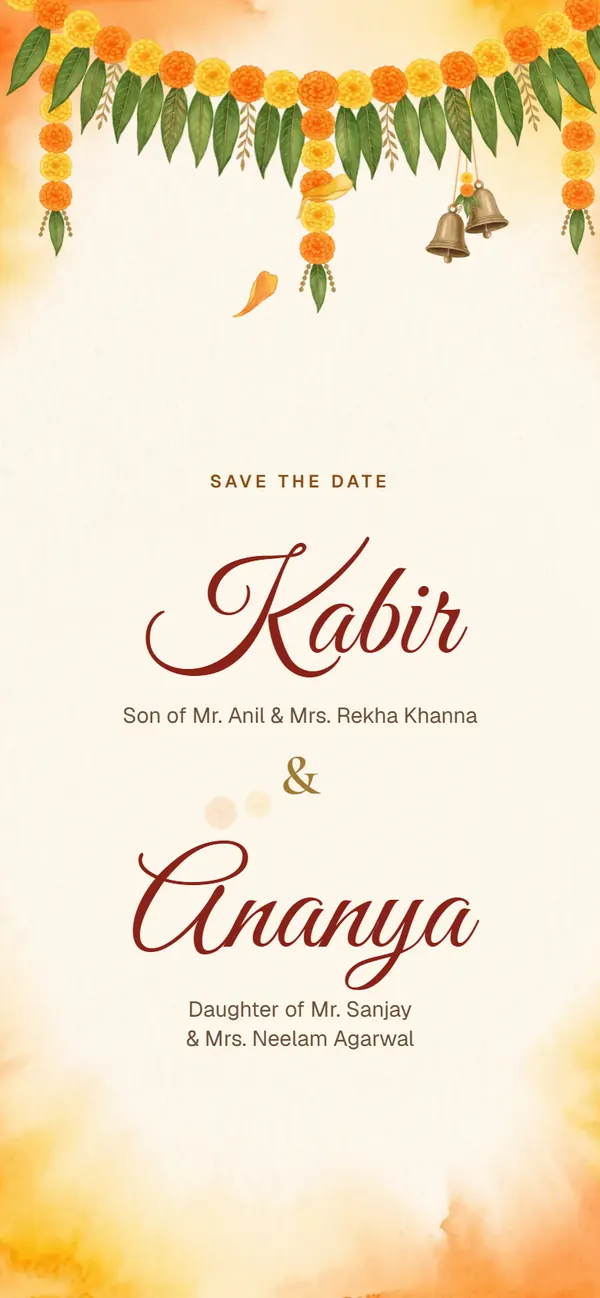
Everything your guests need sits on one page, and everything you fill in is already laid out for you.
Wedding is set up for you. Give each one a date, time and venue, or switch off what you aren't hosting.
Your names are written in under the toran, the date is circled in ink, and the city sits below with a note that the formal invitation will follow.
Paste a Google Maps link or just the address. Functions held at home can be marked “at home”.
Add one or more phone numbers for the bride's and groom's sides. Guests tap to call.
Preview it exactly as guests will see it, then copy the link or send it straight to WhatsApp.
A save the date only has to fix the day in people's diaries. Keep the venue and the timings for the formal invitation; here's what to fill in now.
Give the wedding day, and type the city in the venue field if the hall isn't booked yet; leave the time blank. If the functions run over two days, name the main day and say so in the message.
Copy a line into your welcome message and change the names in brackets.
With joy in our hearts, our families ask you to keep [date] free for the wedding of [Groom's name] and [Bride's name] in [city]. The formal invitation will follow.
Tareekh pakki ho gayi hai! Diary mein likh lijiye, card baad mein aayega.
The date is fixed! Write it in your diary; the card will come later.
Book your tickets early: we'd love to see you there.
Every design has the same features. They differ in look, opening blessing and the functions they start with.
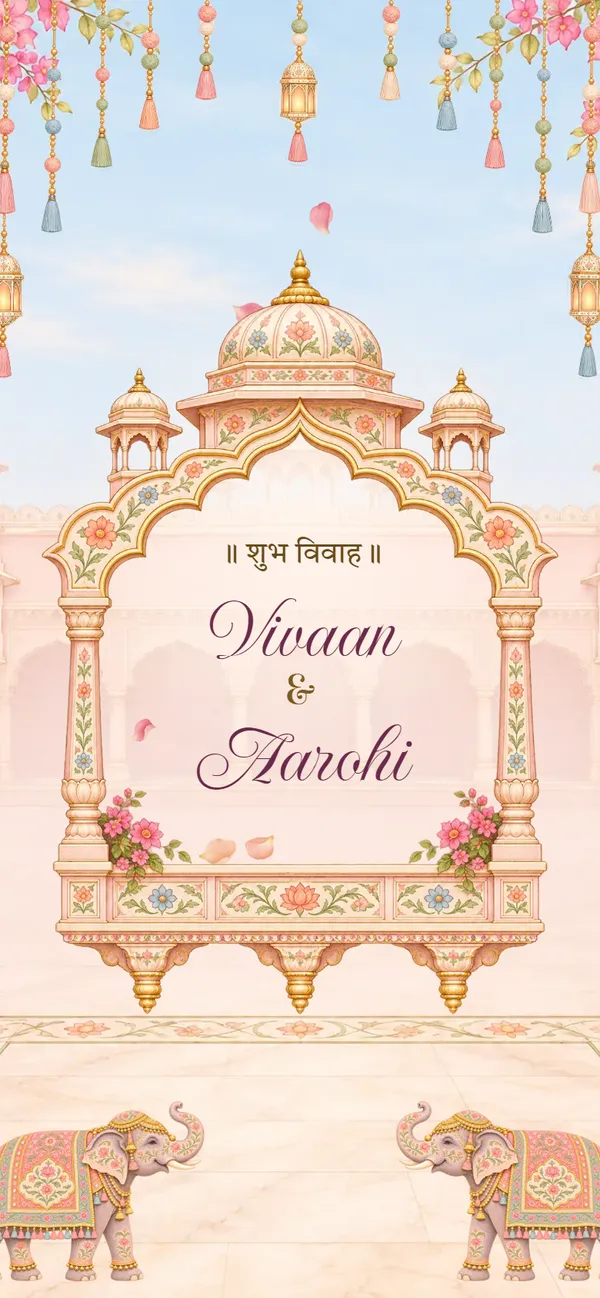
Rang Mahal
Hindu
Free to try · Regular price ₹499 Now ₹99Haldi · Mehendi · Sangeet · Wedding · Reception
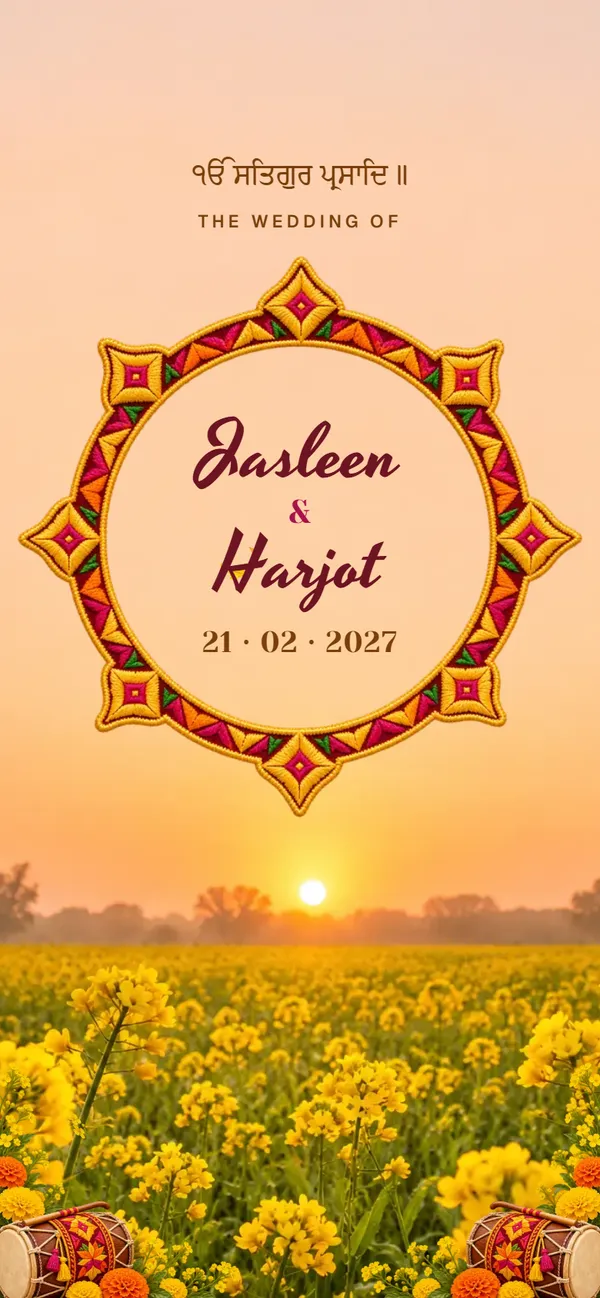
Phulkari
Sikh
Free to try · Regular price ₹499 Now ₹99Roka & Shagun · Mehndi & Sangeet · Jaggo · Chooda & Kalire · Anand Karaj · Reception
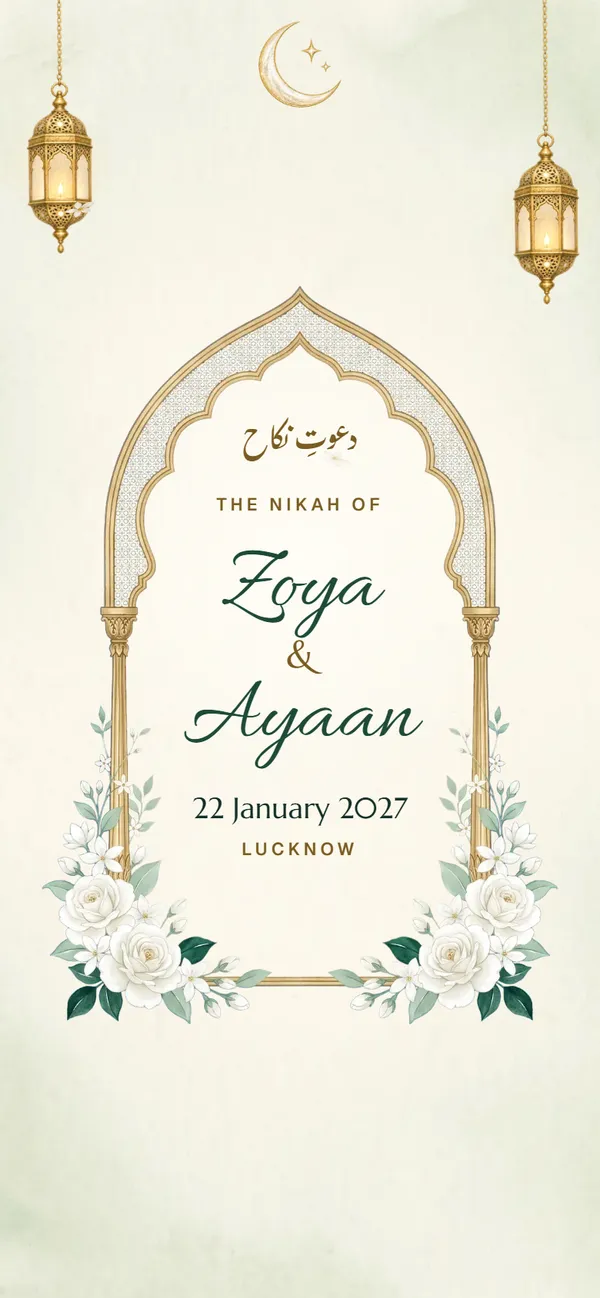
Noor Nikah
Muslim
Free to try · Regular price ₹499 Now ₹99Haldi · Mehndi · Nikah · Walima

Kankotri
Hindu
Free to try · Regular price ₹499 Now ₹99Ganesh Sthapana · Mameru · Mehndi · Garba · Hast Melap · Reception
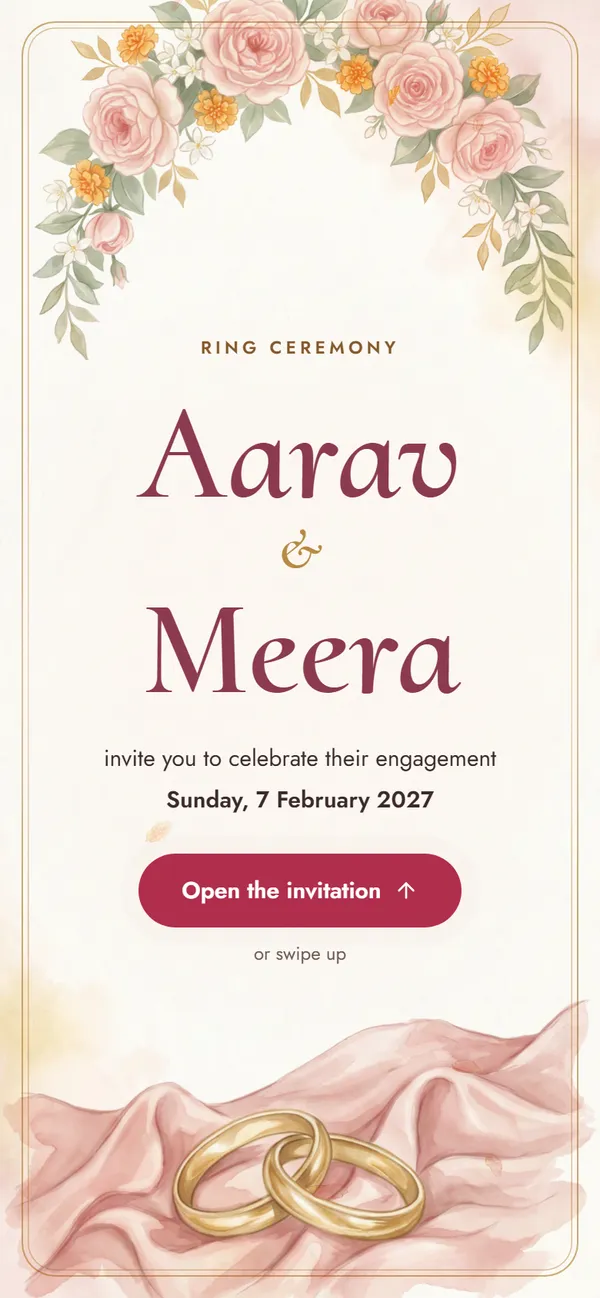
Ring Ceremony Blush
Engagement
Free to try · Regular price ₹299 Now ₹99Roka · Ring · Dinner
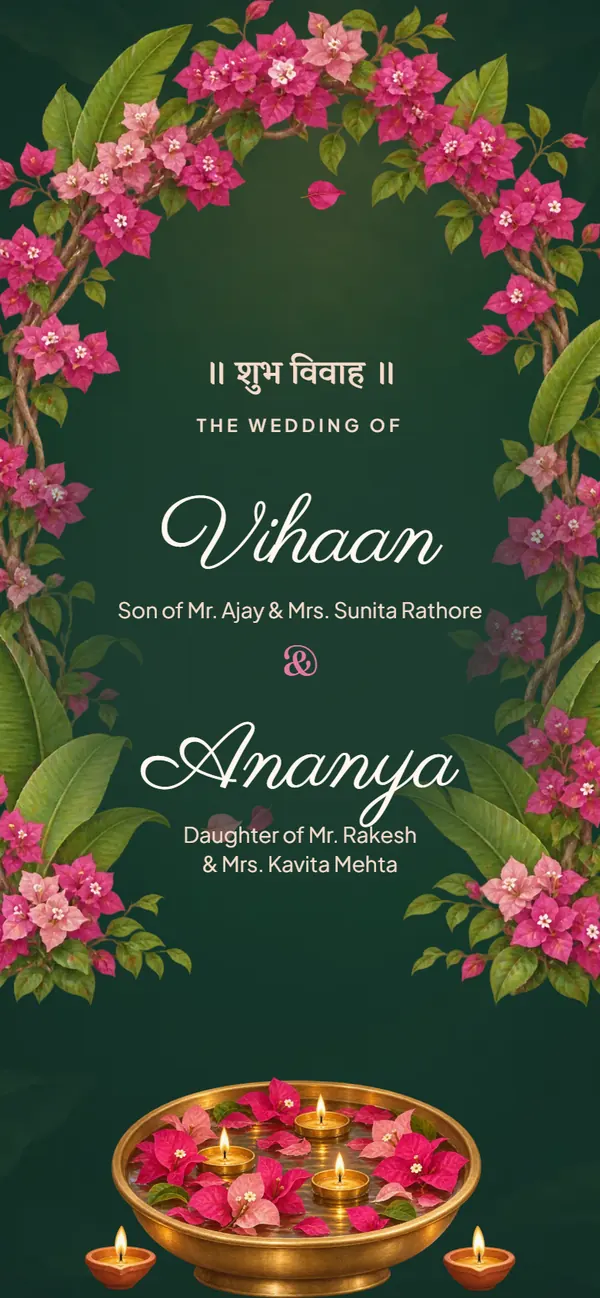
Gulabi Bagh
Hindu
Free to try · Regular price ₹499 Now ₹99Haldi · Mehendi · Sangeet · Wedding · Reception
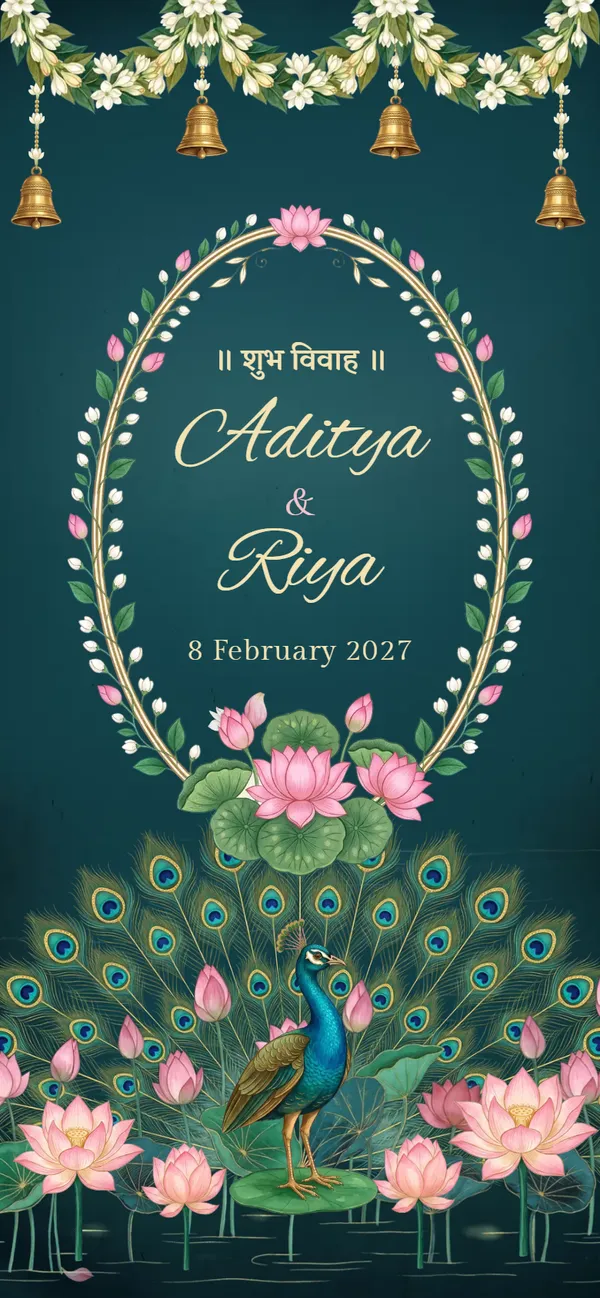
Mor Sarovar
Hindu
Free to try · Regular price ₹499 Now ₹99Haldi · Mehendi · Sangeet · Wedding · Reception

Shahi Mehfil
Hindu
Free to try · Regular price ₹499 Now ₹99Haldi · Mehendi · Sangeet · Wedding · Reception
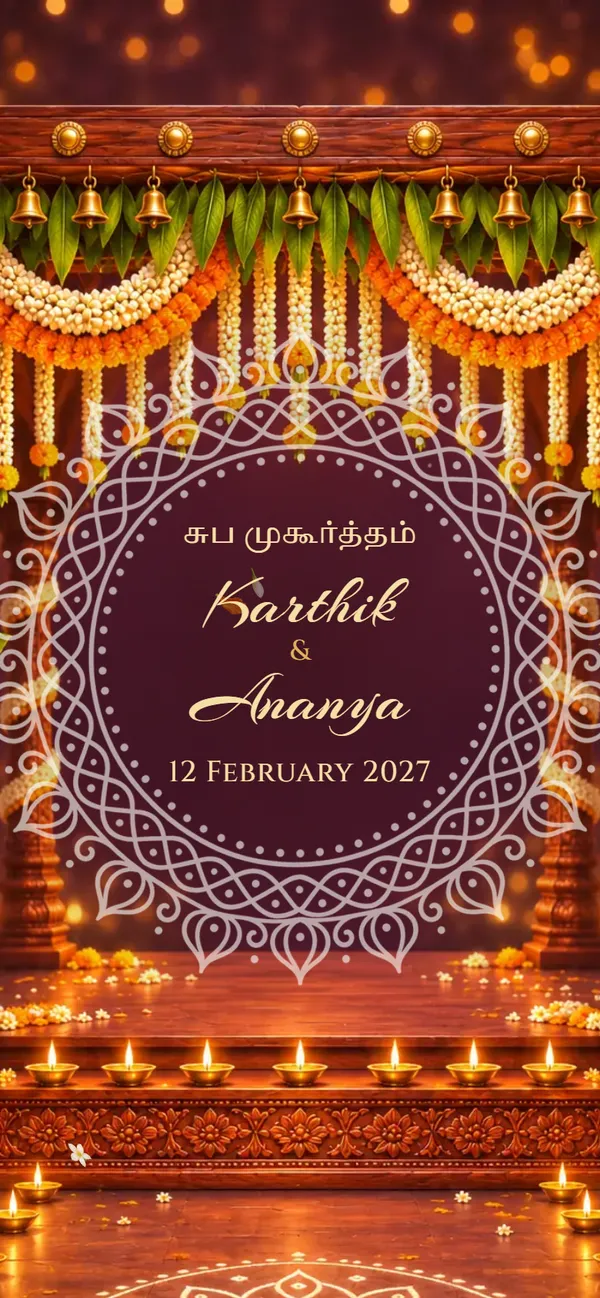
Mallige
Hindu
Free to try · Regular price ₹499 Now ₹99Nichayathartham · Mehendi · Sangeet · Muhurtham · Reception
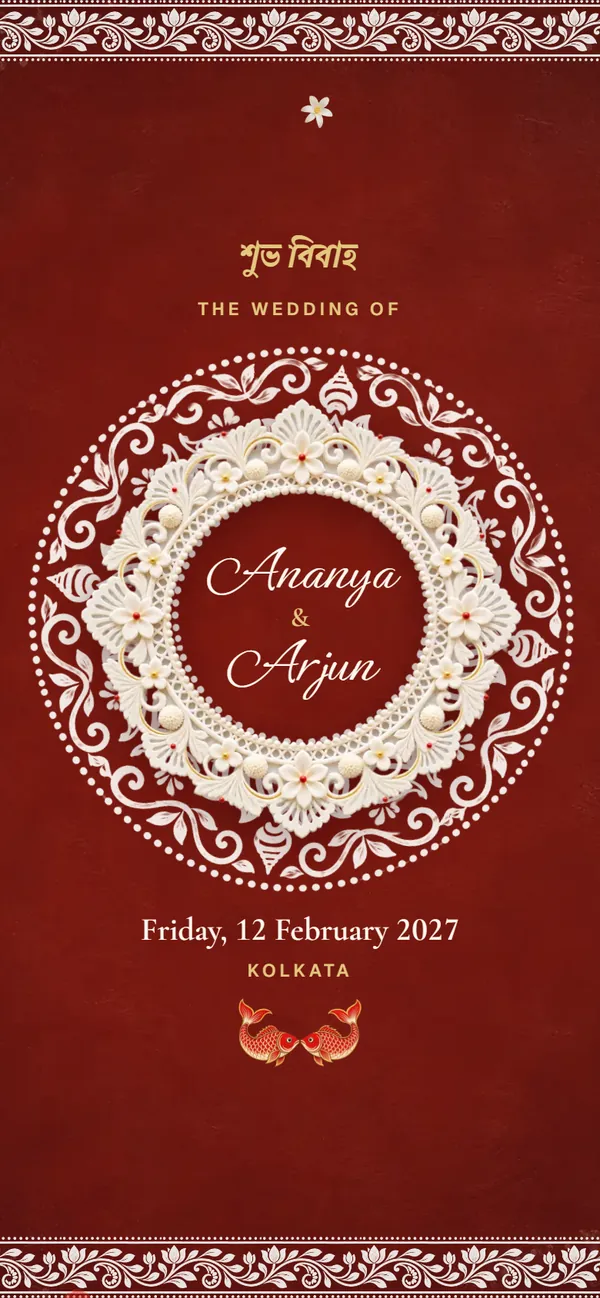
Alpona
Hindu
Free to try · Regular price ₹499 Now ₹99Aashirbad · Gaye Holud · Biye · Bou Bhaat
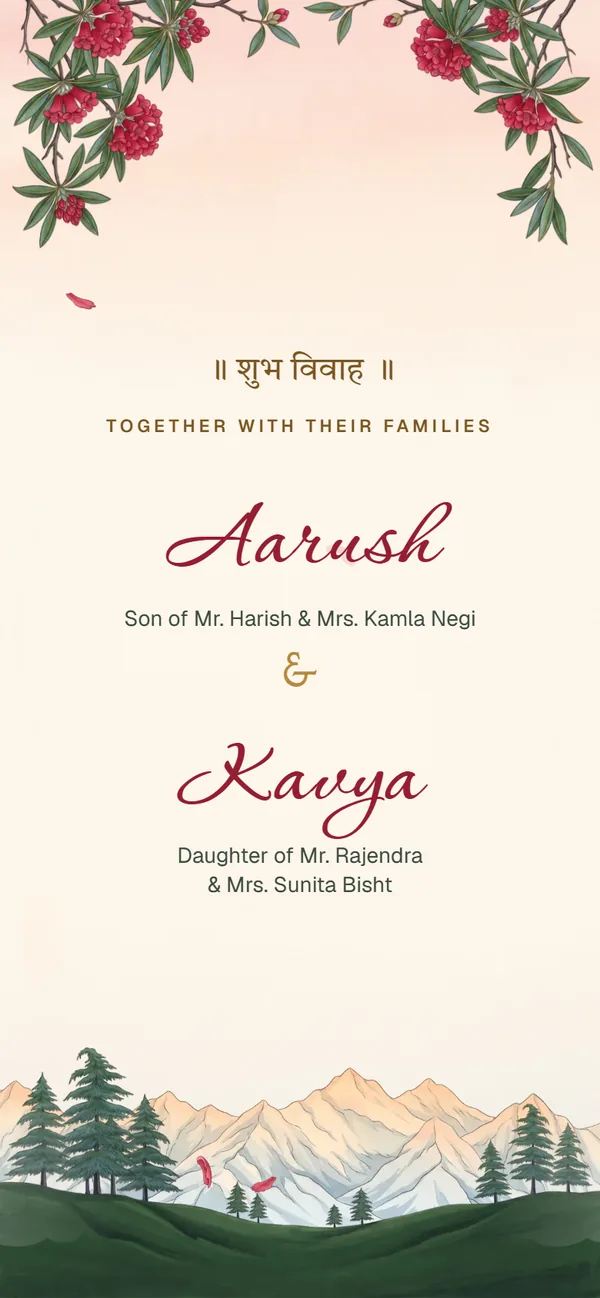
Buransh
Hindu
Free to try · Regular price ₹499 Now ₹99Haldi Haath · Mehendi · Baraat & Phere · Reception
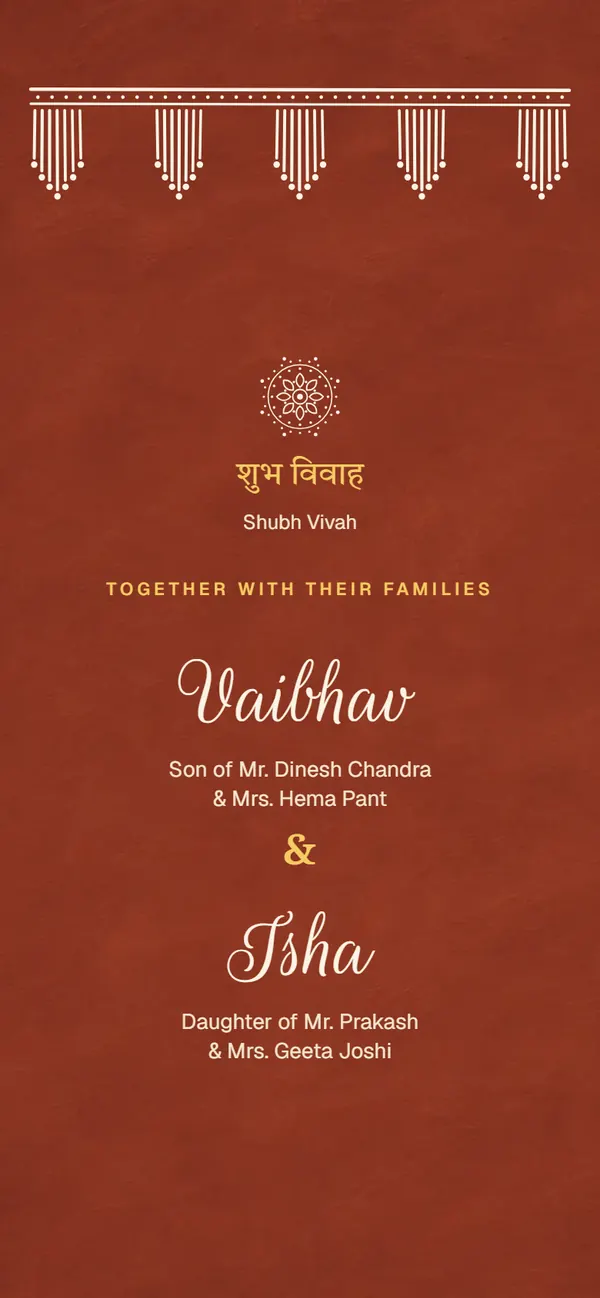
Aipan
Hindu
Free to try · Regular price ₹499 Now ₹99Suwal Pathai · Haldi · Dhooliarghya & Phere · Reception
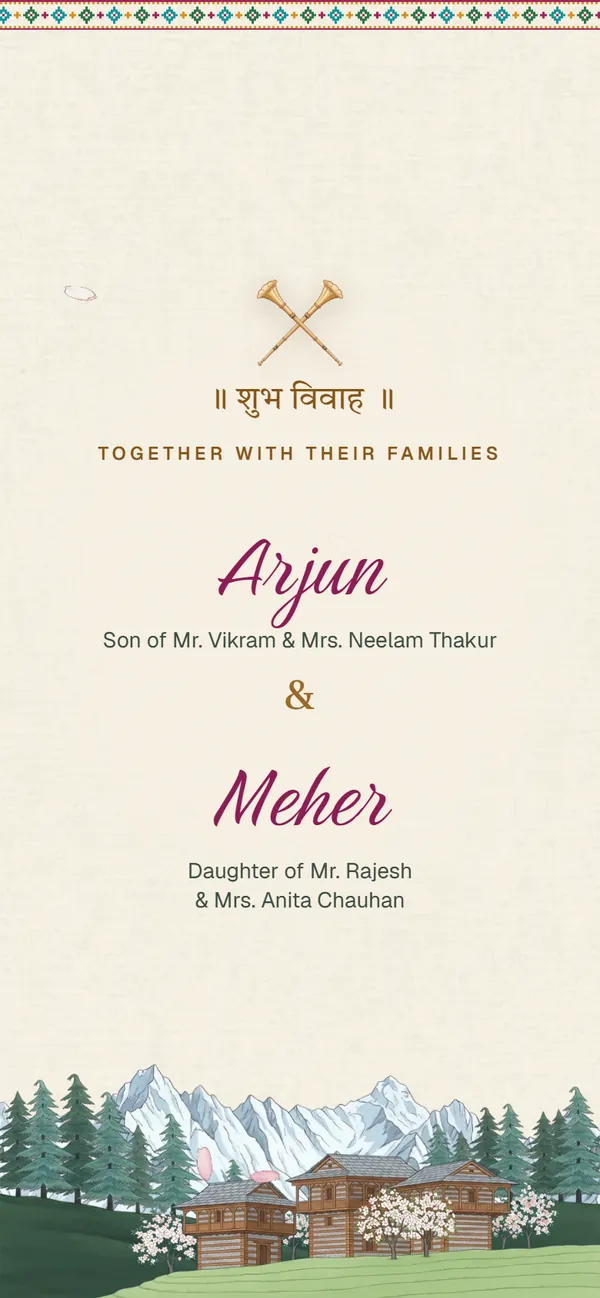
Kullu Pattu
Hindu
Free to try · Regular price ₹499 Now ₹99Haldi · Mehendi · Baraat & Phere · Dham
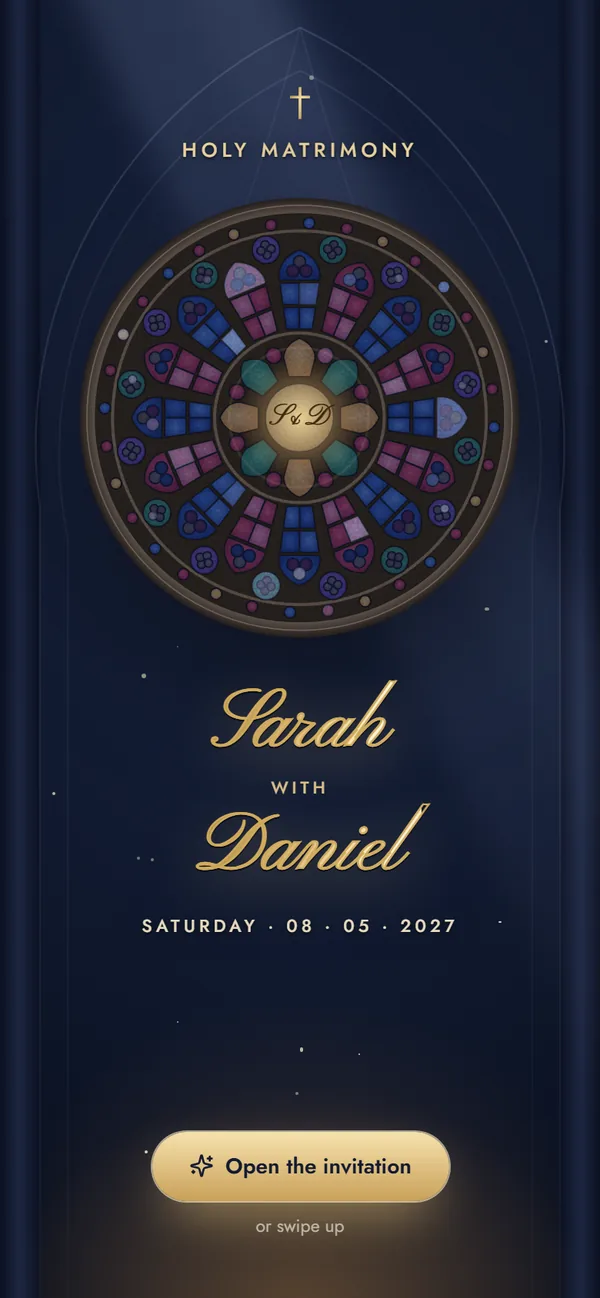
Christian Classic
Christian
Free to try · Regular price ₹499 Now ₹99Engagement · Bridal Shower · Roce · Holy Matrimony · Reception
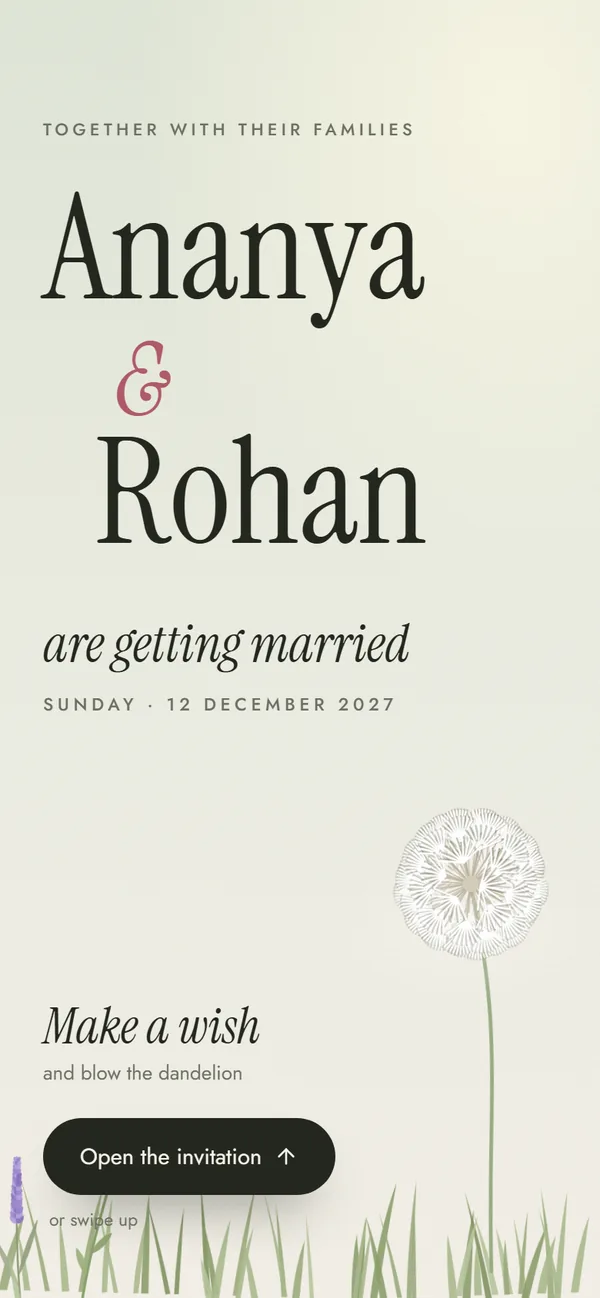
Modern Minimal
Any tradition
Free to try · Regular price ₹499 Now ₹99Welcome Drinks · Mehendi · Wedding · Reception · After-Party
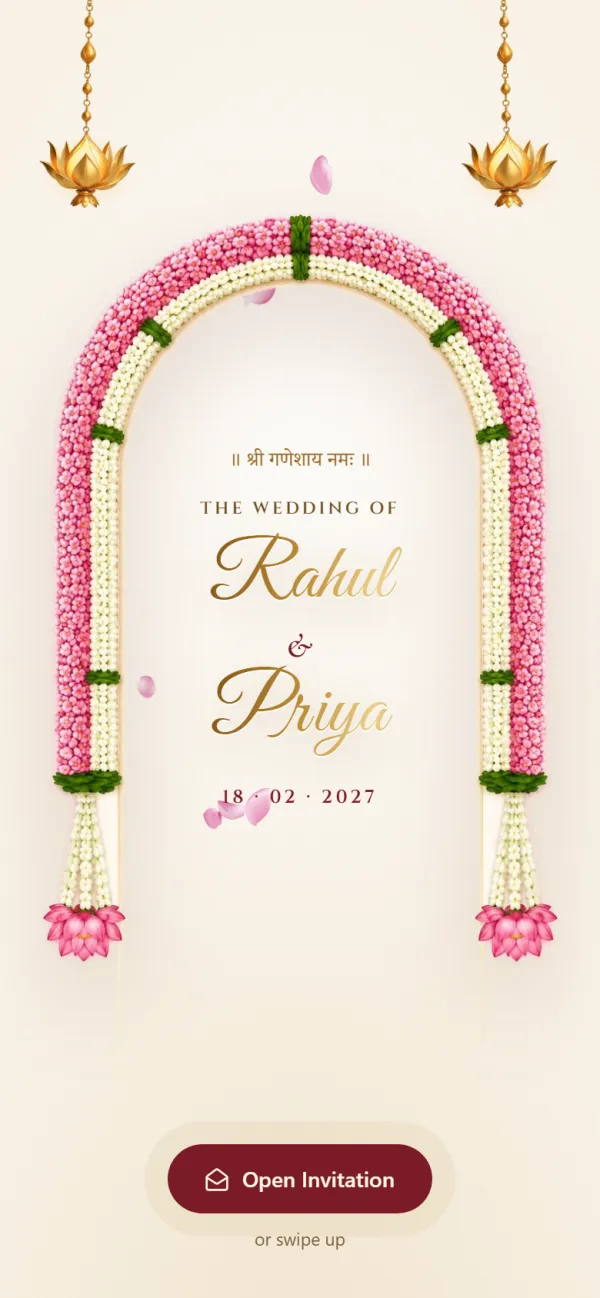
Hindu Traditional
Hindu
Free to try · Regular price ₹499 Now ₹99Haldi · Mehendi · Sangeet · Wedding · Reception
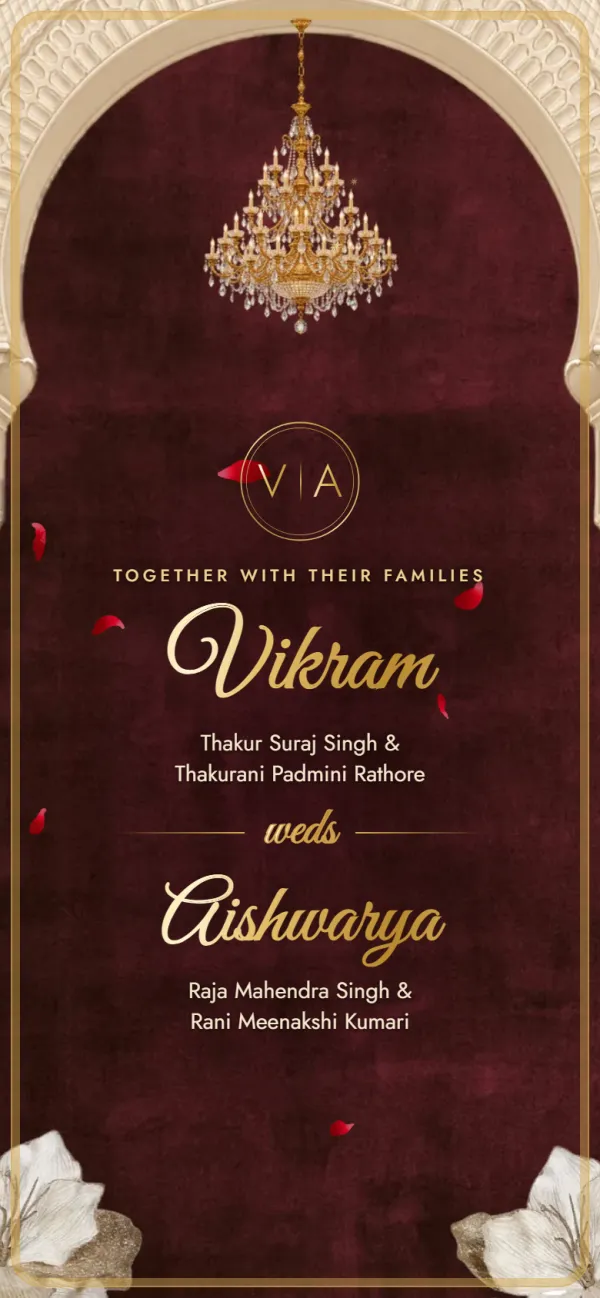
Hindu Royal
Hindu
Free to try · Regular price ₹499 Now ₹99Tilak · Haldi · Mehendi · Sangeet · Baraat · Royal Wedding · Grand Reception
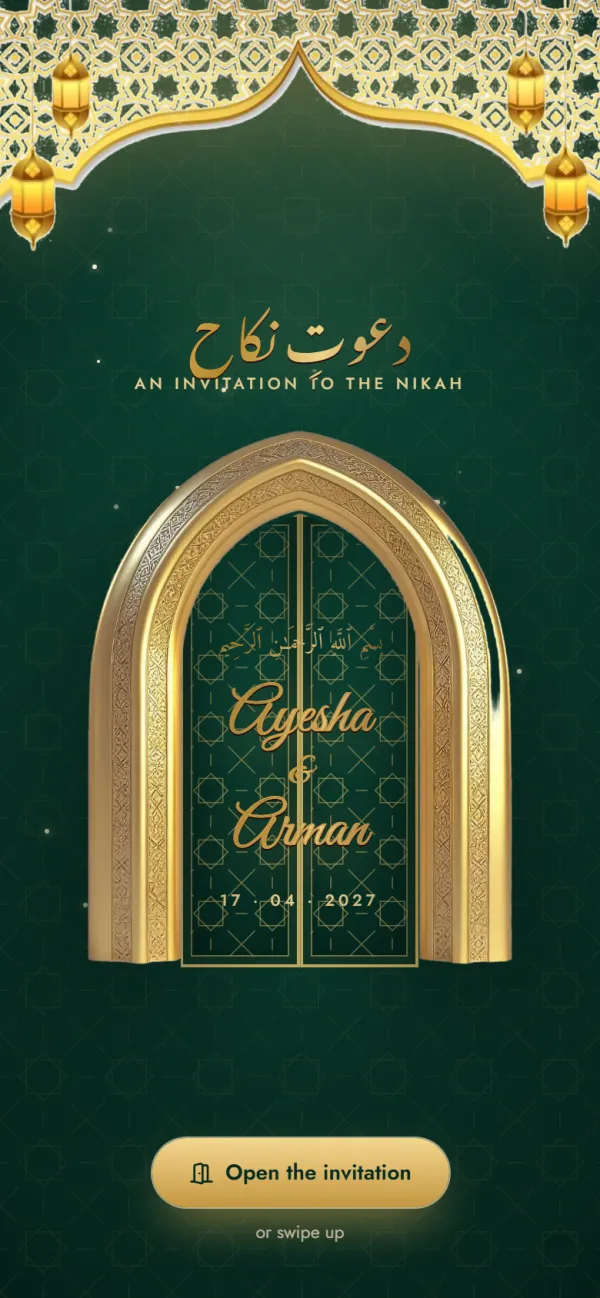
Muslim Elegant
Muslim
Free to try · Regular price ₹499 Now ₹99Mehndi · Nikah · Walima Reception
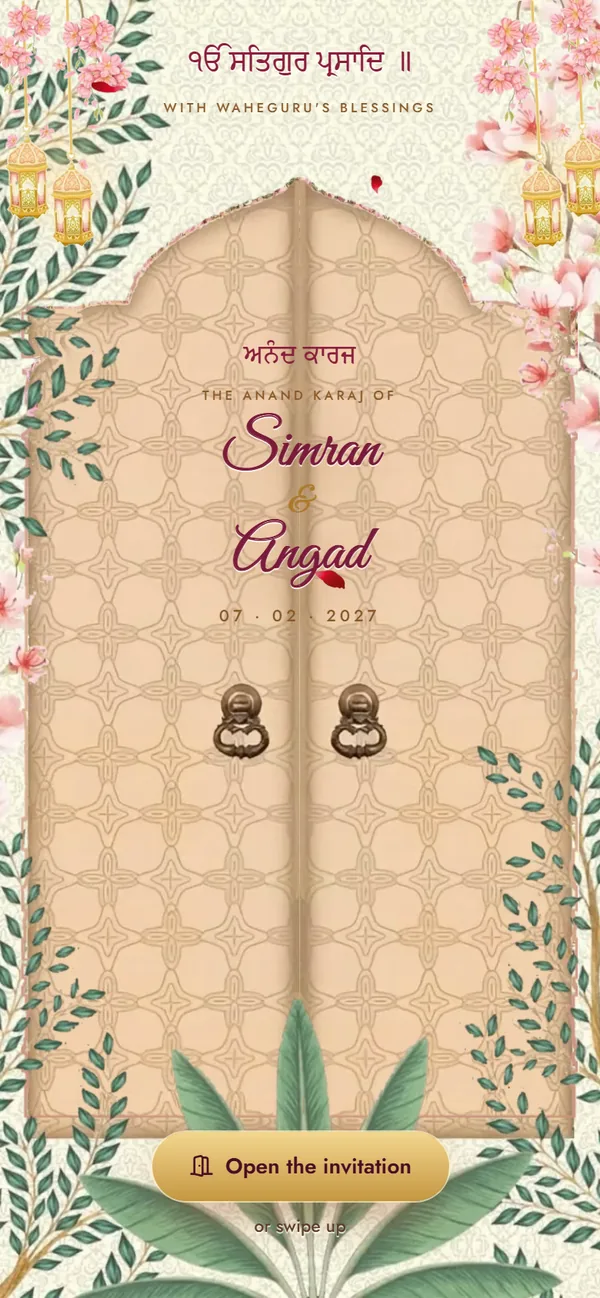
Sikh Vibrant
Sikh
Free to try · Regular price ₹499 Now ₹99Sehaj Path Bhog · Mehndi & Sangeet · Maiyan · Jaggo · Chooda & Kalire · Anand Karaj · Reception
What you can change, what's included and how guests open it.
It opens with a marigold toran with brass bells dropping in, your names written in below it and the wedding date circled in ink, with the city underneath. 1 function is already listed: Wedding, each with a date, time, venue, address, an optional Google Maps link and an “at home” switch. Below them come the bride's and groom's families with one-tap call buttons, an optional “our story” section and your closing message.
Yes. A save the date needs only your names, the wedding day and the city: type the city where the venue goes, and leave the time blank. Guest links are titled “Save the Date”, the date leads the card, and guests can add it to their phone's calendar in one tap.
Tap “Use this design”. Enter both names and family names, then fill in each function's date, time and venue: the date and time you type in the first function fill in the others. Add phone numbers for each side and preview the invitation free. When it looks right, get your link (a one-time ₹99) and share it on WhatsApp. No sign-up is needed.
No. The design's colours and fonts are fixed. You can change all of the wording (names, families, functions, venues, phone numbers and messages), and you can switch to another template while you're editing if you'd like a different look.
You can switch off any of the 1 listed functions and it won't appear on the invitation. Adding new functions isn't available yet. As a single-event invitation it covers up to 3 functions over 2 days; for the whole wedding, pick a wedding design.
Yes. It's a web link that opens in the phone's browser, so guests don't install anything. Directions buttons open Google Maps, and call buttons open the phone's dialler.
Add your names, functions, venues and family numbers and preview it free. Get your link for ₹99 when you love it.
Marigold Save the Date
Free to try · ₹99 to share till 16 Dec