Help centre
Frequently asked questions about digital wedding invitations
How the invitation maker works, what guests see on their phones, sharing on WhatsApp and what happens to your details — answered in plain words.
Getting started
Shaadi Invitation is a digital wedding invitation maker for Indian weddings. You pick a template, fill in your names, families, functions, venues and phone numbers, and preview the result for free. When you're happy, you get your own link and share it. Guests open the link on their phone and see every function with its date, time and venue, a directions button and one-tap calling — no PDF to download and no app to install.
No. There is no sign-up or login — open the editor and fill in your details. Your draft is saved on this device as you type, so you can close the tab and carry on later in the same browser. When you get your link, checkout asks only for a mobile number (an email address is optional).
A few minutes if you have your dates, venues and family numbers ready. Each template already lists the usual functions for its tradition, and the date and time you type for the first function are filled into the empty ones below it, so you only change what is different.
No. The designs are ready-made: you type into simple form fields and the template lays everything out for you. You can also switch to a different template while editing without retyping your names and messages.
Email [email protected] and tell us what happened. It helps to include the template you used, your phone model and browser, and a screenshot if you can.
Pricing & payment
Designing and previewing your invitation is free, with no sign-up. When you're happy with it, getting your shareable link is a one-time ₹499 (launch offer, usually ₹999). That gives you your own link with a photo preview on WhatsApp, unlimited guests and edits until the wedding. There's no subscription.
Your invitation on your own link (like shaadiinvitation.com/rahul-weds-priya), with a photo preview when it's shared on WhatsApp. Send it to as many guests as you like, edit it until the wedding through your private edit link, and it stays live until 30 days after the wedding.
Through Razorpay, by UPI (any UPI app), debit or credit card, or net banking. Your payment details go straight to Razorpay — we never see your card number or UPI PIN.
Straight away. As soon as your payment succeeds, your link appears on screen, ready to copy or share on WhatsApp, together with your private edit link. Save the edit link somewhere safe — it's how you make changes later.
Until 30 days after the wedding date (the date of the last function on your invitation). After that the link stops working, and the invitation — with its family phone numbers — is deleted from our servers.
Yes, if you ask within 24 hours of paying and before the wedding date, if your link doesn't work because of a fault on our side that we can't fix in time, or if you were charged twice. Refunds go back to your original payment method through Razorpay, usually within 5–7 working days. The Cancellation & Refund Policy has the details.
Templates & design
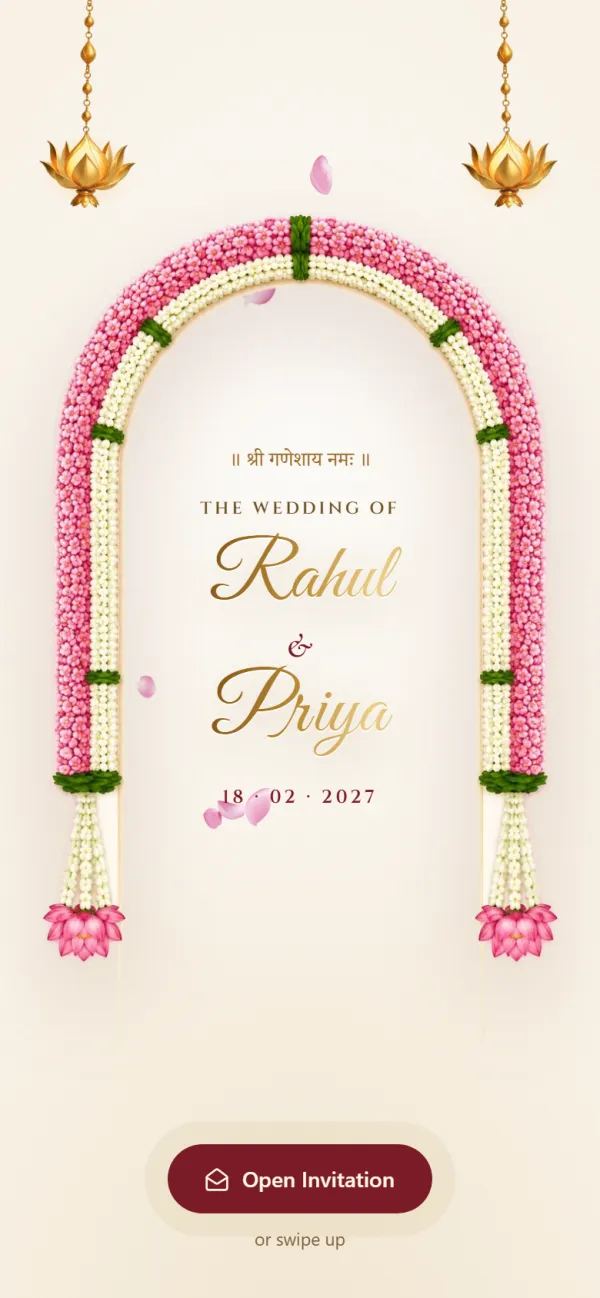
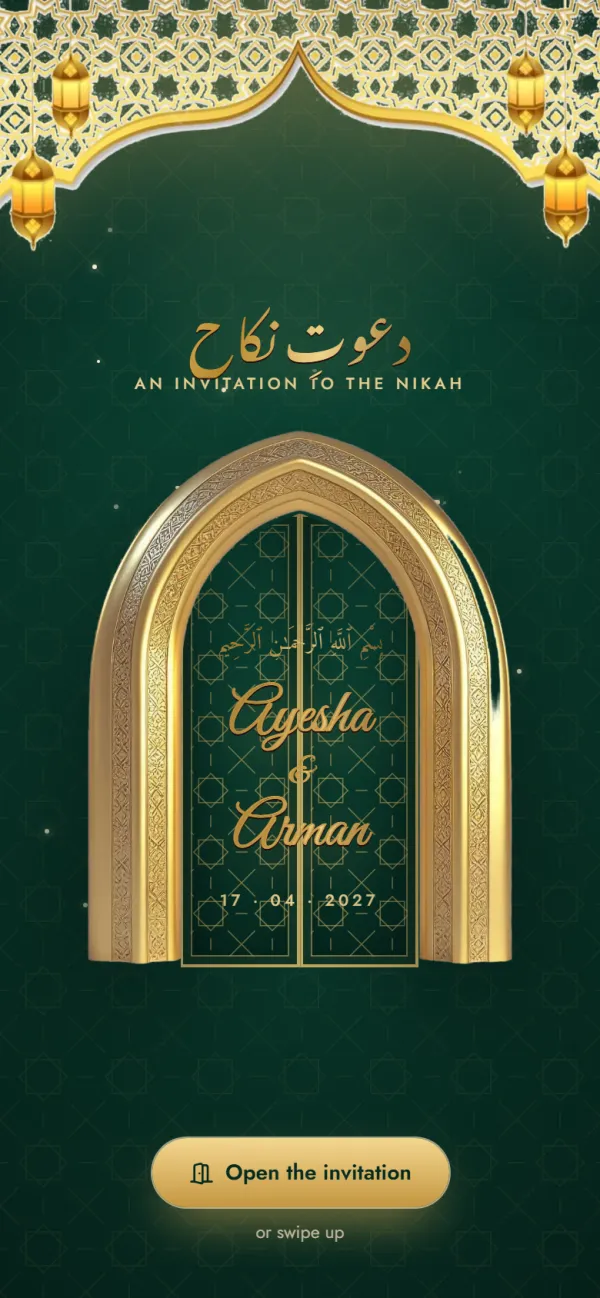
There are six: Hindu Traditional, Hindu Royal, Muslim Elegant, Sikh Vibrant, Christian Classic and Modern Minimal. Each opens with a blessing suited to the tradition — such as Shree Ganeshaya Namah, Bismillah or Ik Onkar — and comes with that tradition's functions already listed.
Yes. Every template on the Templates page has a preview with sample names, functions and venues, and the live demo shows a complete invitation the way guests see it on a phone.
Yes, while you are editing. Your names, families, phone numbers and messages carry over to the new design. Function details carry over in order, and each tradition lists its own functions, so check the function list once more after switching.
Not at the moment. Each template has fixed colours and fonts chosen to stay readable on a phone, and photo upload isn't available. What you write is up to you: names, family names, the welcome message, the closing message and an optional "our story" section.
Yes. Type your names, welcome message and closing message in Hindi, English or a mix of both — the invitation shows them exactly as you write them. The editor's own labels are in English.
Functions, venues & contacts
Each template comes with its tradition's functions. Hindu Traditional lists Haldi, Mehendi, Sangeet, Wedding and Reception; Hindu Royal lists Tilak, Haldi, Mehendi, Sangeet, Baraat, Wedding and Reception; Muslim Elegant lists Mehndi, Nikah and Walima; Sikh Vibrant lists Sehaj Path Bhog, Mehndi & Sangeet, Maiyan, Jaggo, Chooda & Kalire, Anand Karaj and Reception; Christian Classic lists Engagement, Bridal Shower, Roce, Holy Matrimony and Reception; Modern Minimal lists Welcome Drinks, Mehendi, Wedding, Reception and After-Party. Switch off any function you aren't hosting.
Not yet — adding or renaming functions isn't available. Pick the template whose list is closest to your wedding and switch off what you don't need. You can mention smaller functions in your welcome or closing message.
Yes. Every function has its own directions button. Paste the venue's Google Maps share link for the exact pin, or just type the address and guests are taken to a Google Maps search for it. It works on Android phones and iPhones.
If you typed only an address, guests see a Google Maps search, which can land on a place with a similar name. For the exact spot, open the venue in Google Maps, tap Share, copy the link and paste it into that function's Google Maps link field. Then test the button in your preview.
Turn on "At home" for that function. Write the house name and address the way you would give it to relatives, and add a Google Maps link to the house if guests haven't been there before.
Yes. Add one or more phone numbers for the bride's side and the groom's side. Each number becomes a call button, so guests — especially elders — can reach the family with one tap instead of typing a number.
Yes. There is a welcome message at the top, a closing message at the end and an optional "our story" section. There is no separate hashtag field, but you can include your hashtag in either message.
Guests
No. The invitation is a web page. It opens in the browser on any Android phone or iPhone, straight from WhatsApp — no app, no sign-up and no permissions.
Yes. Invitations are designed for phone screens first and open in any modern browser, on small and large phones alike. They also work on tablets and computers.
Not yet. Shaadi Invitation doesn't collect RSVPs and doesn't show you who opened your link. Many families simply ask guests to confirm on WhatsApp or by phone — the call buttons on the invitation make that easy.
Yes. The designs carry traditional blessings, the text is sized for phone screens, and elders can open the venue or call the family with a single tap. Many families still give printed cards to close relatives and send the link to everyone else.
Yes. The link opens anywhere with an internet connection, and the Google Maps directions work for venues in India and abroad.
Privacy & your data
Your invitation isn't listed anywhere on Shaadi Invitation, so people see it only when someone shares the link with them. Anyone who has the link can open it, though, and links can be forwarded — so think about which phone numbers and addresses you include.
No, password protection isn't available. Share the link only in groups and chats you trust.
For the invitation, only what appears on it: names, family names, each function's date, time and venue, optional Google Maps links, the phone numbers you choose to show, and your messages. When you get your link, checkout asks for your mobile number (and an email address if you like) for the order. Card and UPI details go to Razorpay, not to us. There is no account and no guest list.
No. We don't sell, rent or trade the information you enter. It is used to create and show your invitation. The Privacy Policy explains this in full.
Email [email protected] with your invitation link and tell us what you'd like removed. Every invitation is also deleted automatically, with its phone numbers, after its link ends — see "How long does my invitation link stay live?".
Compared with PDFs & cards
Video invites look lovely once, but guests can't tap a venue or a phone number, and checking the Sangeet time means scrubbing through the video again. Large video files can also be slow to download on mobile data. An invitation link shows every function in one scroll, opens each venue in Google Maps, calls the family in one tap and is easy to re-check on the day.
PDF and image cards are made for paper: guests zoom and pan to read the text, and nothing on them can be tapped. With a link, the text fits the phone screen, every venue has a directions button and every family number is a call button.
It can, but many families do both: printed cards for close relatives and elders who value them, and the link for everyone else — including those same relatives, who will use it for directions on the day. Sending a link also saves printing and courier time for a long guest list.
Still have a question?
Write to us and include your invitation link if it's about a specific invite.
Keep reading
Ready to make your wedding invitation?
Pick a design for your tradition, add your functions, venues and family numbers, and share one link on WhatsApp.