Names, exactly as you want them
The bride's and groom's names and both family names — the way elders expect to see them, e.g. “Sharma family”.
Online invitation maker · Free preview
Skip the PDF and the heavy video file. Pick a design for your tradition, fill in your functions, venues and family numbers, and share one link that guests can tap to navigate and call.
They look lovely once. Then the questions start — which venue, what time, whom to call.
Guests watch once and forget the venue. Finding the Sangeet timing means scrubbing through a minute of animation — and nothing in a video can be tapped.
A card designed for print turns into tiny text on a phone. Addresses can't be tapped, so guests copy them into Maps by hand — or call you.
Five functions, three venues and two phone numbers in one message scroll away in a busy family group within the hour.
Starting from a blank canvas means choosing fonts, motifs and layouts — and you still end up with a picture, not something guests can use.
No account, no design skills. Most couples finish in one sitting.
Choose from six templates — Hindu Traditional, Hindu Royal, Muslim Elegant, Sikh Vibrant, Christian Classic or Modern Minimal. You can switch while editing.
Template: Hindu Traditional
Enter the bride's and groom's names, both family names, and one or more phone numbers for each side.
Sharma family · +91 …
Your tradition's functions are already listed. Add date, time, venue and a Google Maps link to each, and switch off any you aren't hosting.
Sangeet · 11 Dec · 7:30 PM
Check it free, exactly as guests will see it. Get your link for ₹499, then copy it or share it straight to WhatsApp.
Share on WhatsApp →
Gather these first and the form takes a few minutes. Everything except the names and one function is optional.
The bride's and groom's names and both family names — the way elders expect to see them, e.g. “Sharma family”.
Confirm muhurat and function timings with your family first. The date and time you type in the first function fill in the others, so you only change what differs.
Ask each venue for its Maps pin, or drop one yourself. Without a link, guests can still search the address you type.
On your invitePin the entrance guests should use, not the middle of a large property.
Add a number for the bride's side and the groom's side — more than one each if you like. Pick people who'll pick up on the day.
Each template comes with a blessing, a welcome message and a closing note. Keep them, or write your own in Hindi, English or both.
Switch on “our story” to add how you met. Skip it if you'd rather keep the invite formal.
A real web page, sized for phones. Scroll inside the phone to see every function.
Android or iPhone, straight from WhatsApp, in the phone's own browser.
Haldi to Reception, each with its own date, time and venue.
Guests tap “Get directions” and Google Maps takes over.
One tap rings the bride's or groom's side — no saving numbers.
No add-ons to unlock — every invitation has all of this. Try it free; your link is a one-time ₹499.
Your template lists its tradition's functions. Fill in the ones you're hosting and switch off the rest.
Paste a Google Maps link or just type the address.
The first function's date and time fill the empty ones below.
Switch templates before you share — your details stay.
Copy the link or send it with a ready message.
No print-shop visits or video edits. Make it in a lunch break from your phone or laptop, and share it the same evening.
Create it from anywhere. Relatives in India and overseas open the same link — no courier, no customs, no delay.
Bua's group, office friends, college gang — one link works for all of them, and nobody has to download anything.
Hand printed cards to close family and send the link to everyone else. Many families do both.
Straight answers about what the invite can and can't do.
Open the invitation maker, choose one of the six templates, enter both names and families, fill in each function's date, time and venue (with a Google Maps link if you have one) and add phone numbers for each side. Designing and previewing are free. When it looks right, get your link for a one-time ₹499 (launch offer, usually ₹999), then copy it or share it on WhatsApp.
No. There's no account and no app — the maker works in your phone or laptop browser, and guests open the invitation in their browser too.
Each template comes with its tradition's functions already listed — for example Haldi, Mehendi, Sangeet, Wedding Ceremony and Reception in Hindu Traditional, or Mehndi, Nikah and Walima in Muslim Elegant. You can switch any of them off, but you can't add extra function cards, so mention anything else (a Ganesh Puja or Baraat timing, say) in your welcome message.
Yes. Once you've got your link, you can keep editing until the wedding through your private edit link — change a time, a venue or a phone number and the same link shows the update, so there's nothing to re-send. Before you pay, you can change anything in the editor and check it in the preview.
It's a web page rather than a file. Guests scroll through every function, tap to open the venue in Google Maps and tap to call your family. A PDF or video can show the same details, but nothing in it can be tapped, and it's harder to re-check on the day.
Yes. Write the welcome message, closing message and story in Hindi, English or a mix — the invite shows them exactly as you type them.
Each comes with its blessing, functions and messages already in place.
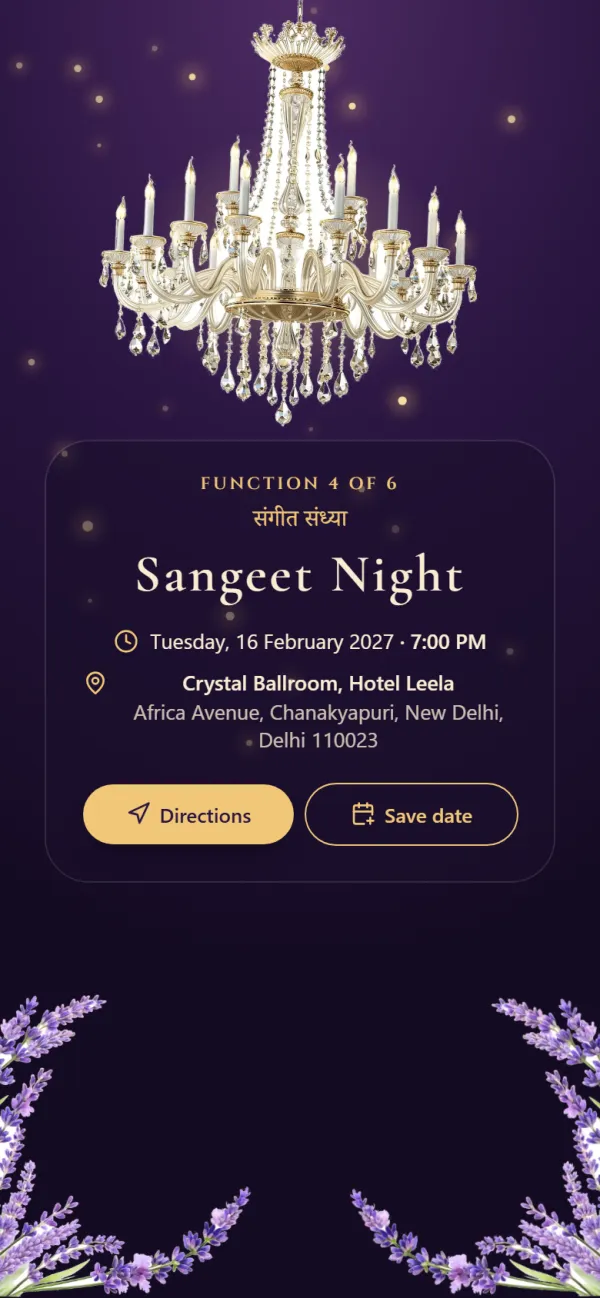
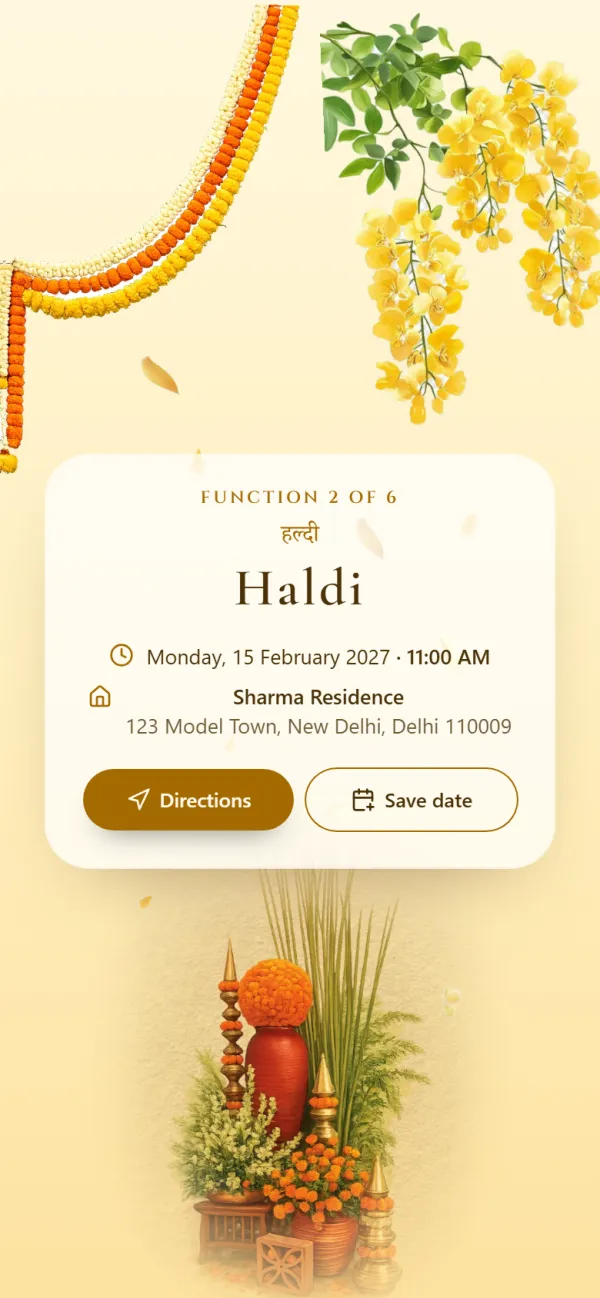
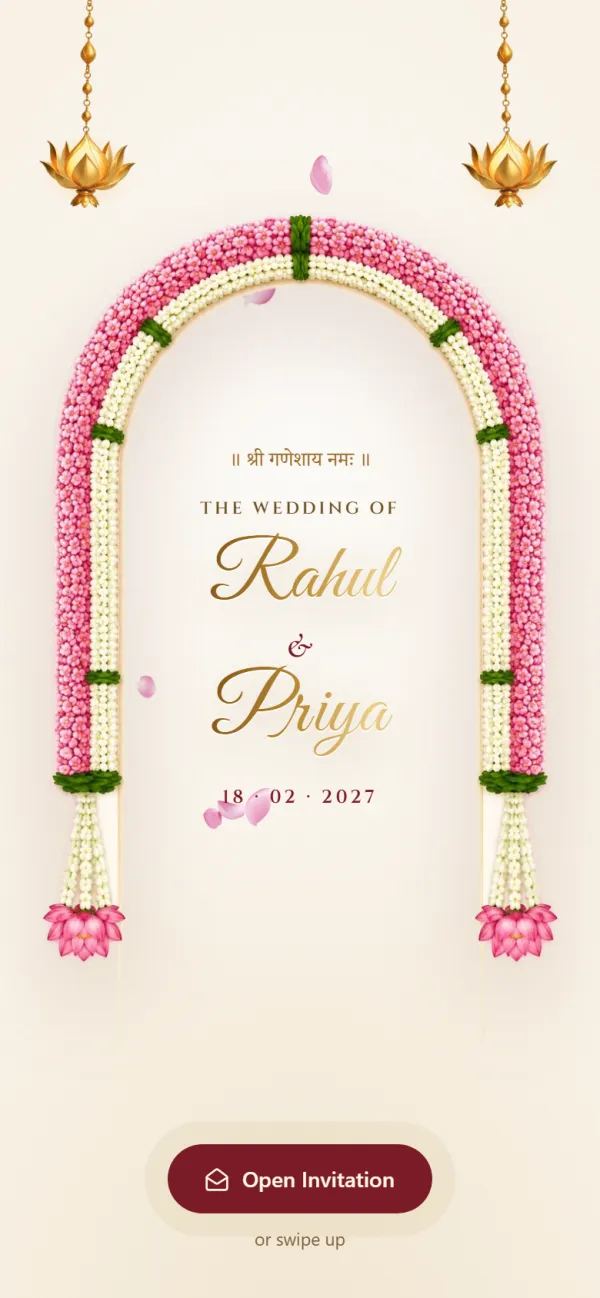
Opens with Shree Ganeshaya Namah and lists every function from Haldi to the reception.
Functions included
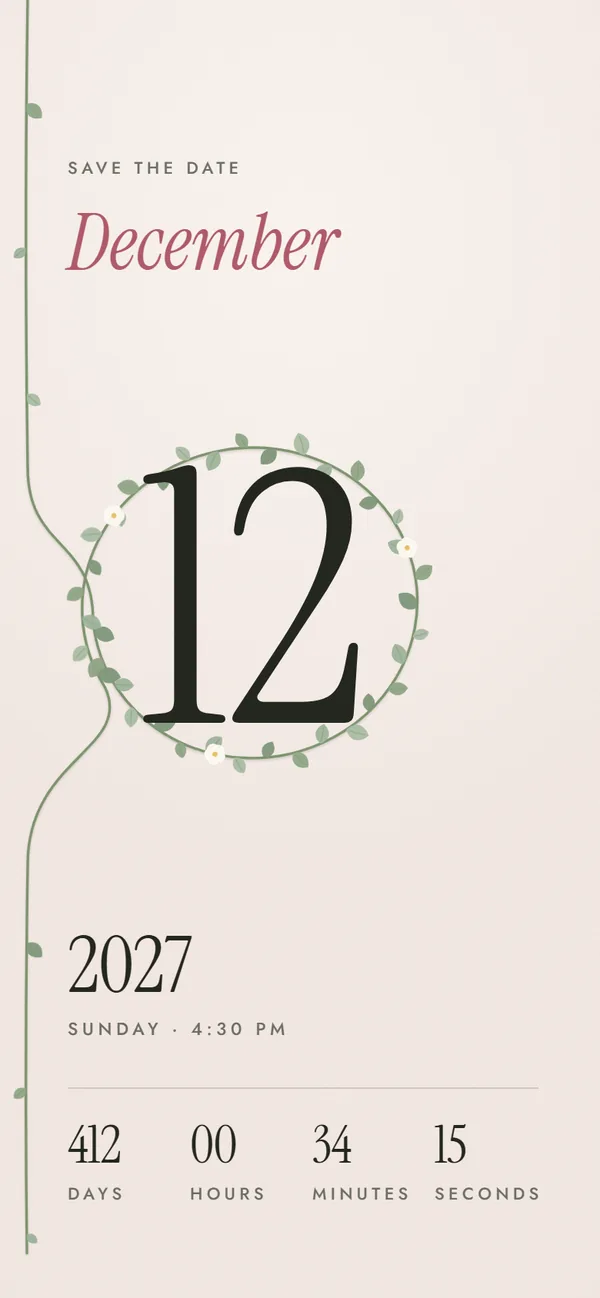
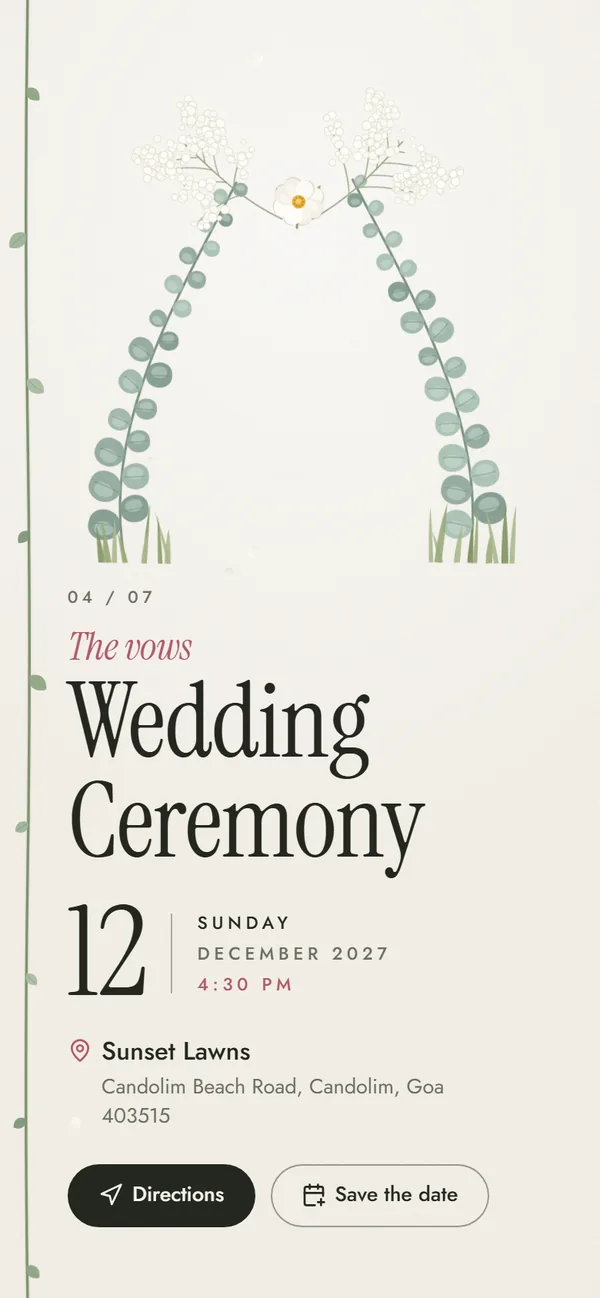
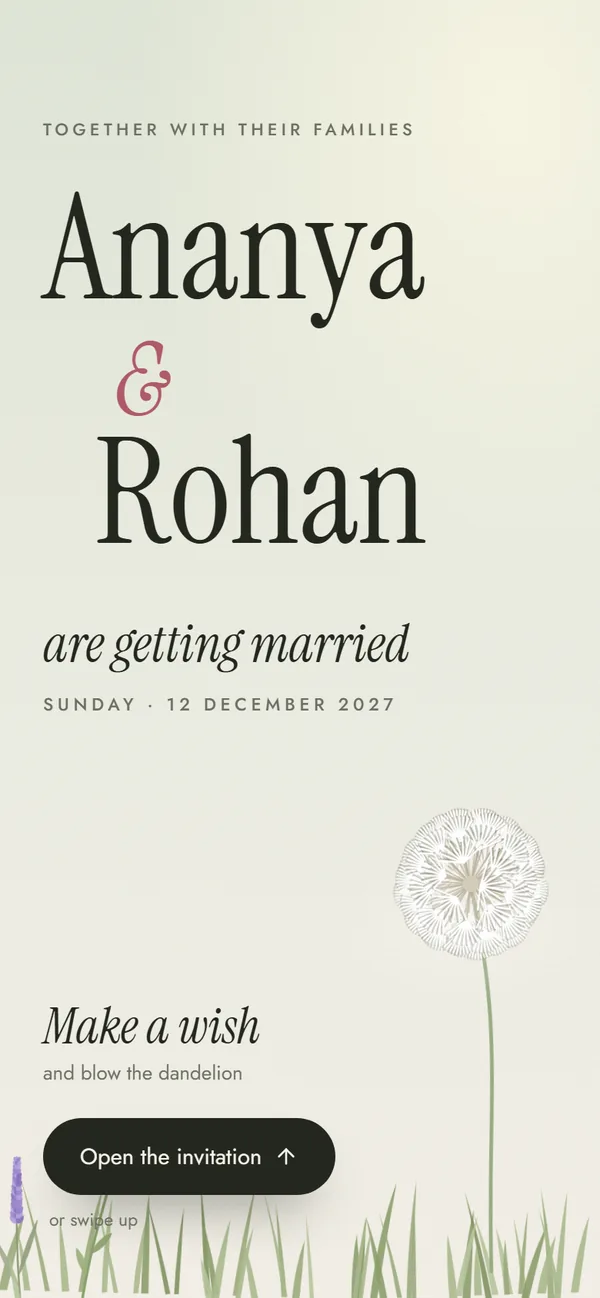
Make a wish on a dandelion, then watch a garden grow — editorial type, no religious text, an hour of the day for every function.
Functions included
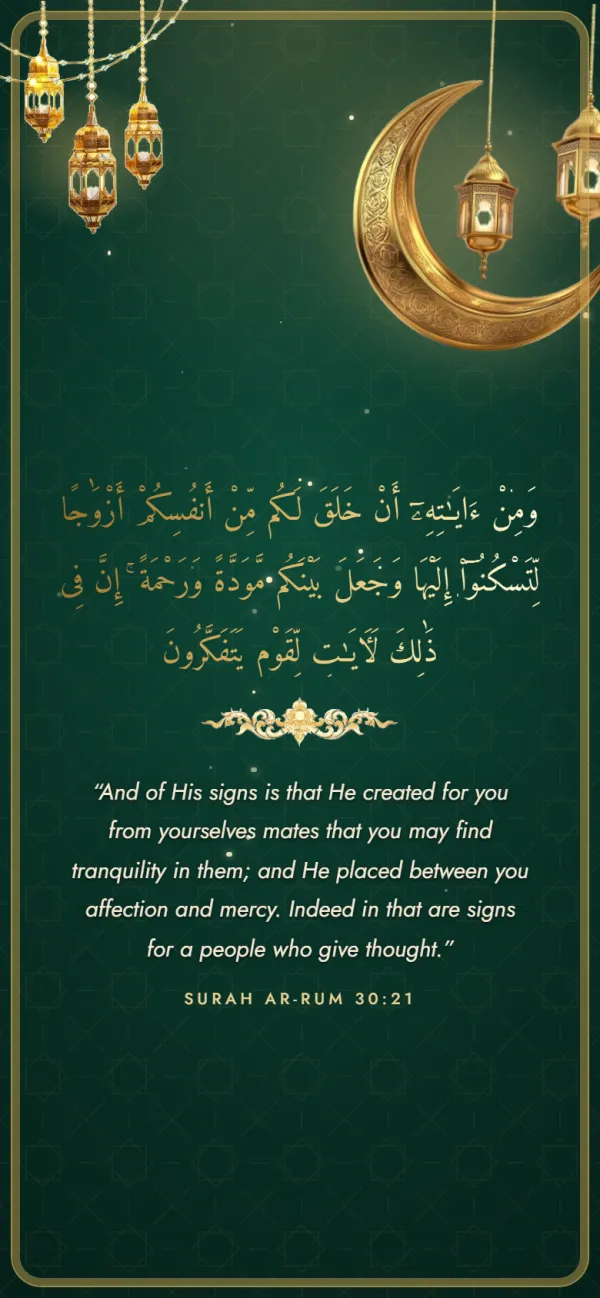
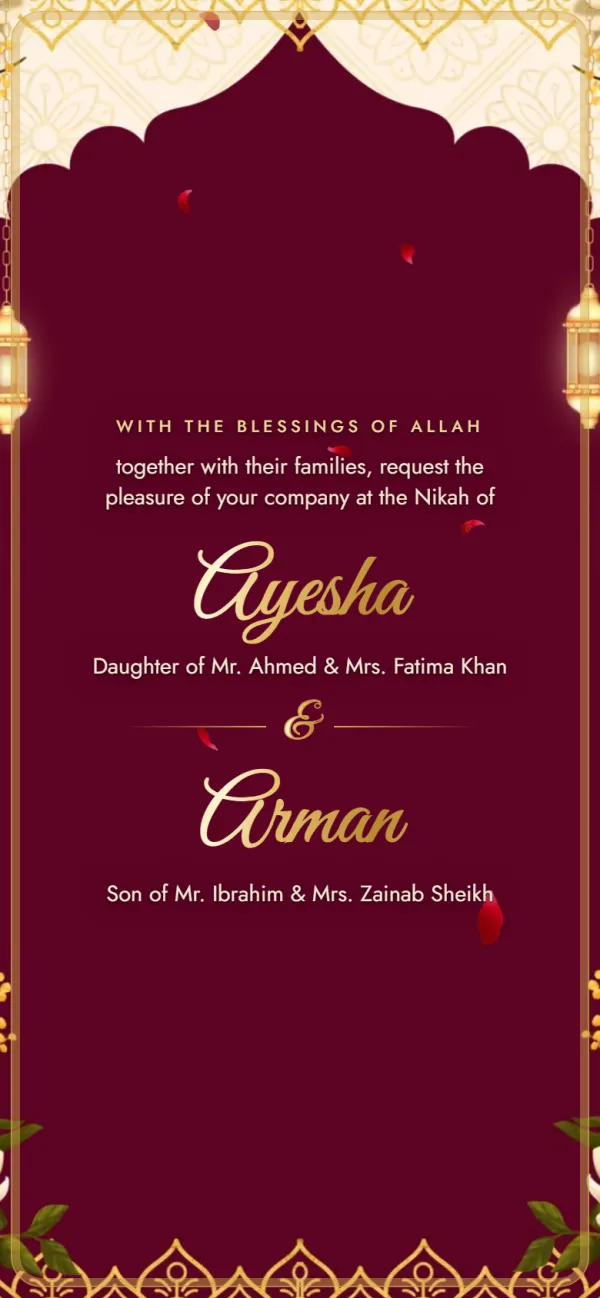
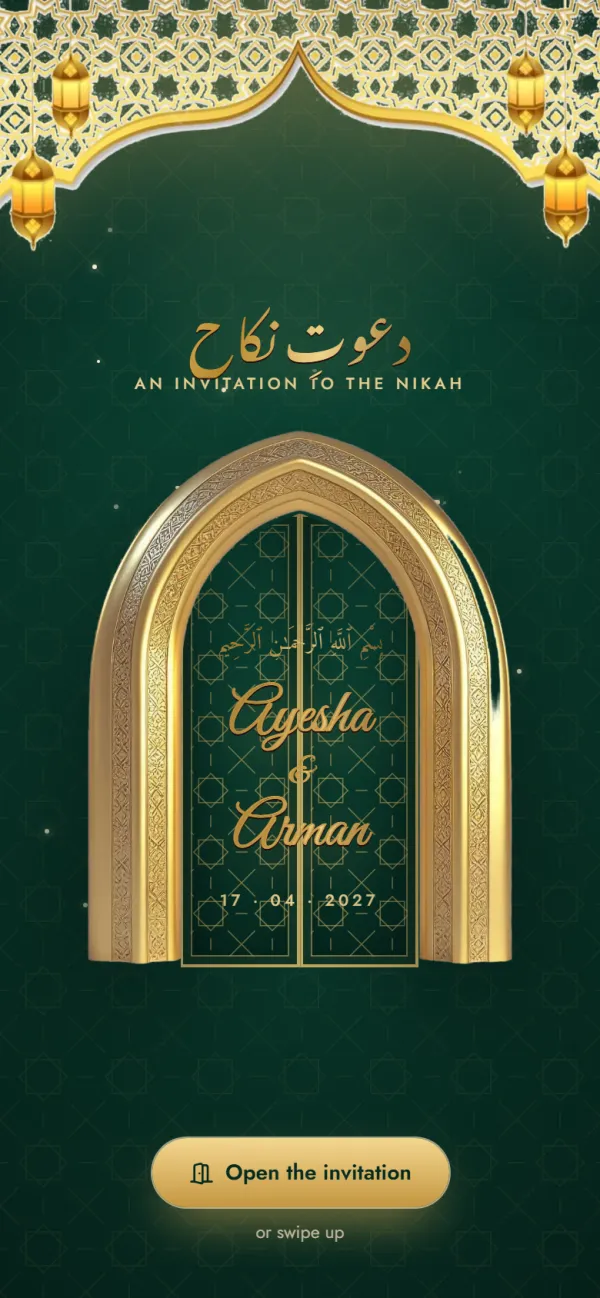
Carved doors open on a night of lanterns, with the Mehndi, Nikah and Walima ready to fill in.
Functions included
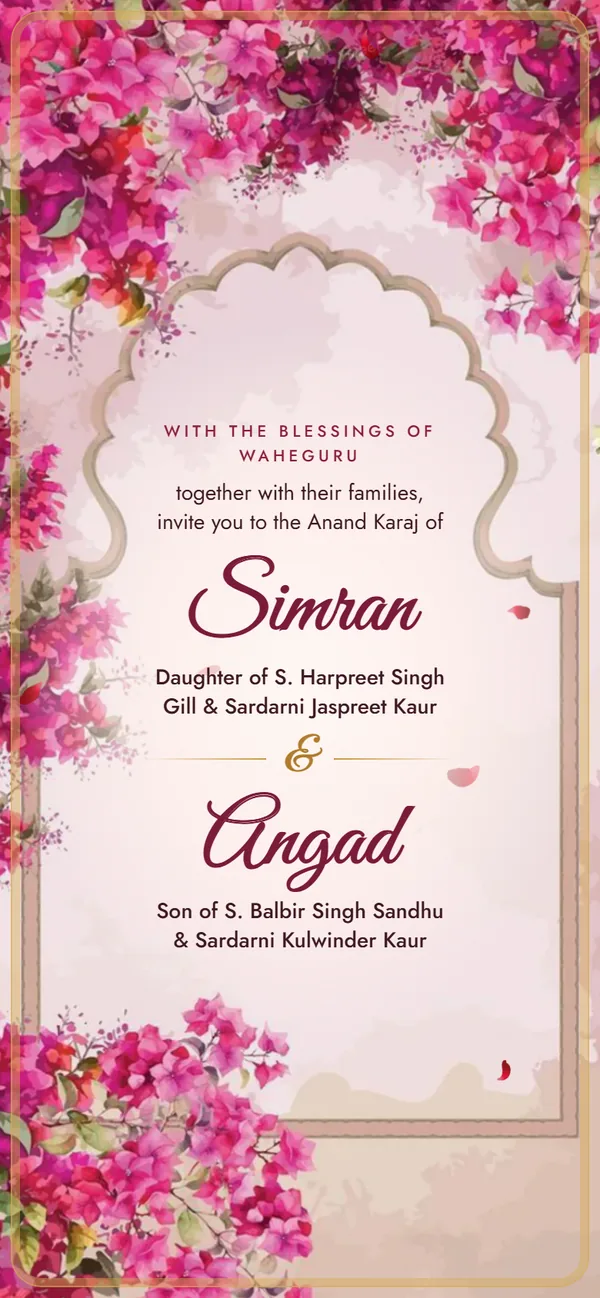
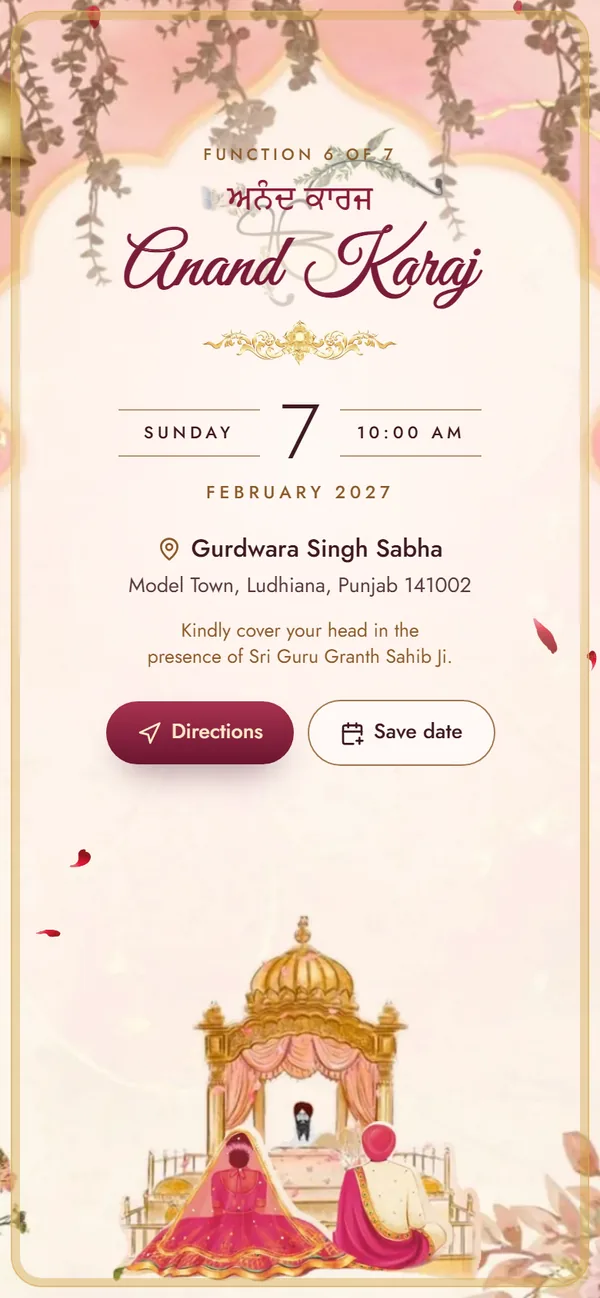
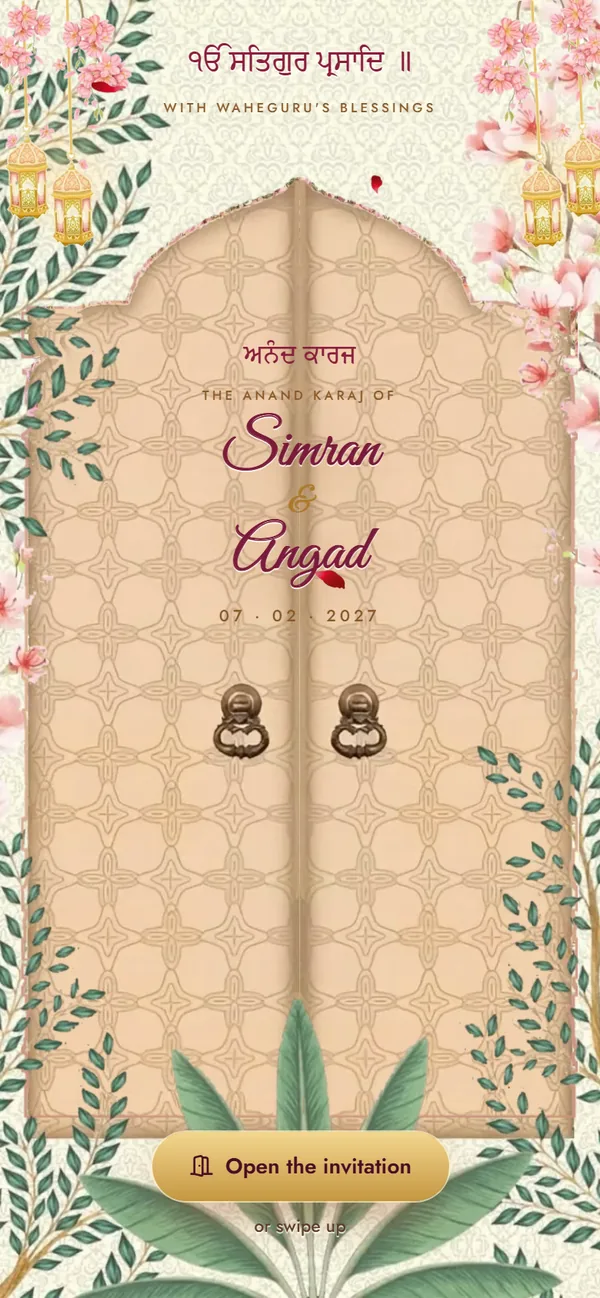
Carved doors swing open on the Palki Sahib: blossoms and gold, the four Laavan, and every function from Path to Reception.
Functions included
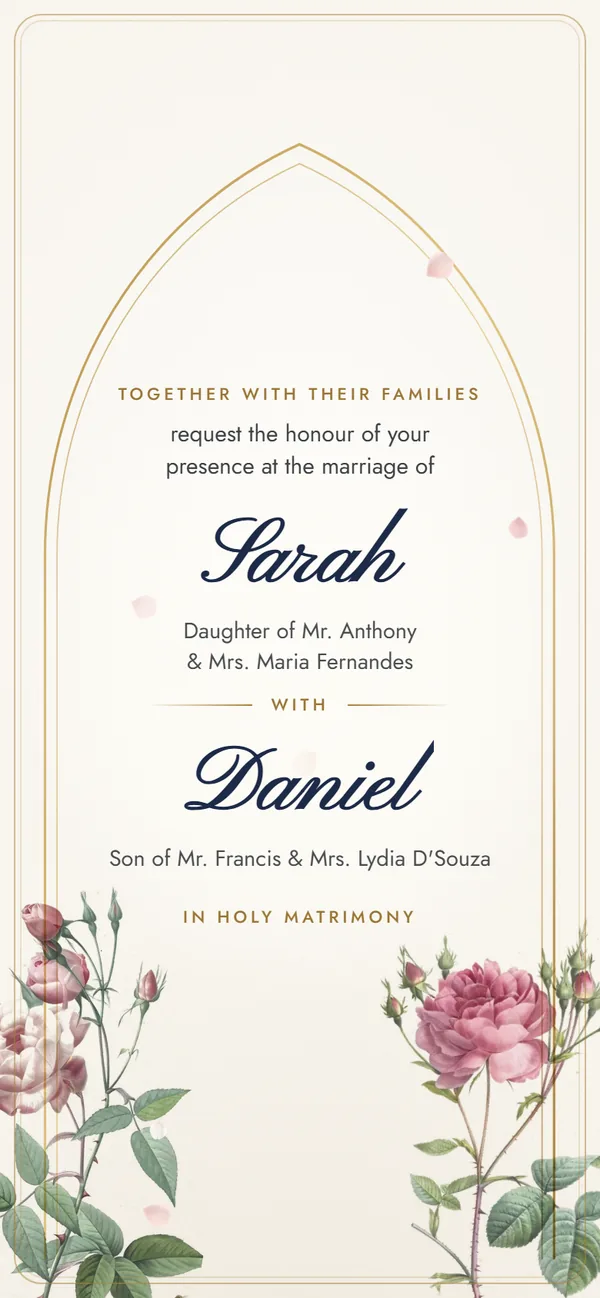
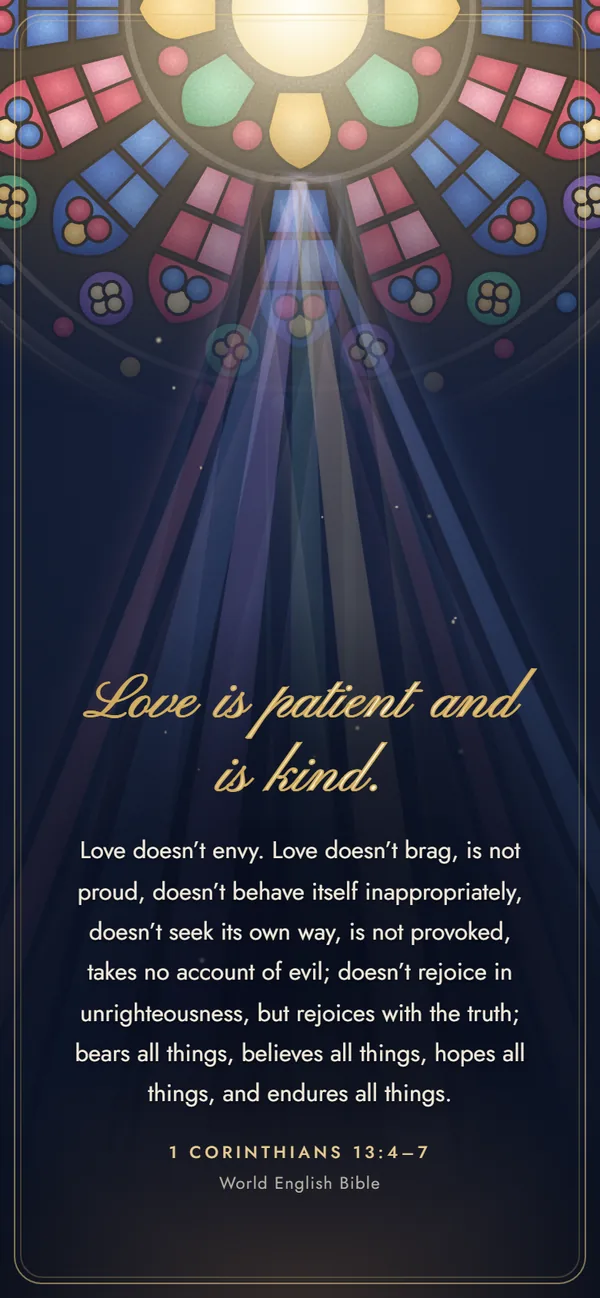
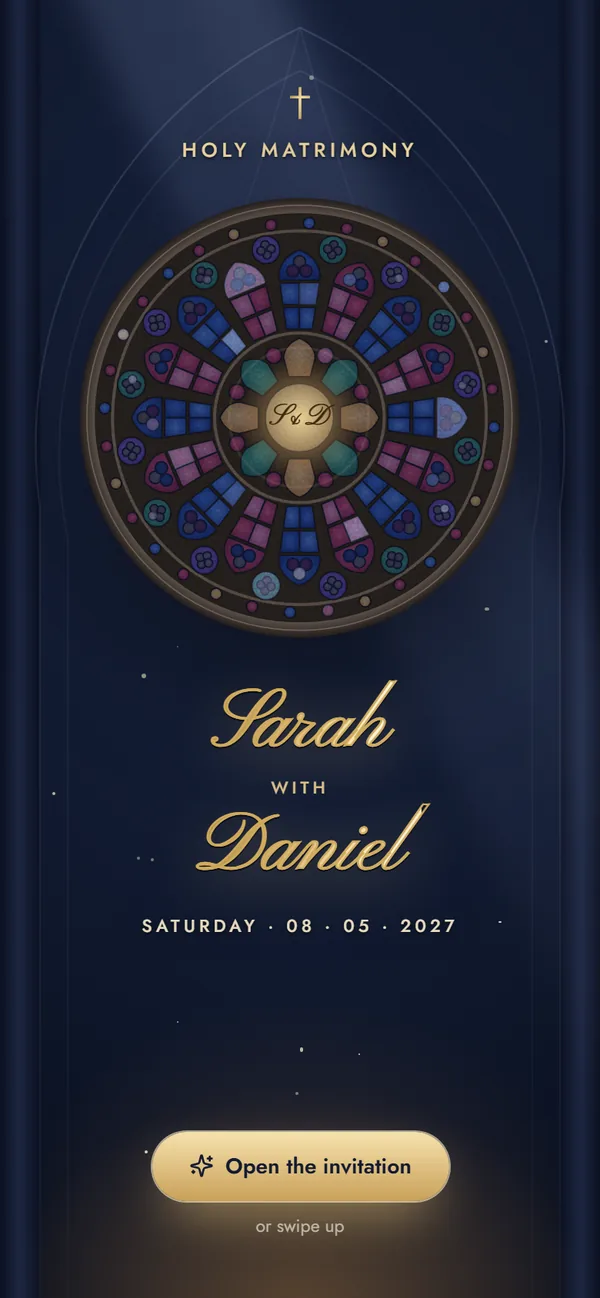
A stained-glass rose window lights up over your names — engagement, Roce, Holy Matrimony and reception.
Functions included
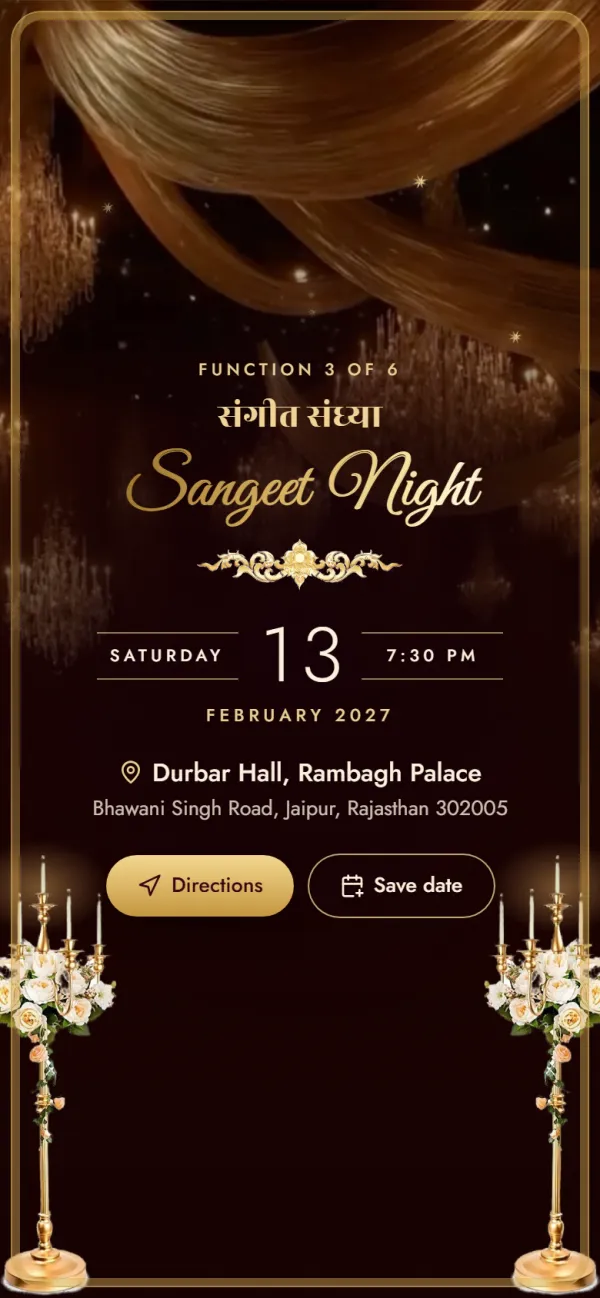
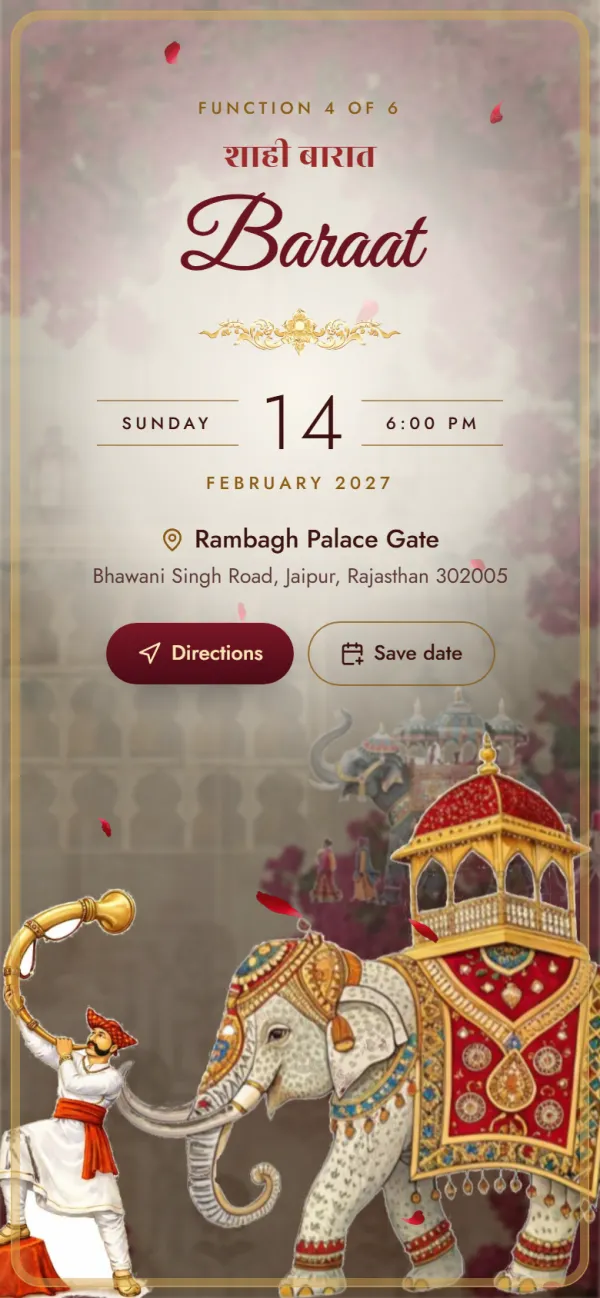
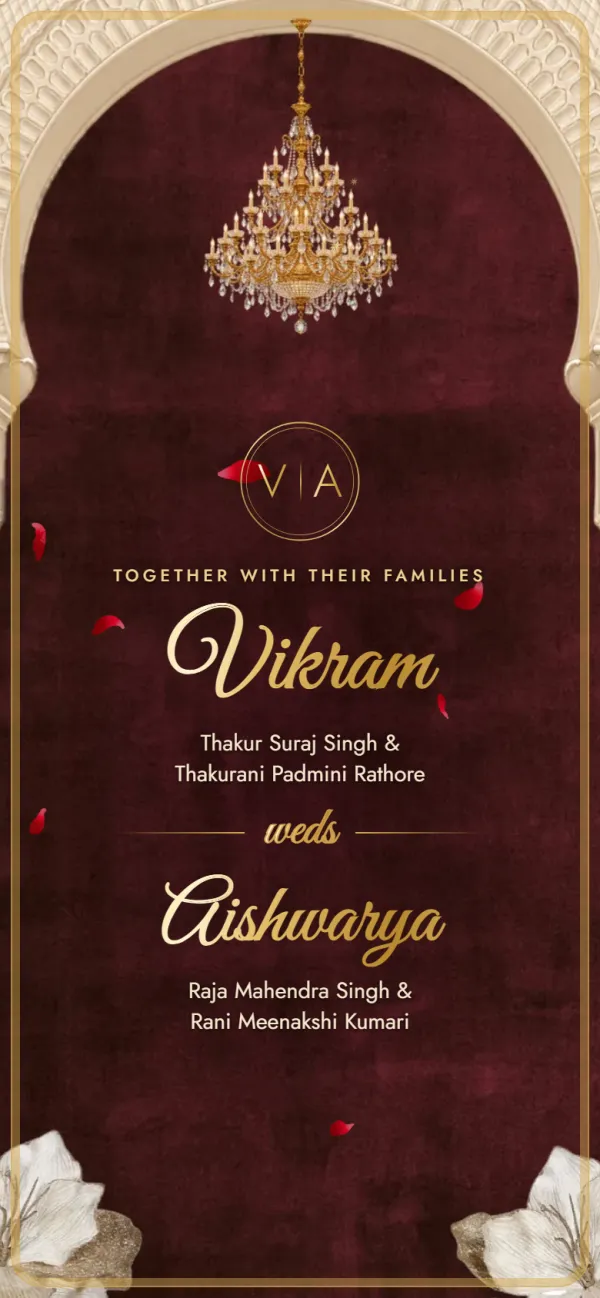
A palace invitation: a sealed letter, velvet curtains and a baraat on an elephant.
Functions included
Pick a design, add your functions and preview it free. When it's right, get your link for ₹499 — nothing to install.
Free to try
₹499 only when you share