Formal (English)
Namaste! With the blessings of our families, we warmly invite you to the wedding of Priya and Rahul. All functions, venues and directions are here: [invite link] Your presence will make our celebration complete. — Sharma family
Made for WhatsApp sharing
One light link instead of a heavy video or PDF. Guests tap it in the family group and see every function, a Google Maps button for each venue and your family's numbers — no download, no app.
WhatsApp is where Indian families invite. The format you send decides whether guests can actually use it.
On mobile data, WhatsApp doesn't download videos automatically by default. A big video often sits as a grey thumbnail — and nobody scrubs through it on the day to find the venue.
A PDF card means a tap to download, an app to open it, then pinching to read the address — which still can't be tapped.
A message with five functions and three addresses scrolls out of sight in a busy group within the hour.
A simple order that keeps elders happy and groups tidy.
Fill in your functions, venues and family numbers and check the free preview exactly as guests will see it. Then get your link for ₹499.
Preview → looks right ✓
Your link is added to a ready message. Edit the words before sending, or copy the link and write your own.
shaadiinvitation.com/rahul-weds-priya
Send it personally to elders and close family, then to family and friends' groups. Broadcast lists only reach people who've saved your number.
Nani → Mama ji → family group
Pin the message in your family group, and resend the link the day before the main functions.
Kal Sangeet hai! 🎶
Paste one above your link — in English, Hindi or Hinglish. Replace [invite link] with your own.
Namaste! With the blessings of our families, we warmly invite you to the wedding of Priya and Rahul. All functions, venues and directions are here: [invite link] Your presence will make our celebration complete. — Sharma family
सादर नमस्ते! परिवार के आशीर्वाद से हम आपको प्रिया और राहुल के शुभ विवाह में सादर आमंत्रित करते हैं। सभी कार्यक्रम, स्थान और रास्ता इस लिंक पर है: [invite link] — शर्मा परिवार
Aap sabhi saadar aamantrit hain 🙏 Priya aur Rahul ki shaadi ke saare functions, venue aur Google Maps directions is link par hain: [invite link] Zaroor aaiyega!
Pranaam Mausi ji 🙏 Priya ki shaadi ka nimantran bhej rahe hain. Saari jaankari is link mein hai — kuch bhi poochhna ho to seedha call kar lijiye. [invite link]
Follow it with a phone call — elders appreciate the personal touch.
Hi all — Priya and I are getting married on 12 December in Jaipur and would love to see you there. Dates, venues and directions: [invite link]
Kal Sangeet hai! 🎶 7:30 PM, The Lotus Garden. Directions aur baaki functions yahan: [invite link]
Send one before each main function.
Names, dates and venues in these samples are placeholders — swap in your own before sending.
A link is convenient. A little care makes it feel personal too.
For grandparents, close relatives and family elders, send the link personally and follow up with a call — or visit with a printed card.
Post the invite once in each group with a short note. Avoid forwarding it into the same group again and again.
Pinning the invite in your own family group means everyone can find directions on the day without scrolling.
A short reminder the day before the Sangeet or the wedding is welcome. Daily messages aren't.
Relatives abroad see your times exactly as you type them. Add “(IST)” in your welcome message so nobody converts the wrong way.
For colleagues, a short message with the main function and the link is enough — they can see the rest if they're coming.
No download, no login — the invitation opens in the phone's browser, straight from the chat.
Android or iPhone — WhatsApp opens the link in the phone's browser.
Mehndi, Nikah and Walima — each with its own date, time and venue.
Each venue opens in Google Maps — perfect for guests on the way.
Guests call the bride's or groom's family without saving a number.
Small to send, quick to open and easy to find again.
A ready message with your link — or copy the link yourself.
Guests open it in their phone's browser. No app, no login.
When they do call, it's to the right person on each side.
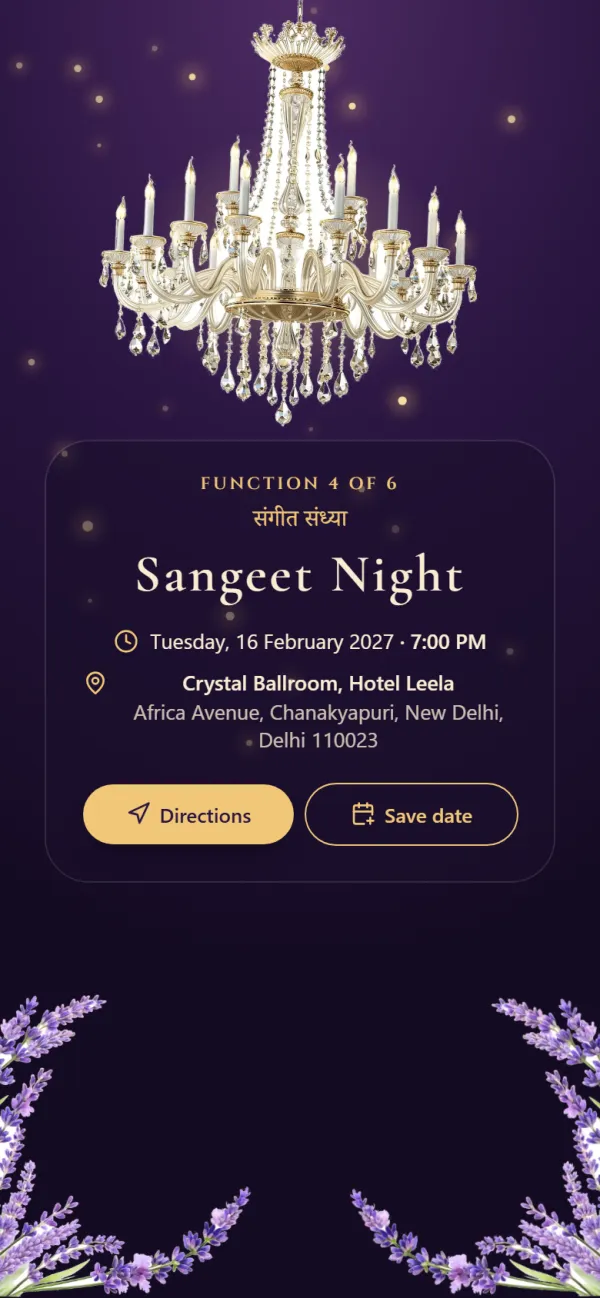
Every function you're hosting, in order, with its own date, time and venue.
Every design is sized for phones and ready to share.
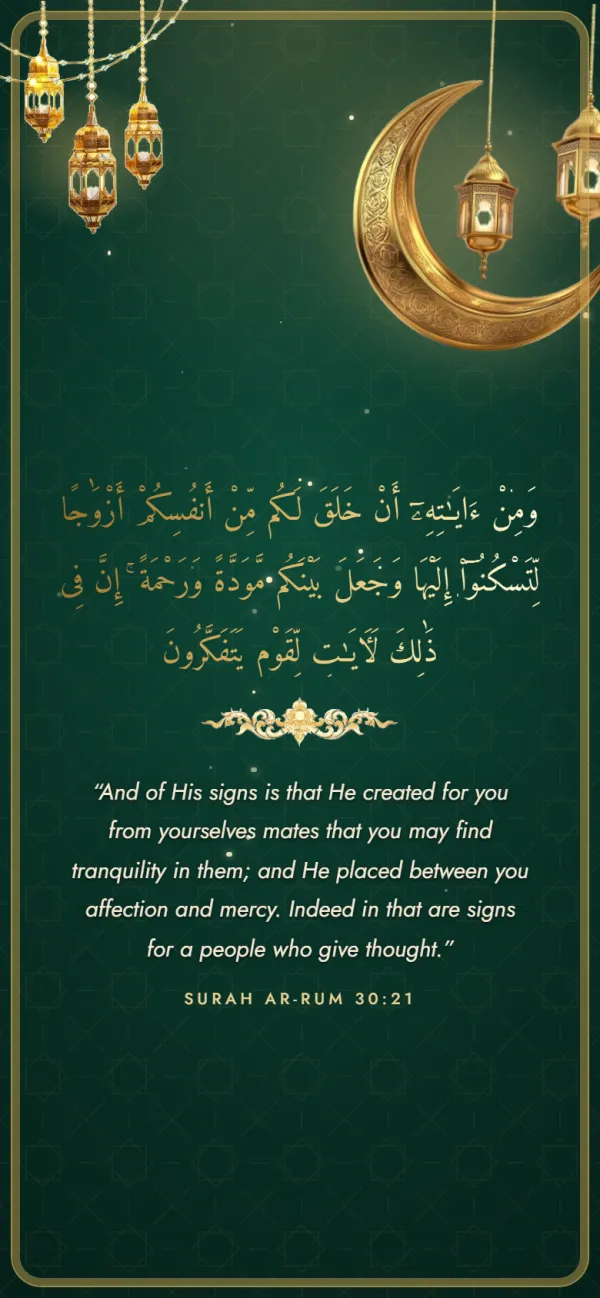
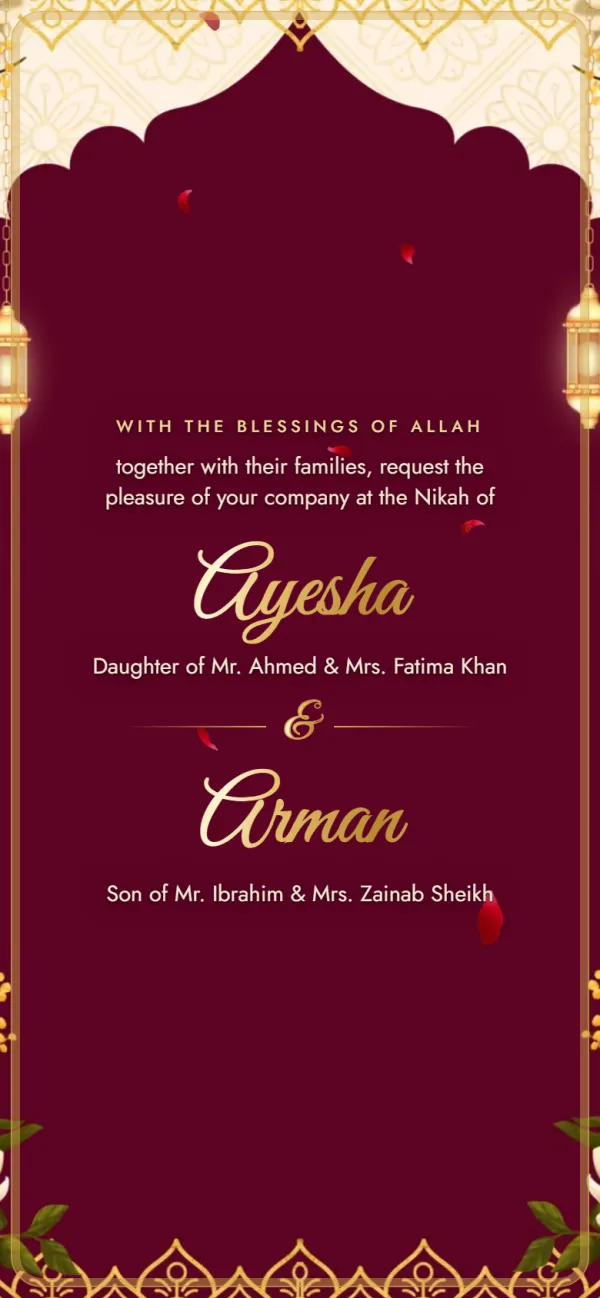
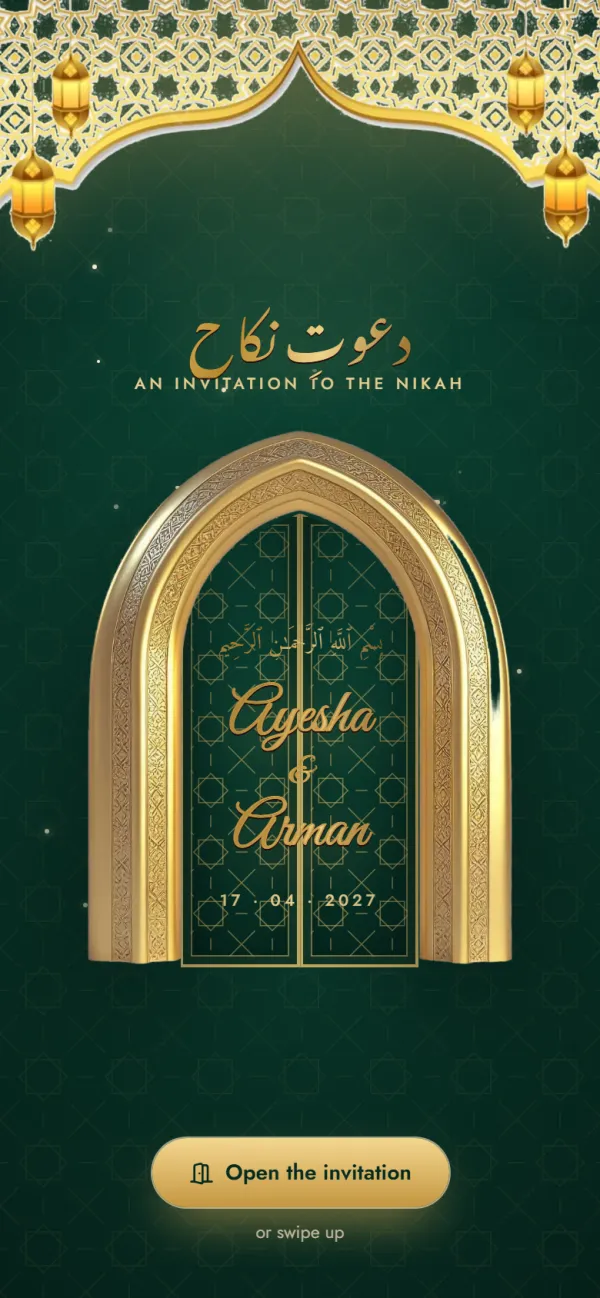
Carved doors open on a night of lanterns, with the Mehndi, Nikah and Walima ready to fill in.
Functions included
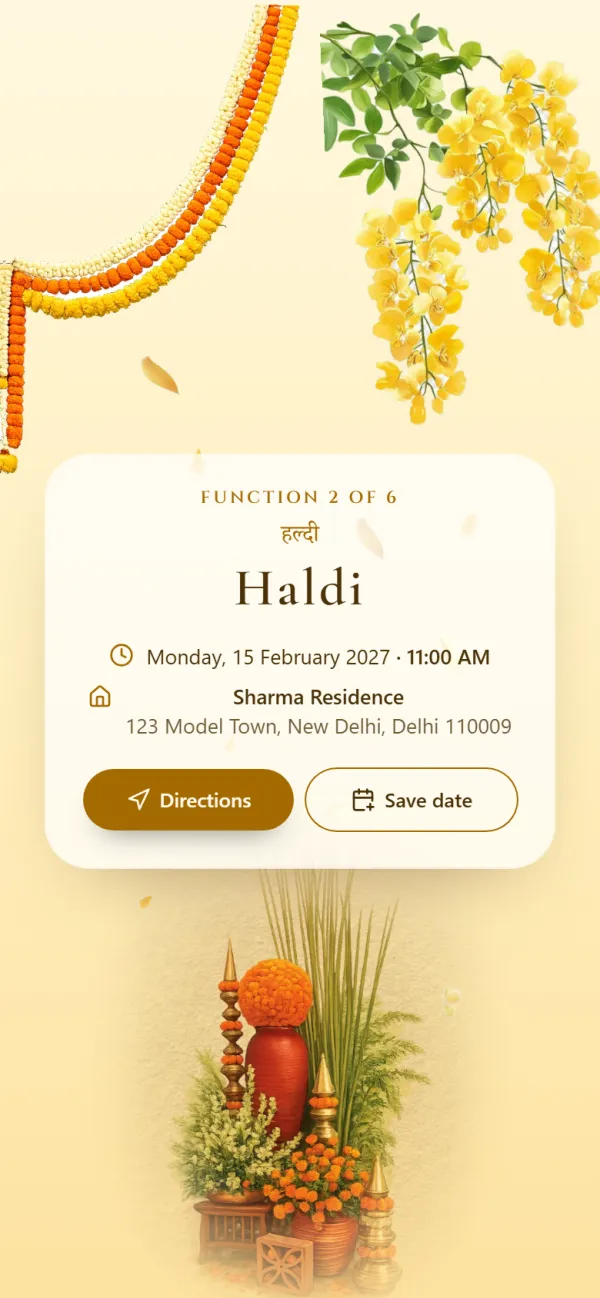
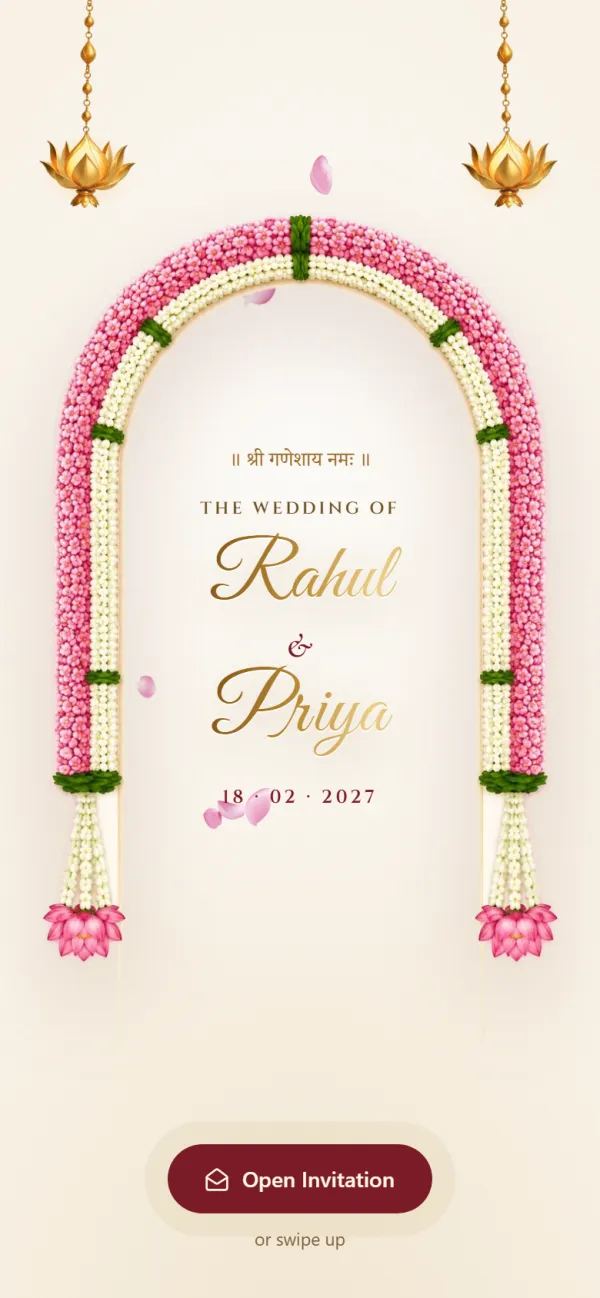
Opens with Shree Ganeshaya Namah and lists every function from Haldi to the reception.
Functions included
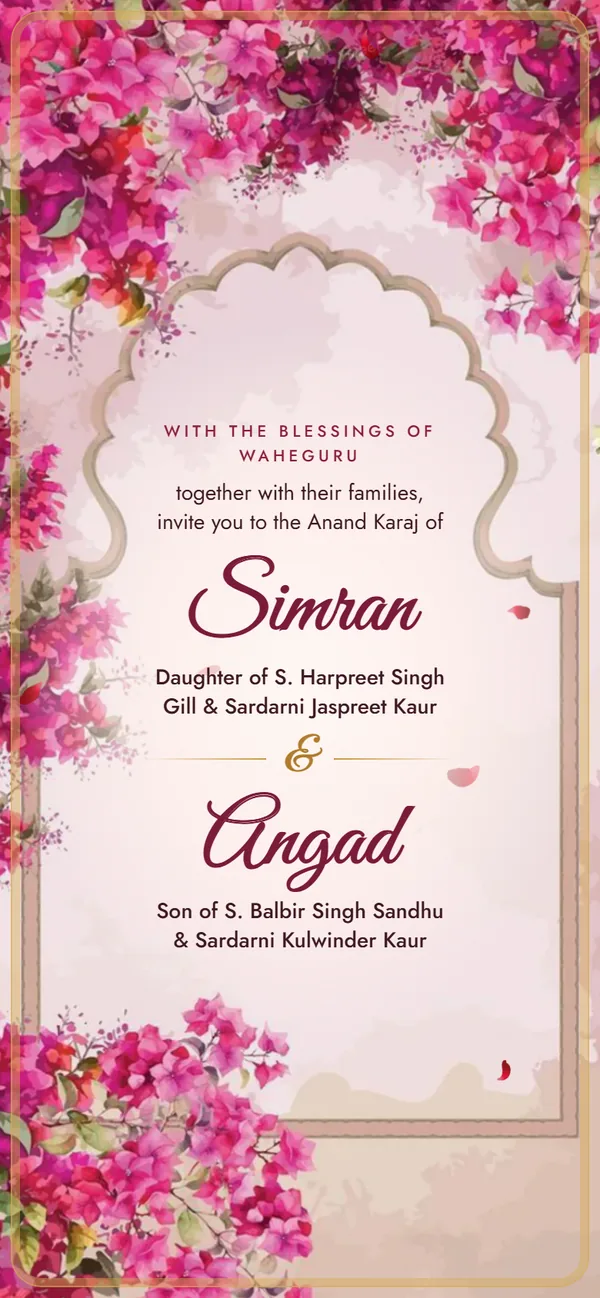
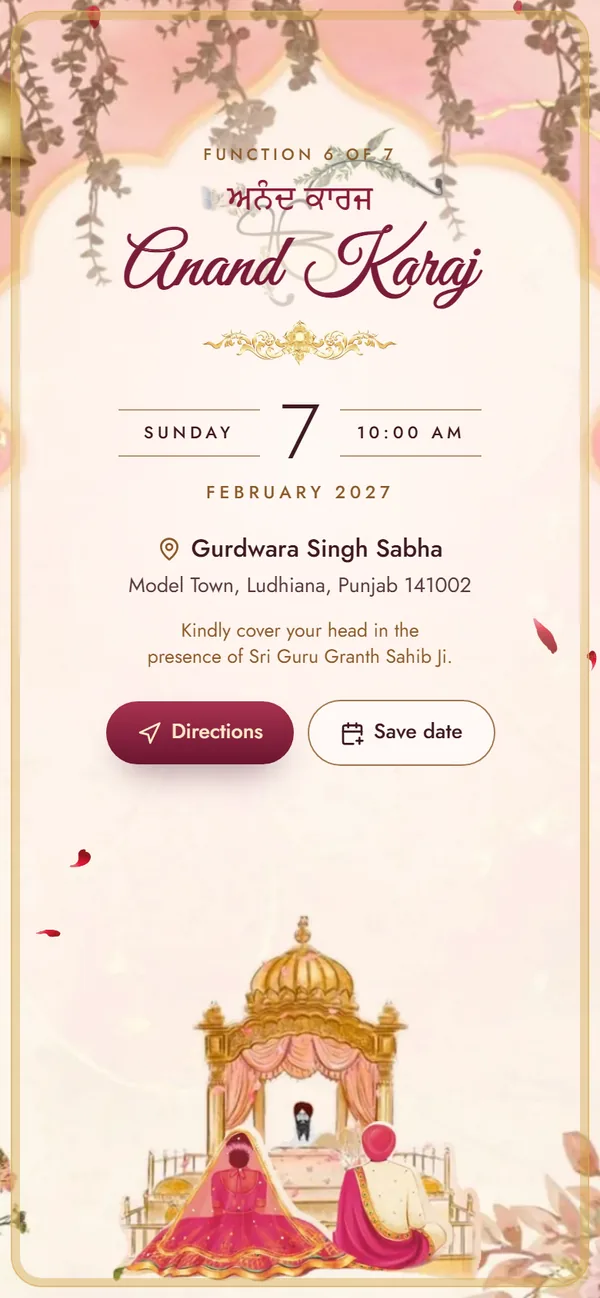
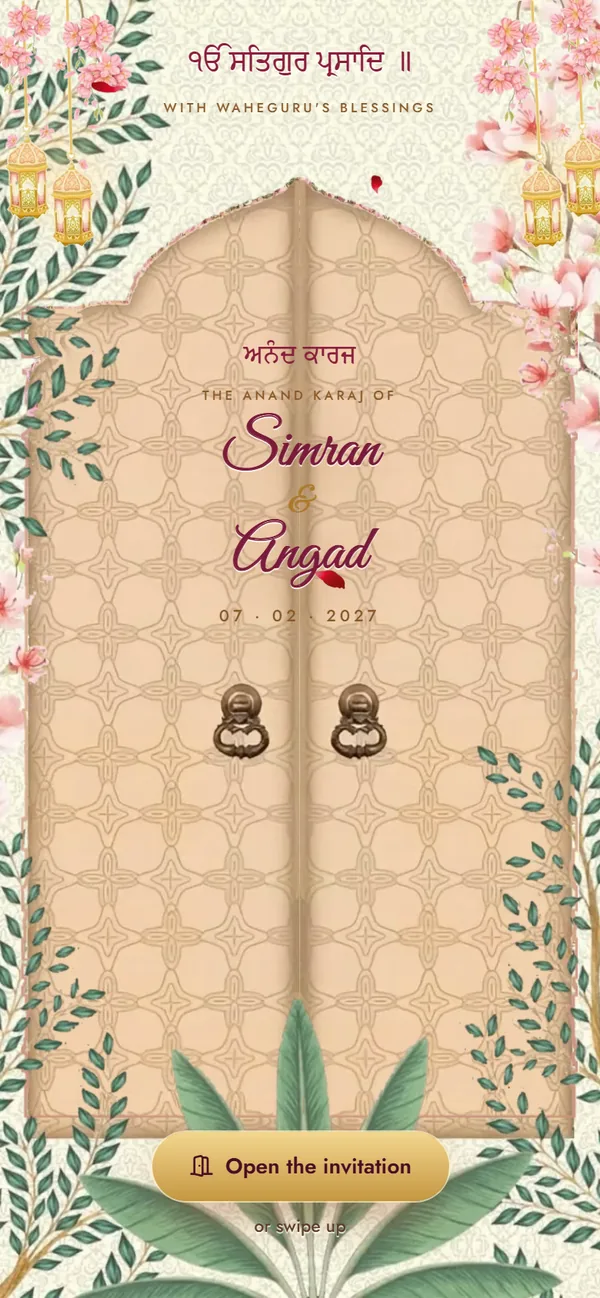
Carved doors swing open on the Palki Sahib: blossoms and gold, the four Laavan, and every function from Path to Reception.
Functions included

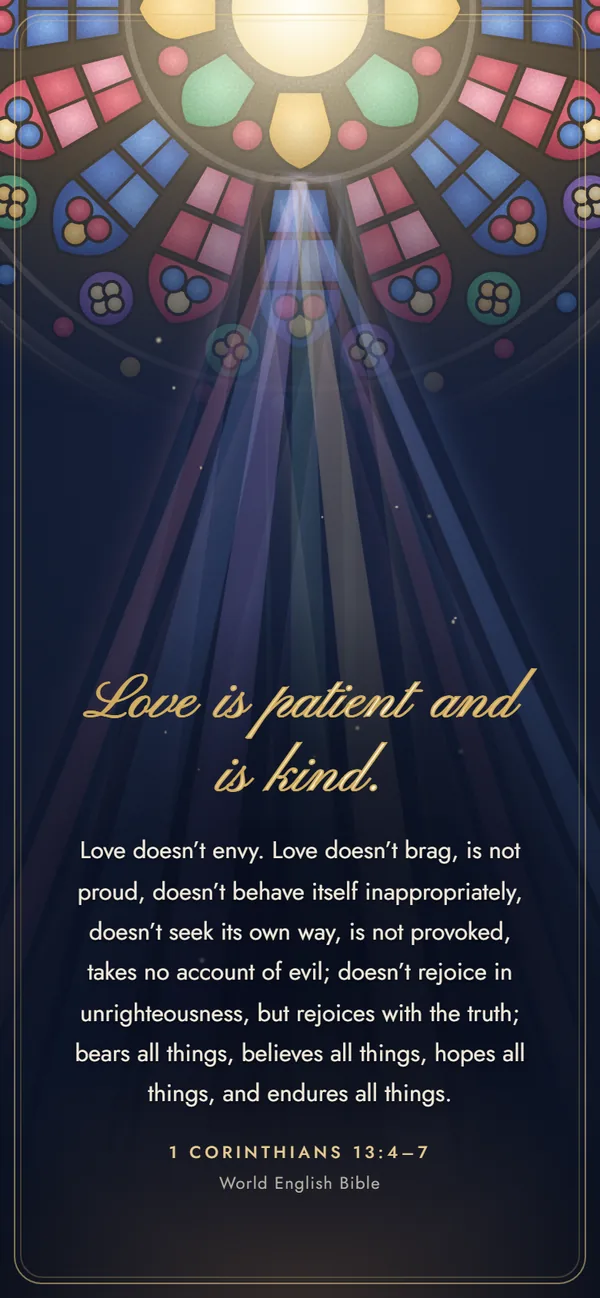
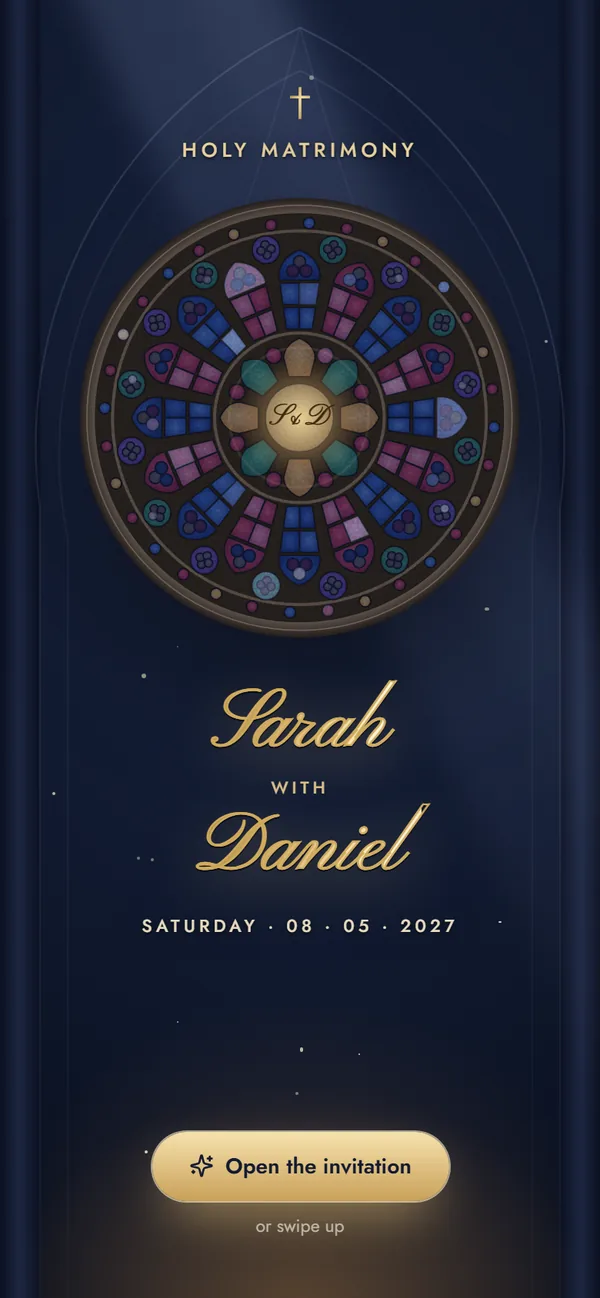
A stained-glass rose window lights up over your names — engagement, Roce, Holy Matrimony and reception.
Functions included

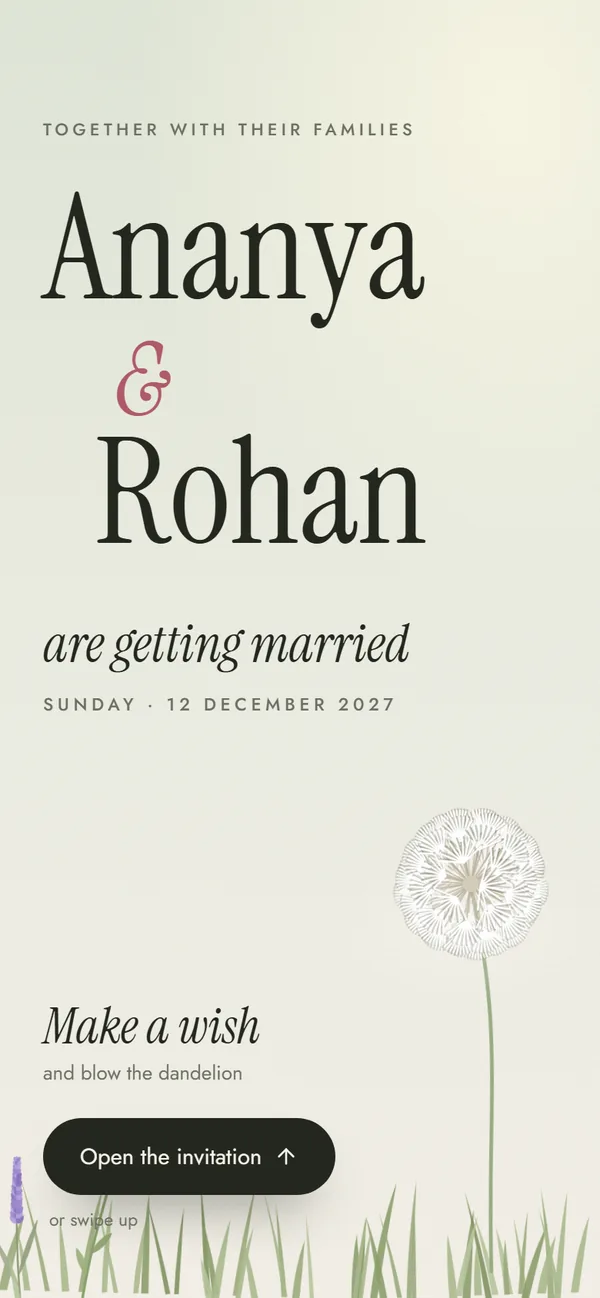
Make a wish on a dandelion, then watch a garden grow — editorial type, no religious text, an hour of the day for every function.
Functions included
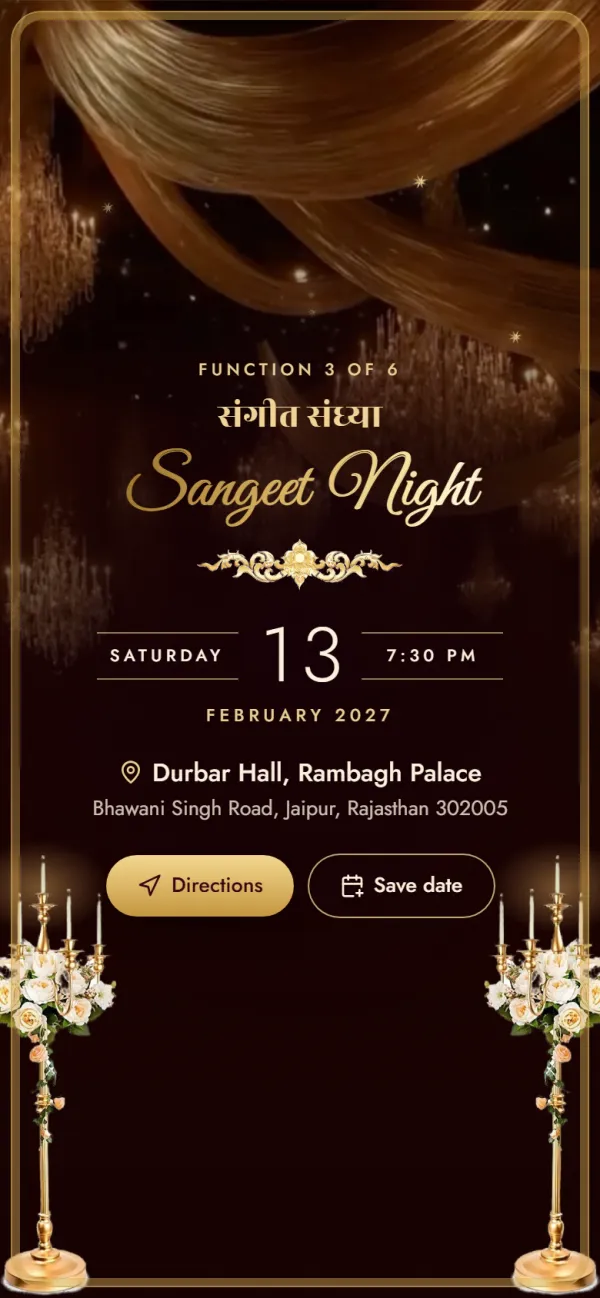
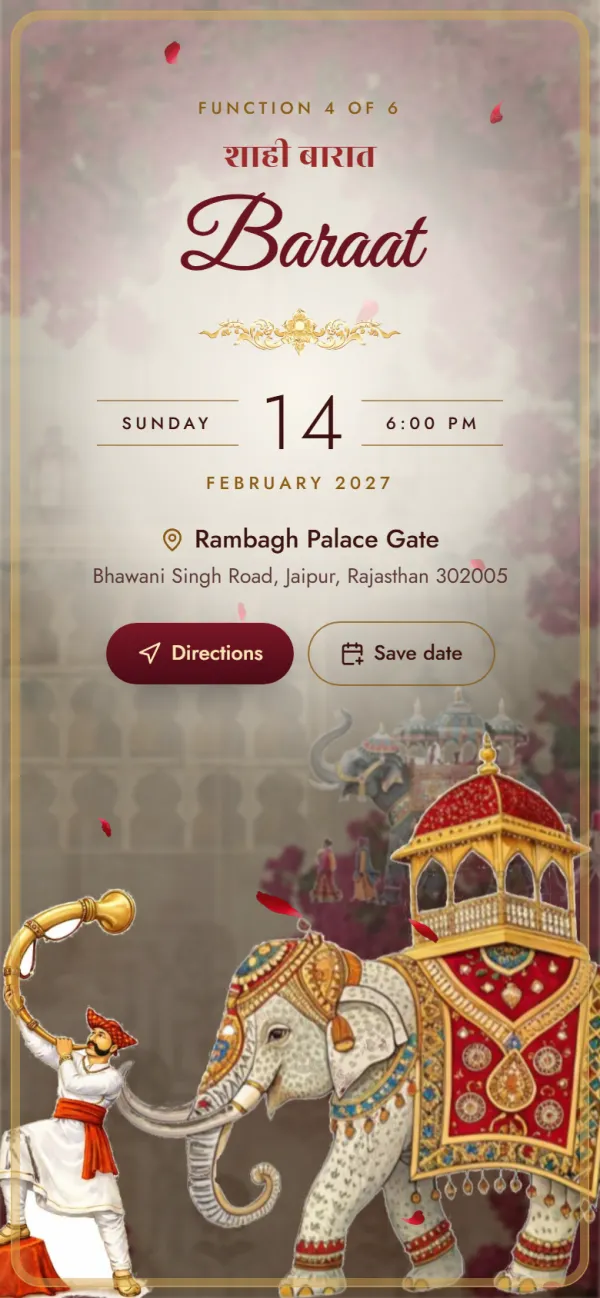
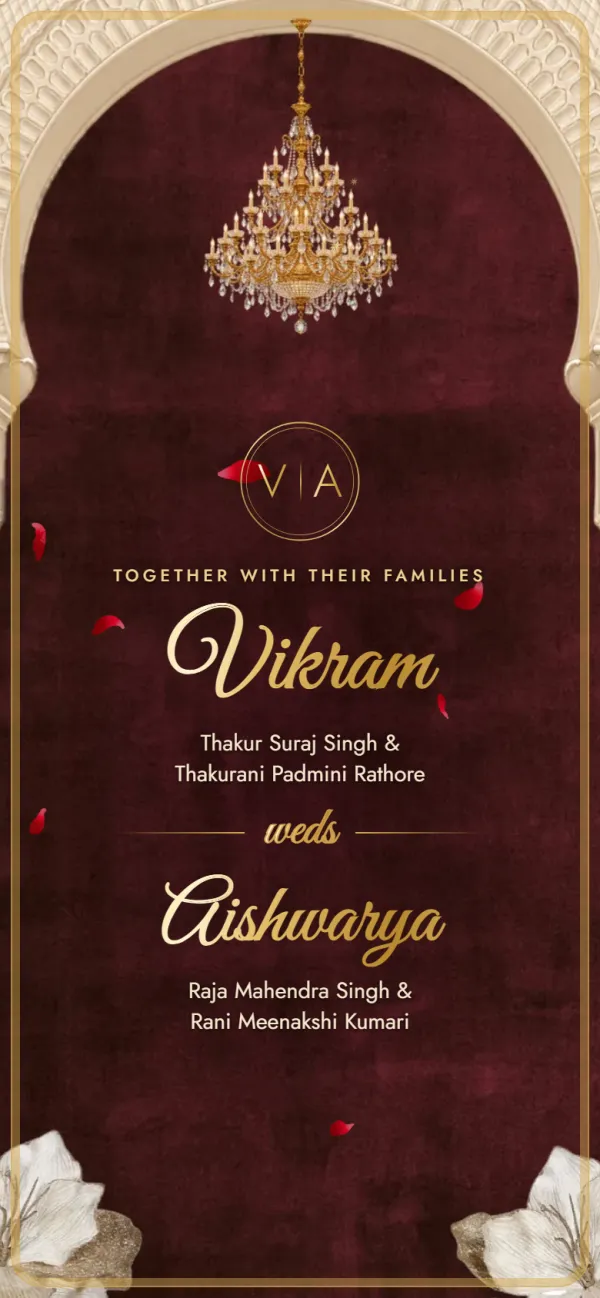
A palace invitation: a sealed letter, velvet curtains and a baraat on an elephant.
Functions included
Sharing, reminders and what guests need.
Create your invitation, preview it and get your link, then tap Share on WhatsApp. Your link is added to a ready message you can edit before sending. You can also copy the link and paste it into any chat or group.
No. It's a normal web link, so it opens in the phone's browser. You can send the same link by SMS, email or any other messaging app.
There's no RSVP form or guest tracking in the invitation. Guests can reply to your message or tap to call the family numbers on the invite — many families simply ask them to confirm that way.
Yes. The link opens anywhere with internet. Times are shown exactly as you type them, so add “(IST)” in your welcome message for guests in other time zones.
Send it as soon as your dates and venues are final — earlier for guests who need to travel — and send a short reminder the day before the main functions.
Designing and previewing your invitation is free, with no sign-up. When you're happy with it, getting your shareable link is a one-time ₹499. That gives you your own link with a photo preview on WhatsApp, unlimited guests and edits until the wedding. There's no subscription.
One link for every family group — with every function, map and phone number inside.
Free to try
₹499 only when you share