Comparisons7 min read
Video Wedding Invitation vs Website Invitation: Which Should You Send?
Video invites bring music and emotion; invitation websites bring maps, phone numbers and easy updates. An honest comparison of cost, convenience and what guests can do with each — and when to send both.
Scroll through any family WhatsApp group in wedding season and you'll see two kinds of invitations: a 30–60 second video invitation with music and animated names, and a link that opens an invitation website with every function, venue and phone number.
Both are digital, both are shared on WhatsApp — but they do very different jobs. This guide compares video and website wedding invitations honestly: what each costs, what guests can actually do with them, what happens when a detail changes, and when it makes sense to send both.
Quick answer
Video Invitation or Website Invitation — Which Is Better?
A video invitation is better for emotion; a website invitation is better for information. A video is a short film guests watch once — it can't hold tappable maps or phone numbers, and it can't be changed after you send it. A website invitation is a page guests can reopen any time, with every function's venue on Google Maps and one-tap calls, and you can update it without re-sending. Many couples send a short video teaser together with the invitation link.
What Is a Video Invitation, and What Is a Website Invitation?
Video wedding invitation
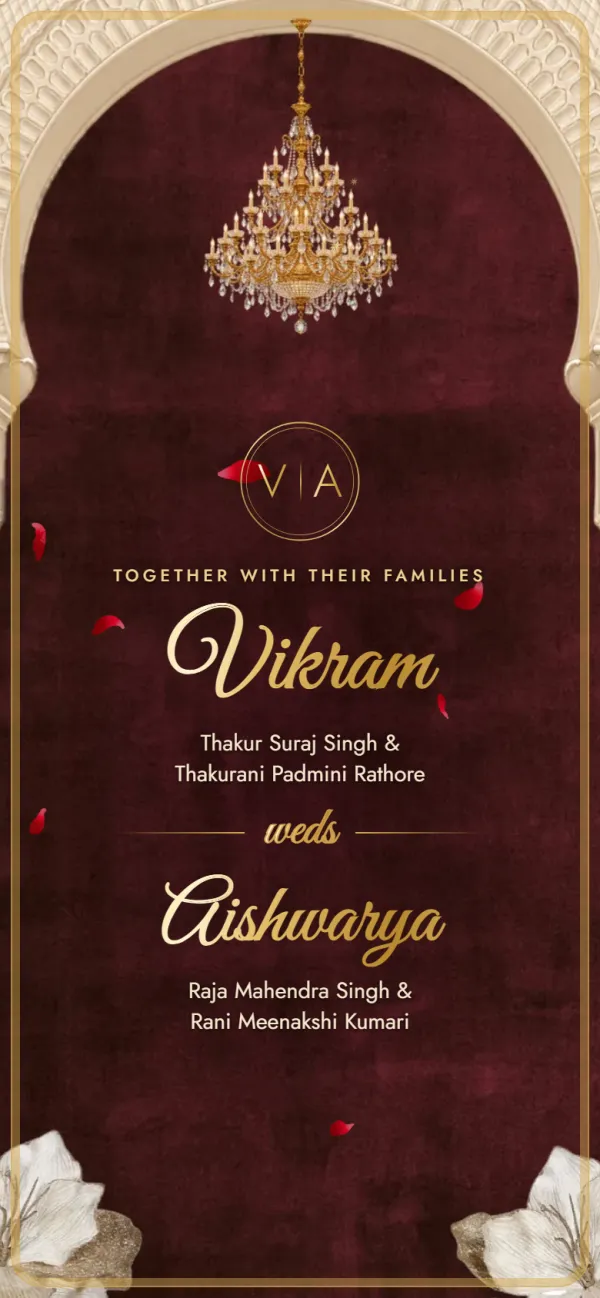
A short MP4 film, usually 30 seconds to 2 minutes, with music, animated text, illustrations or the couple's photos. It's made by a designer or with a video template app and sent as a file on WhatsApp.
Website (link) invitation
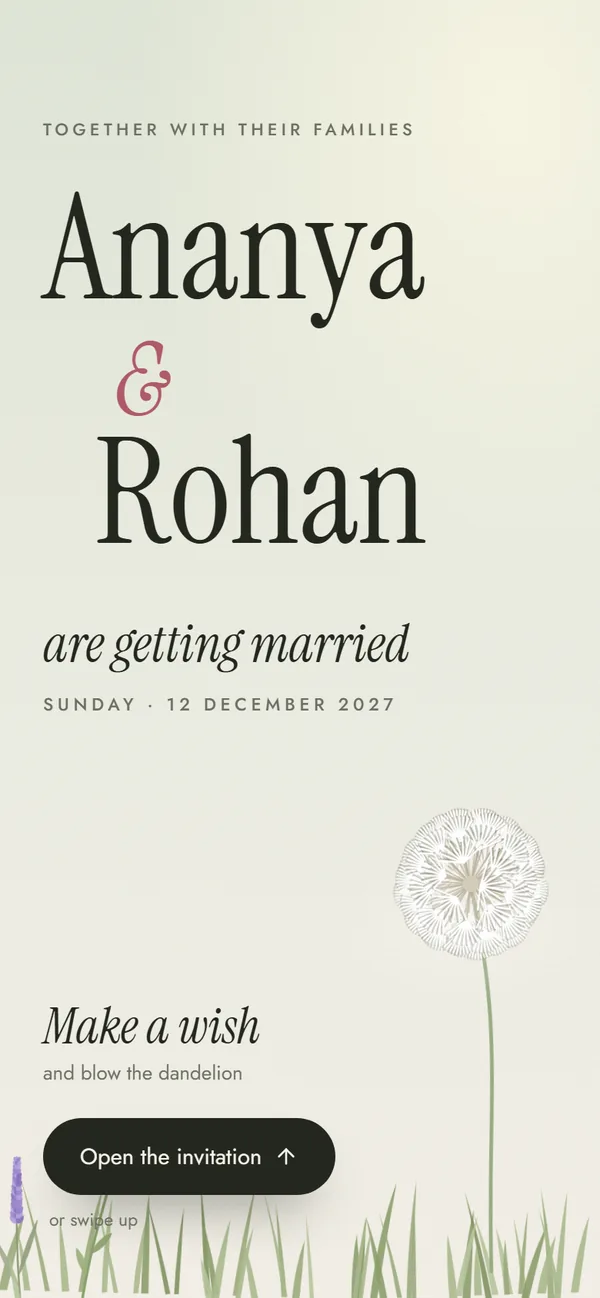
A mobile web page — like shaadiinvitation.com/rahul-weds-priya — that opens in the phone's browser. It shows every function with its date, time, venue and map, and the families' phone numbers. It's sent as a link with a photo preview.
Video vs Website Invitation: Side-by-Side
| What matters | Video invitation | Website invitation |
|---|---|---|
| First impression | Music and motion make it emotional | Designed opening screen, no film |
| Directions to the venue | A map can be shown but not tapped | Each function opens in Google Maps |
| Calling the family | Numbers have to be copied by hand | One tap to call |
| Finding a time later | Guests scrub through the video to find the Sangeet time | Every function is listed on one page |
| A detail changes | Make and re-send a new video | Edit it; the same link shows the update |
| File size on guests' phones | Often 5–50 MB, saved to every phone | Nothing to download |
| Readability | WhatsApp compresses videos, so small text can blur | Sharp text at any size |
| Typical cost | From a few hundred to a few thousand rupees, depending on the designer | ₹499 once on Shaadi Invitation, free to design and preview |
| Time to make | Hours with an app; days with a designer and revisions | About 5–10 minutes if your details are ready |
When a Video Invitation Makes Sense
A video earns its place when the feeling matters more than the logistics:
- Save-the-date announcements months ahead, when there are no venues or timings to share yet.
- A single-function wedding — one venue, one time — where there's little to look up later.
- Couples with a story to tell — a pre-wedding shoot, a song, a family moment.
- Social media posts, where a reel reaches friends who aren't on your WhatsApp list.
When a Website Invitation Works Better
A link wins whenever guests need to act on the invitation:
- Multi-function Indian weddings — Haldi at home, Sangeet at a banquet, the wedding at a resort, a reception in another city. Guests need each venue and time, not a film.
- Out-of-town guests and elders, who will open the invitation again on the day to find the venue and call someone for directions.
- Plans that might change — a muhurat shifts, a venue moves. With a link, you edit once and everyone sees the new details.
- Large guest lists, where nobody wants to download a 30 MB video in a 200-member family group.
The Best of Both: Send a Video Teaser With Your Invitation Link
You don't have to choose. Many couples send a short video for the excitement and the link for the details — in the same WhatsApp message or one after the other.
- Keep the video short (15–30 seconds) — names, date, city and a line like “details in the link”.
- Make the invitation website with every function, venue and phone number.
- Send the video, then the link with a short message. Our WhatsApp invitation messages have copy-paste samples.
- Pin the link in family groups so guests find it again on the wedding day.
- Video under 30 seconds and under ~15 MB?
- Video says where to find the full details?
- Invitation link has every function, venue and number?
- You've opened the link on your own phone first?
Make the invitation link in minutes
Pick a design, add your functions with venues and map links, and preview it free. Pay once for the link and share it on WhatsApp — alongside your video, if you have one.
Frequently asked questions
It depends on the job. A video is better for creating excitement with music and motion. A website invitation is better for information: guests can reopen it, tap each venue to open Google Maps, call the family in one tap, and see updates without a new message. For multi-function Indian weddings, many couples send both.
Prices vary widely — from a few hundred rupees for a template-based video to a few thousand for a custom animation with the couple's photos, depending on the designer and the number of revisions. A website invitation on Shaadi Invitation is free to design and preview, and the shareable link is a one-time payment.
No. A video is a fixed file, so any change — a new time or venue — means making a new video and sending it again, and some guests will still have the old one. A website invitation can be edited and the same link shows the updated details.
WhatsApp compresses videos to save data, which can blur small text such as addresses and timings. Sending the video as a document keeps the quality but makes it larger to download. Keeping important details in a text message or an invitation link avoids the problem.
Yes, and it works well. Send a short 15–30 second video teaser, then the invitation link with every function, venue map and family number. Pin the link in family groups so guests can find it again on the day.
Found this useful?
Send it to whoever is helping with the invitations.
Make your wedding invitation
Every function, map and family number in one link. Free to design and preview, no sign-up.
Create Your InviteBrowse templates