Comparisons7 min read
Top Free Wedding Invitation Maker Websites & Apps (2026 Comparison)
How the popular free wedding invitation makers differ — design tools, video invites and invitation websites — and what to check before you choose one for an Indian wedding.
Looking for the best free wedding invitation maker in 2026? Lots of tools call themselves "free", but they work very differently — some are design apps that export an image, some make video invites, and some build an invitation page you share as a link. Which one suits an Indian wedding with four or five functions?
In this comparison guide we look at 8 popular wedding invitation makers — Shaadi Invitation, Canva, Greetings Island, DesiEvite, Evite, Paperless Post, Zola and Greenvelope — what kind of tool each one is, what it's good at, and what to check before you choose. Pricing and features change, so always confirm on each platform's own website.
Quick answer
What Is the Best Free Wedding Invitation Maker for Indian Weddings?
It depends on what you need. If you want one link with every function, its venue and Google Maps directions, plus call buttons for both families, Shaadi Invitation does that — designing and previewing are free with no sign-up, and the shareable link is a one-time ₹499. If you want a fully custom-designed card at no cost, a design tool like Canva gives more freedom on its free plan. If you need guests to RSVP online or a wedding registry, look at wedding website platforms such as Zola.
Quick Comparison: 8 Wedding Invitation Makers
A side-by-side view of what each platform is and who it suits. "Free plan" means you can start without paying, with paid upgrades available — check each site for current pricing.
| Platform | Type of tool | Cost | Best for |
|---|---|---|---|
| Shaadi Invitation | Invitation page shared as one link | Free to design and preview; ₹499 one-time for the link | Indian weddings with several functions, maps and family contacts |
| Canva | Design tool (image, PDF or video) | Free plan; some elements need Canva Pro | Couples who want to design every detail themselves |
| Greetings Island | Online card and invitation maker | Free and premium designs | Quick, simple printable or digital cards |
| DesiEvite | Indian e-invites and video invitations | Free and paid options | Indian-themed e-cards and video invites |
| Evite | Online invitations with RSVP | Free plan and premium options | Events where you want replies collected online |
| Paperless Post | Designer digital cards | Mostly paid designs | Stationery-style digital invitations |
| Zola | Wedding website, registry and planning | Free plan; paid extras | A full wedding website with RSVPs and a registry |
| Greenvelope | Premium digital invitations | Paid | Formal digital invitations sent by email |
What "free" usually means
- Free: you can make and share the invitation without paying anything
- Free plan: the basics are free, but some designs or features need a paid upgrade
- Free to try: you can design and preview without paying, and pay once when you want to send it
- Paid: you pay per invitation or per event, sometimes after a trial
Platform-by-Platform Breakdown
Shaadi Invitation
Best for: Indian weddings — Hindu, Muslim, Sikh, Christian or modern — where guests need every function, venue and contact in one place, shared on WhatsApp.
What it does well
- Free to design and preview — no sign-up; you pay once, only when you want the link
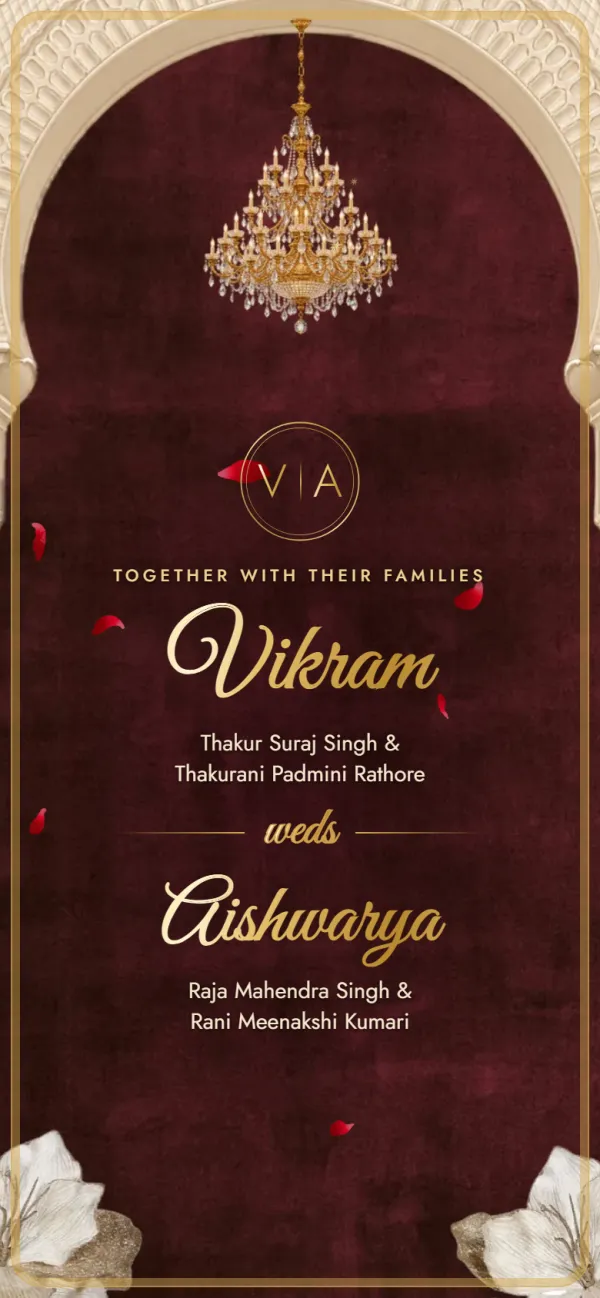
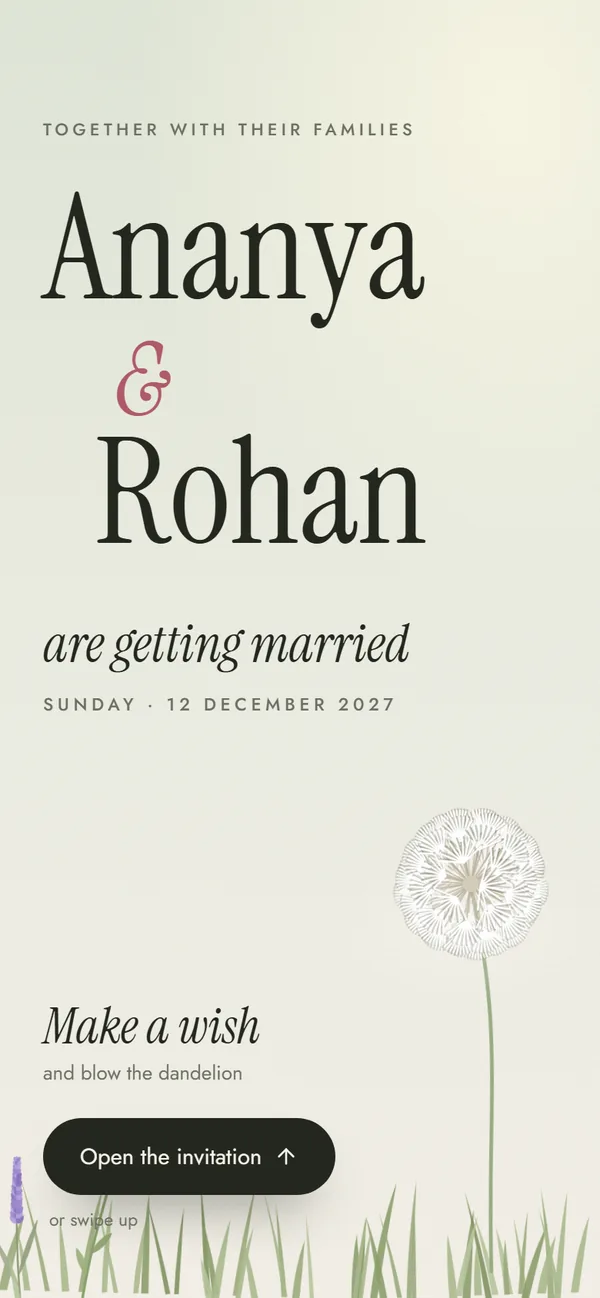
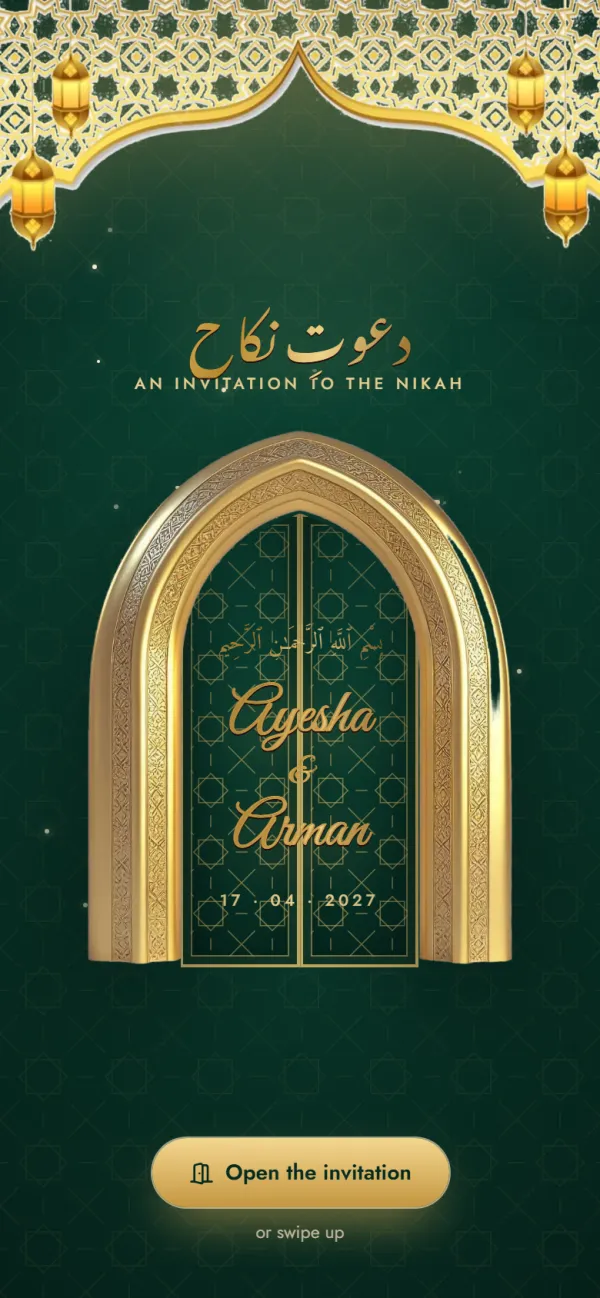
- 6 templates — Hindu Traditional, Hindu Royal, Muslim Elegant, Sikh Vibrant, Christian Classic and Modern Minimal
- Functions pre-listed for each tradition — switch off the ones you aren't hosting
- Google Maps link per function, or mark a function as held at home
- One-tap calling — one or more numbers for each family
- Share on WhatsApp or copy the link; guests open it in their phone's browser, no app
- Edits until the wedding — change a time or venue and the same link shows the update
What it doesn't do (yet)
- No custom colours or fonts — each template has its own look
- No photo upload or gallery
- No RSVP collection — guests reply on WhatsApp or call
- The shareable link isn't free — it's a one-time ₹499
- The link stays live until 10 days after the wedding, then it's deleted
- Functions come from the template; you can't add your own
- Six designs, not thousands
Pricing: free to design and preview; your shareable link is a one-time ₹499 and includes edits until the wedding. See pricing, the templates or read how to create a digital wedding invitation.
Canva
Best for: DIY couples who want full creative control over a card design.
- A large template library, including wedding and some Indian wedding designs
- Drag-and-drop editor — change any colour, font, photo or layout
- Exports an image, PDF or video you send on WhatsApp or print
- Because the result is a picture or PDF, directions and phone numbers are text — send a Google Maps link in your message alongside it
- Some templates and elements require Canva Pro — check current pricing
DesiEvite
Best for: Indian-themed e-cards and animated video invitations.
- Designs made with Indian weddings and festivals in mind
- Video invitations if you want something animated
- A mix of free and paid options — check current pricing for video invites
- Video files can be large to send on WhatsApp, and guests have to watch through to find details
Greetings Island
Best for: quick, simple cards you can print or send digitally.
- Free and premium card designs with an easy editor
- Check whether its designs suit a multi-function Indian wedding before you start
- Like other card makers, venue details are text on the card rather than tappable directions
Other platforms (quick summary)
Evite
Online invitations with RSVP tracking built in. Free plan with premium options; designs are general rather than Indian-specific.
Paperless Post
Designer, stationery-style digital cards. Mostly paid — check current pricing.
Zola
Wedding websites with RSVPs and a registry, aimed mainly at US weddings. Free plan with paid extras.
Greenvelope
Premium digital invitations delivered by email. Paid — check current pricing.
How to Choose the Right Wedding Invitation Maker
Answer these five questions
- 1
Do you need Indian or cultural templates?
Yes: Shaadi Invitation (six cultural templates, free to preview) or DesiEvite. No: general card makers like Canva or Greetings Island work fine.
- 2
Do guests need directions to several venues?
Yes: Shaadi Invitation adds a Google Maps button to each function. With an image or PDF card, send the map links in your message. Read more about invitations with location.
- 3
What's your budget?
₹0: the free plans of Canva, Greetings Island, Evite and Zola. ₹499, once: Shaadi Invitation — design and preview free, then pay once for your link. Willing to pay more: premium designs, video invites or a designer — check each platform's current pricing.
- 4
Will you share it mainly on WhatsApp?
Yes: a link that opens in the phone's browser is easiest for guests. Shaadi Invitation has a Share on WhatsApp button; with other tools you'll attach the file or paste the link yourself.
- 5
Do you need online RSVPs or a registry?
Yes: look at Evite or wedding website platforms like Zola, or pair any invitation with a simple form — see how to track RSVPs online. Shaadi Invitation doesn't collect RSVPs.
Final Verdict: Which Invitation Maker Should You Use?
There's no single best tool for everyone. If you're planning an Indian wedding with several functions and want guests to open everything — venues, directions, family numbers — from one WhatsApp link, Shaadi Invitation is built for exactly that. You can design and preview it free with no sign-up, and pay a one-time ₹499 when you're ready to share the link.
Related reading: the best wedding invitation templates for every culture and digital vs printed wedding invitations.
Try it for your wedding
Pick a template, add your functions with their venues and maps, and share one link on WhatsApp. Free to design and preview, no sign-up.
Frequently asked questions
Few are completely free: most tools have free plans with paid upgrades for certain designs or features, so read their pricing pages before you start. Shaadi Invitation is upfront about it — designing and previewing are free with no sign-up, and the shareable link is a one-time ₹499, with no subscription or hidden charges.
Canva has a large library of wedding templates, including some Indian designs, and you can customise everything. The result is an image, PDF or video, so venue directions and phone numbers appear as text — send Google Maps links in your message alongside it.
On Shaadi Invitation every function has its own venue, address and optional Google Maps link, so guests tap once for directions to that function. With image or PDF invitations, include the map links in your WhatsApp message.
They can look lovely, but large video files are slow to share on WhatsApp and guests have to watch through to find dates and venues. If you choose a video, also send a link or message with each function's date, time and location.
Shaadi Invitation creates a mobile invitation page — one link with all your functions, venues, map buttons, family contacts and messages, plus an optional 'our story'. It doesn't include RSVP forms or a registry; wedding website platforms like Zola offer those, so check what's free on their plans.
No. Guests usually reply on WhatsApp or tap to call the family. If you need a headcount, keep a simple list or use a free form — our guide to tracking RSVPs online explains how.
Found this useful?
Send it to whoever is helping with the invitations.
Make your wedding invitation
Every function, map and family number in one link. Free to design and preview, no sign-up.
Create Your InviteBrowse templates