How to Add Location in Wedding Card
Venue lines for the printed card and for WhatsApp, with the Google Maps link, a QR code caption, the landmark, the entry gate and parking
Print the venue's name, road, area, a landmark and the city with its PIN code, and give guests the Google Maps link: as a QR code on a printed card, or as a link they can tap in a WhatsApp message or an invitation link. Below are 16 venue lines for printed cards and WhatsApp, with the landmark, entry gate and parking notes that save calls on the day.
16 samples to copy
- 1Either familyFormalCard
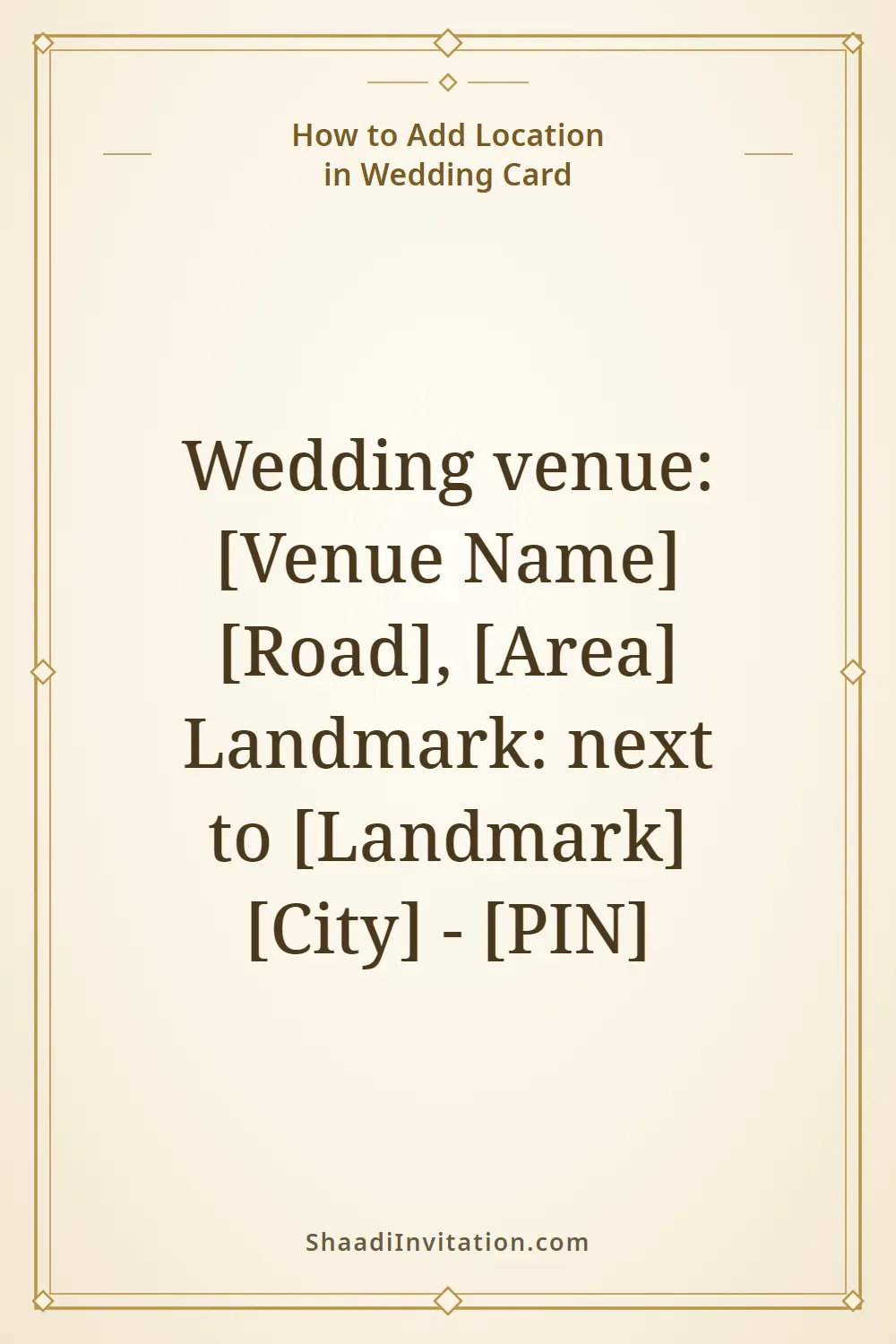
Wedding venue: [Venue Name] [Road], [Area] Landmark: next to [Landmark] [City] - [PIN]
The basic venue block for a banquet hall or lawn: the name, then the road and area, then a landmark everyone in the city knows.
- 2Either familyFormalCard
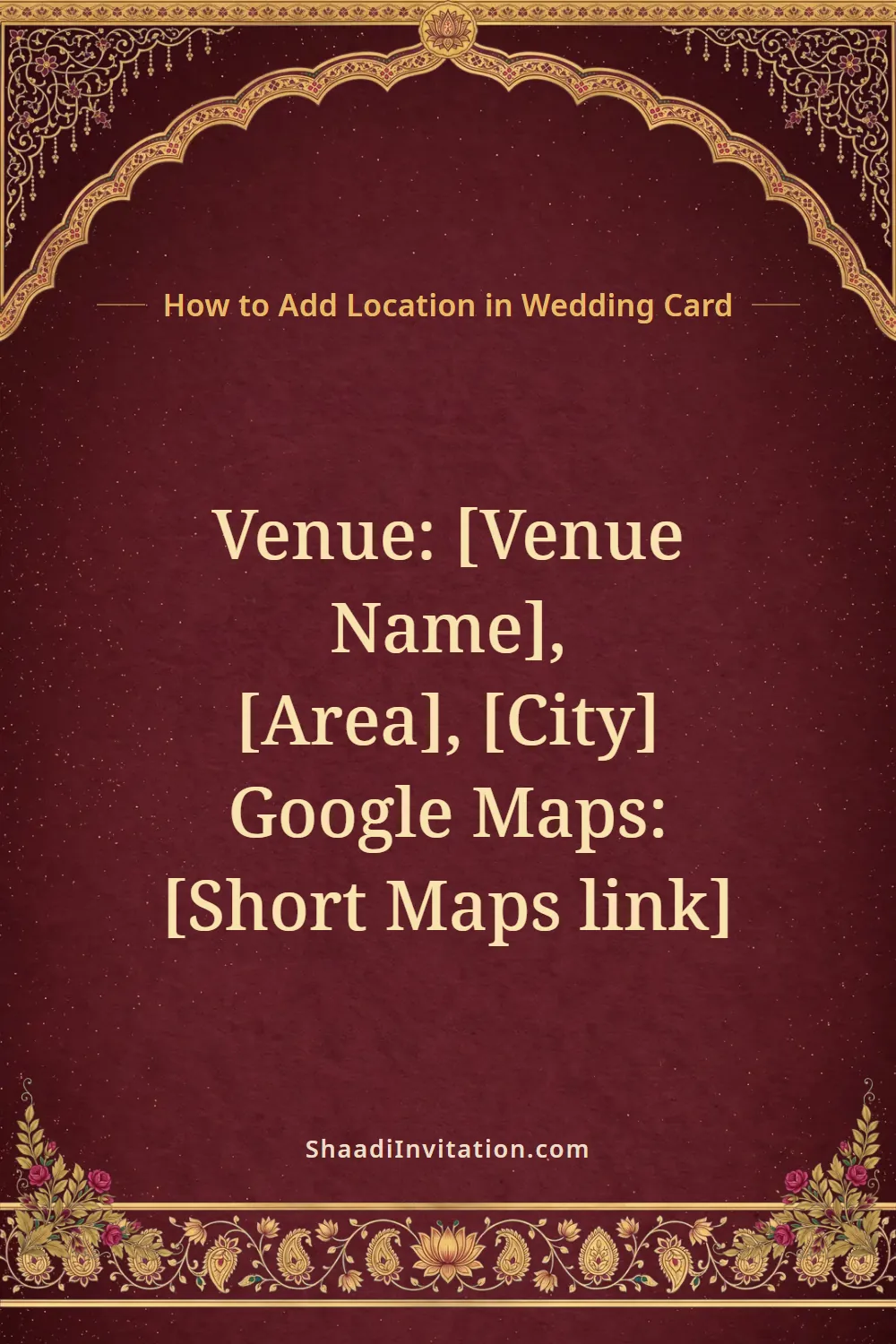
Venue: [Venue Name], [Area], [City] Google Maps: [Short Maps link]
The short link from Google Maps (Share, then Copy link) is brief enough to print, for guests who would rather type it than scan a code.
- 3Either familyFormalCard
Scan to open the venue in Google Maps [Venue Name], [Area], [City]
A caption printed right beside the QR code, with the address under it so that guests who don't scan can still read where to go.
- 4Either familyWarmCard
Directions to every venue: scan the code with your phone camera. Can't scan? Call [Name] on [Phone] and we'll guide you.
For the back of the card or a details insert when the functions are at different places: make the QR code yourself, from your invitation link or from a Google Maps list of all the venues.
- 5Either familyFormalCard
Mehendi: [Date], [Time], at our residence, [House No.], [Colony] Sangeet: [Date], [Time], [Banquet Hall], [Area] Wedding: [Date], [Time], [Venue Name], [Road], near [Landmark]
When each function is somewhere else: write the place on that function's own line, so no guest goes to the wrong one.
- 6Either familyFormalCard
Venue: Our residence [House No.], [Gali / Street], [Mohalla / Colony] Behind [Landmark], [City]
For a function at home: lanes and colonies are hard to find, so give the landmark and say whether the house is behind it, opposite it or next to it.
- 7Either familyFormalCard
[Farmhouse Name], [Road / Highway], [Area] Guest entry from Gate No. [Number]; parking inside the premises
Farmhouses and resorts often have more than one gate. Name the gate guests should use, and say where cars can park.
- 8Either familyFormalCard
[Hall Name], [Floor] [Hotel Name], [Road], [City]
For a hotel with several halls or lawns: the hall's name comes first, because the map only gets guests as far as the hotel.
- 9Either familyFormalCard
Venue: [Venue Name], Village [Village], Tehsil [Tehsil], Distt. [District] [Distance] km from [Town] on the [Town]-[Town] road; turn at [Landmark]
For a village or highway venue: the distance from the nearest town and the turning point matter more than a street address.
- 10Either familyFormalCard
How to reach Railway station: [Station Name], [Distance] km Airport: [Airport Name], [Distance] km Pick-up for outstation guests: call [Name] on [Phone]
A short travel box for the back of the card when many guests are coming from other cities.
- 11Either familyWarmWhatsApp
Sending our wedding card with love. The address on the card can't be tapped, so here is the venue on Google Maps: [Map link]
Send this right after a card image or PDF: the text in an image can't be tapped, but the link can.
- 12Either familyWarmWhatsApp
Shaadi ka venue: [Venue Name], [Area] Landmark: [Landmark] ke saamne Location pin: [Map link] Gaadi [Parking spot] par lagaiye, wahin se entry hai.
The same details in Hinglish for the family WhatsApp group: the venue, the landmark (opposite [Landmark]), the map pin, and where to park, which is also where the entry is.
- 13Either familyFormalWhatsApp
For your driver: [Venue Name], [Road], near [Landmark]. Google Maps: [Map link] If the gate is hard to find, please call [Name] on [Phone].
Elders often forward the location to a driver; this message has everything a driver needs and nothing else.
- 14Groom's familyWarmWhatsApp
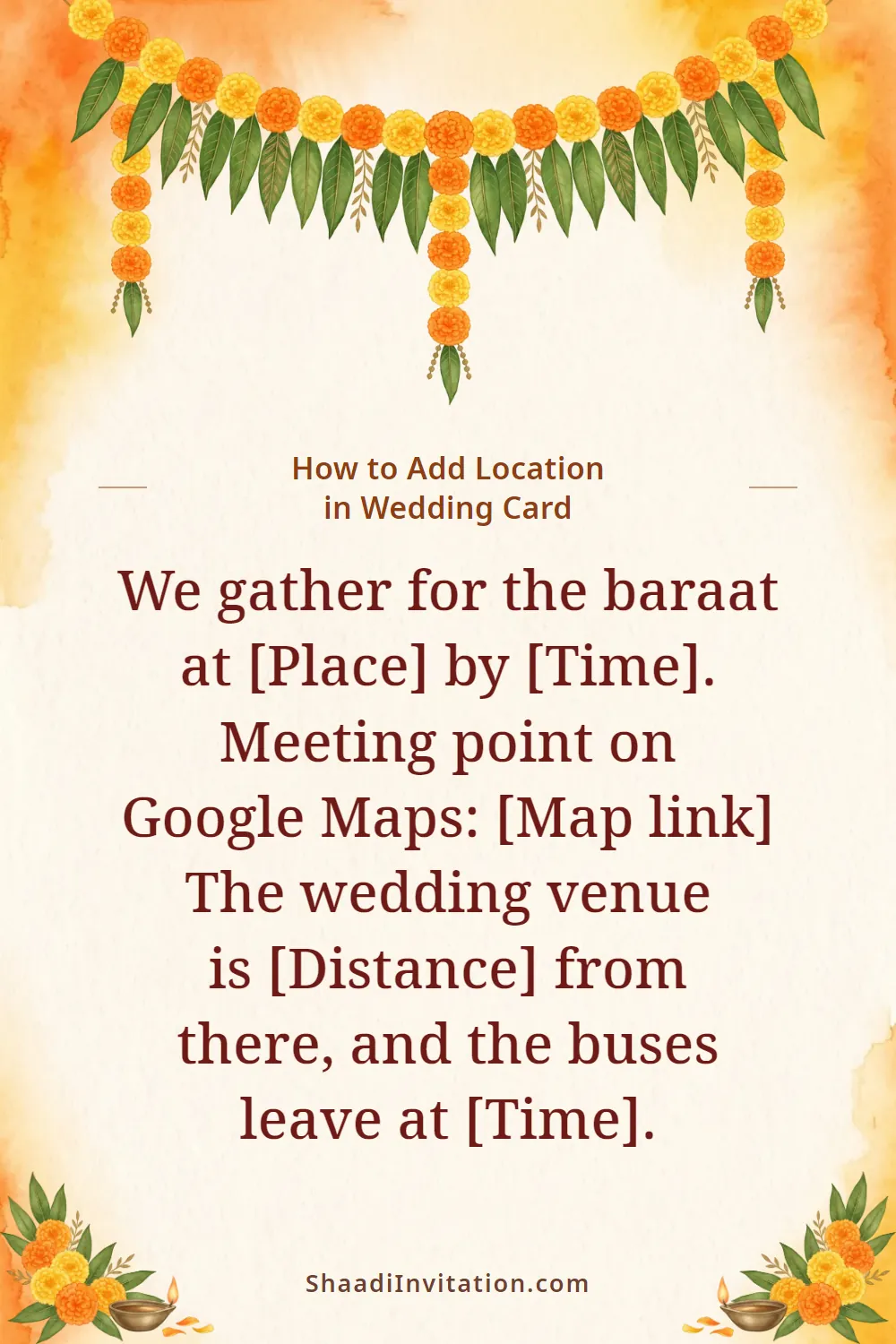
We gather for the baraat at [Place] by [Time]. Meeting point on Google Maps: [Map link] The wedding venue is [Distance] from there, and the buses leave at [Time].
For the groom's side: the baraat starts at a different place from the wedding venue, so send its pin separately.
- 15The coupleWarmWhatsApp
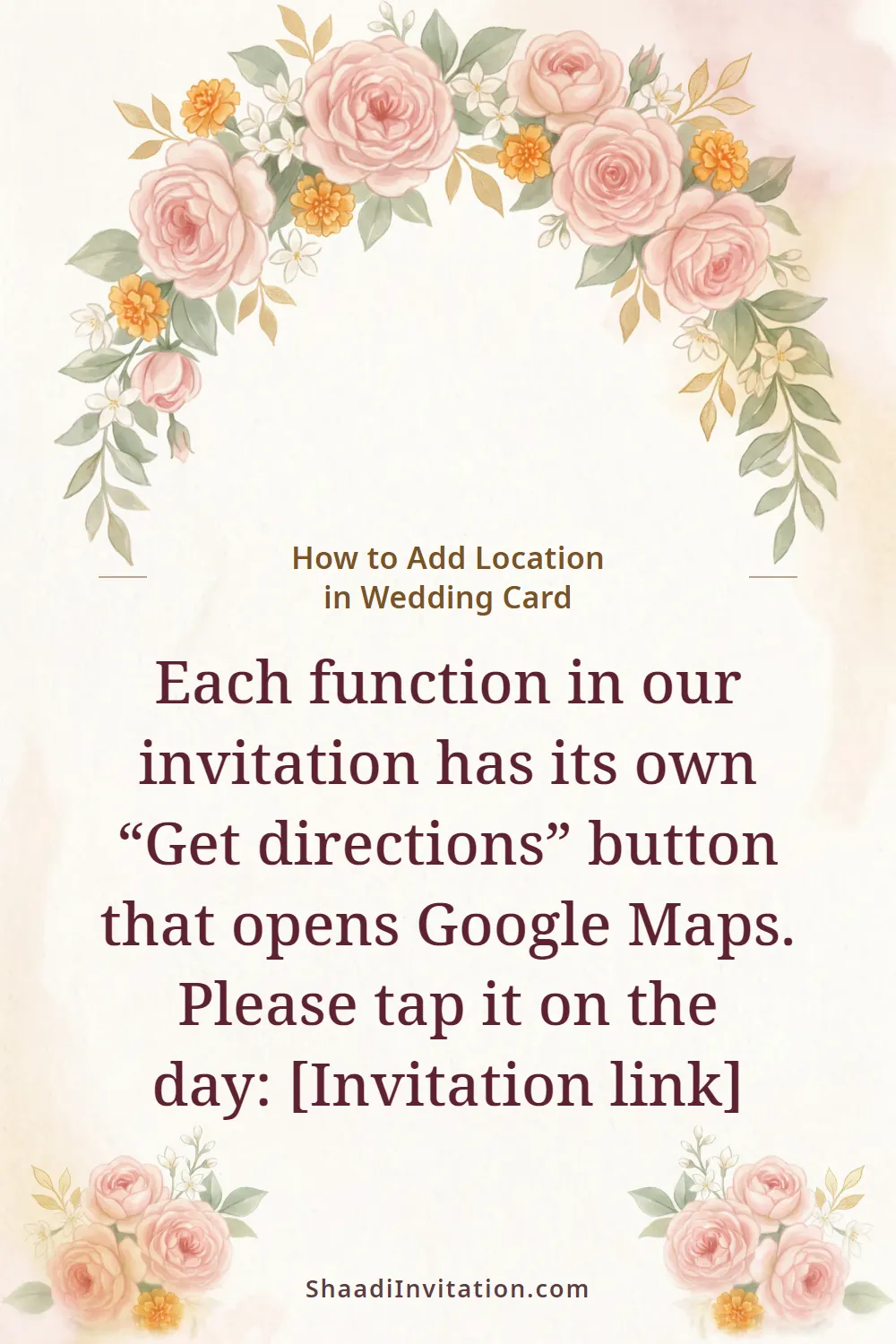
Each function in our invitation has its own “Get directions” button that opens Google Maps. Please tap it on the day: [Invitation link]
With an invitation link, guests don't need a separate pin for each venue; one link carries them all.
- 16Either familyFormalWhatsApp
Change of venue: the reception on [Date] will now be held at [New Venue Name], [Area], [City]. The timings are the same. New Google Maps link: [Map link]
If the venue changes after the cards are out: say so in the first words, then send the new link.
Ready card images
Press and hold an image to save it, then send it on WhatsApp.
Questions people ask
Print the venue's name, road, area, a landmark and the city with its PIN code. For a map, add a Google Maps QR code on the back of the card or beside the venue line, with a short caption such as “Scan to open the venue in Google Maps” and the written address next to it, so that guests who don't scan can still find the place. If the functions are at different places, give each function its own venue line.
In Google Maps, find the venue (or long-press the gate guests should use, to drop a pin there), tap Share and copy the link. Paste that link into a QR code generator and choose a static code: some free generators make “dynamic” codes that stop working when a trial ends. Print it at least 2 cm wide, dark on a light background, and scan the printer's proof with two different phones before all the cards are printed.
If the card is an image or a PDF, the address in it can't be tapped, so send the Google Maps link as a separate WhatsApp message, as in the samples above. On an invitation link, each function can have its own venue, address and Google Maps link; on ours, guests get a “Get directions” button on every function that opens Google Maps.
The address line starts with “स्थान:” (place) or “विवाह स्थल:” (wedding venue), followed by the venue, road, area and city. The landmark is written as “[Landmark] के पास” (near) or “[Landmark] के सामने” (opposite), and a function at home starts with “निवास स्थान:”.
No. On Indian cards they are practical, especially for guests coming from other cities and for drivers. Keep the code small, on the back of the card or beside the venue line, and always print the address with it for elders who don't scan. Whether a digital invitation itself is acceptable is a separate question; our guide linked below answers it.
Ready to create your wedding invitation?
Pick a design, add your functions and preview it free. When it looks right, get your link and share it on WhatsApp.